From your bathroom to a finished concept
Three steps, no design software required.
- 01
Upload your bathroom
Add a clear photo of the bathroom you want to redesign, or describe your planned layout.
- 02
Pick a style and changes
Choose a style and call out what to change, like tile, the vanity, or fixtures.
- 03
Generate and refine
Get photorealistic concepts in seconds, compare options, and export your favorites.
Change anything in the bathroom
Restyle the whole room, or swap one element and keep the rest of your bathroom.
- Wall and floor tileTest subway, zellige, marble, and mosaic on your real surfaces.
- Vanity and storageSwap vanities, finishes, and counters, single or double.
- Shower and bathCompare walk-in showers, freestanding tubs, and glass enclosures.
- Fixtures and hardwareSwitch faucets, shower systems, and metal finishes.
- Lighting and mirrorsTry sconces, backlit mirrors, and statement fixtures.
- Paint and finishesRecolor walls and trim to set the whole mood.
- FlooringSee stone, tile, or warm wood-look options in place.
- Full layout restyleReimagine the entire bathroom in a new style while keeping its footprint.
The right model for your bathroom
Compare every top model on the same bathroom and keep the best render.
Nano Banana Pro
Best all-rounder for photoreal staging, with the strongest prompt adherence and the most faithful layout, lighting, and materials.
ByteDance
Seedream 4.5
Fast, high-detail renders that handle busy furniture and tricky lighting setups well, ideal for exploring lots of directions quickly.
Black Forest Labs
FLUX.2 Pro
Sharp, controllable output, the pick when you want a consistent house style locked across a whole set of rooms.
OpenAI
GPT Image 2
Reliable edits and restyles, the pick when you want to keep most of a space and change only a few elements.
Bathroom styles, ready to try
Generate any of these on your own bathroom in seconds.
- ModernFloating vanities, clean slabs, and a minimal palette.
- SpaCalm stone, warm wood, and soft, layered lighting.
- ScandinavianLight, bright, and functional with natural materials.
- IndustrialConcrete, black metal, and exposed, utilitarian detail.
- TraditionalClassic tile, framed mirrors, and timeless fixtures.
- CoastalSoft blues, whites, and breezy natural textures.
- LuxuryMarble, brass, and high-end fittings with a polished finish.
- MinimalistHidden storage, monochrome surfaces, and clean lines.
- JapandiWarm, calm minimalism blending Japanese and Scandinavian craft.
- MediterraneanZellige tile, arches, and warm, earthy tones.
See it before you tile it
Avoid the costly mistakes a bathroom remodel can hide.
- Seconds
Per concept, versus weeks for renders
- $20/month to start
Versus thousands in design fees
- Every tile
Tested before you order materials
- Your layout
Preserved, so the plan stays realistic
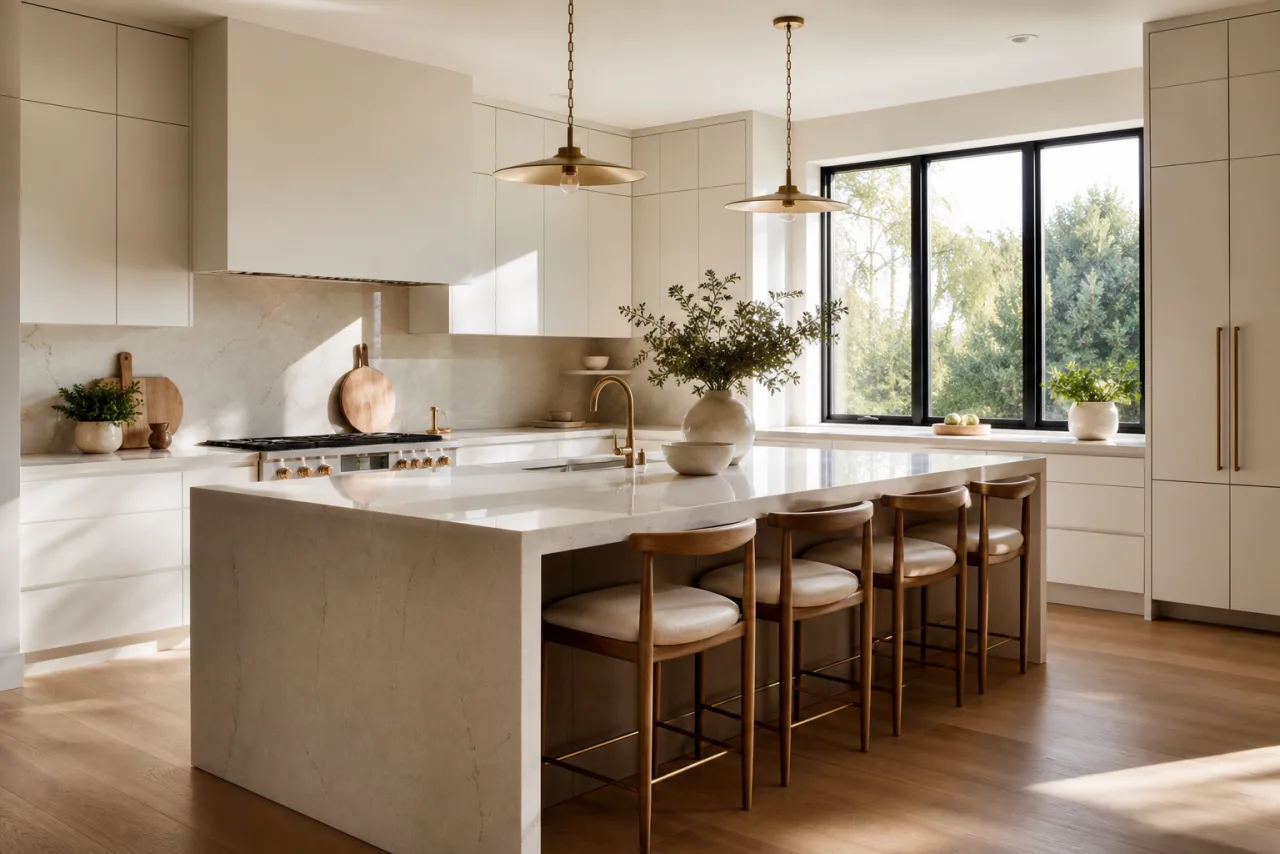
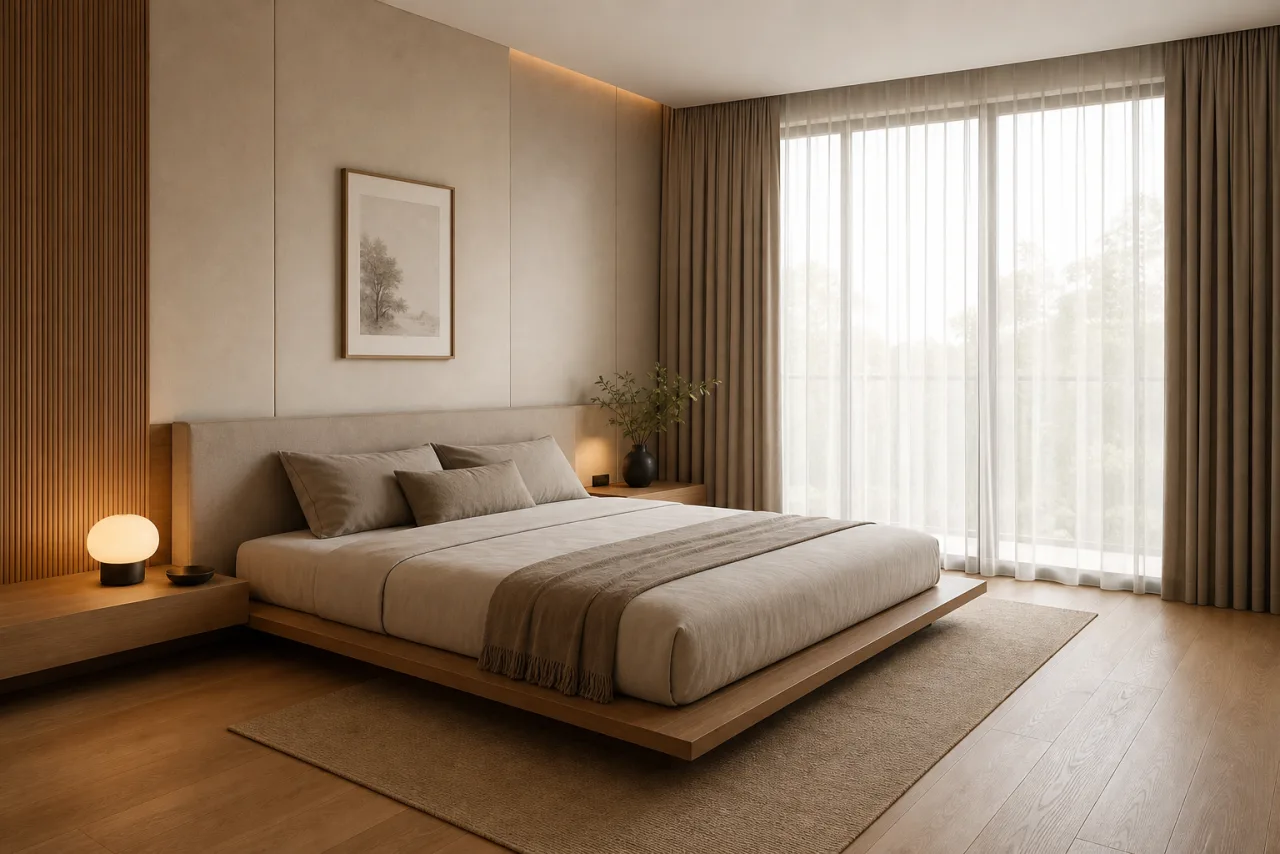
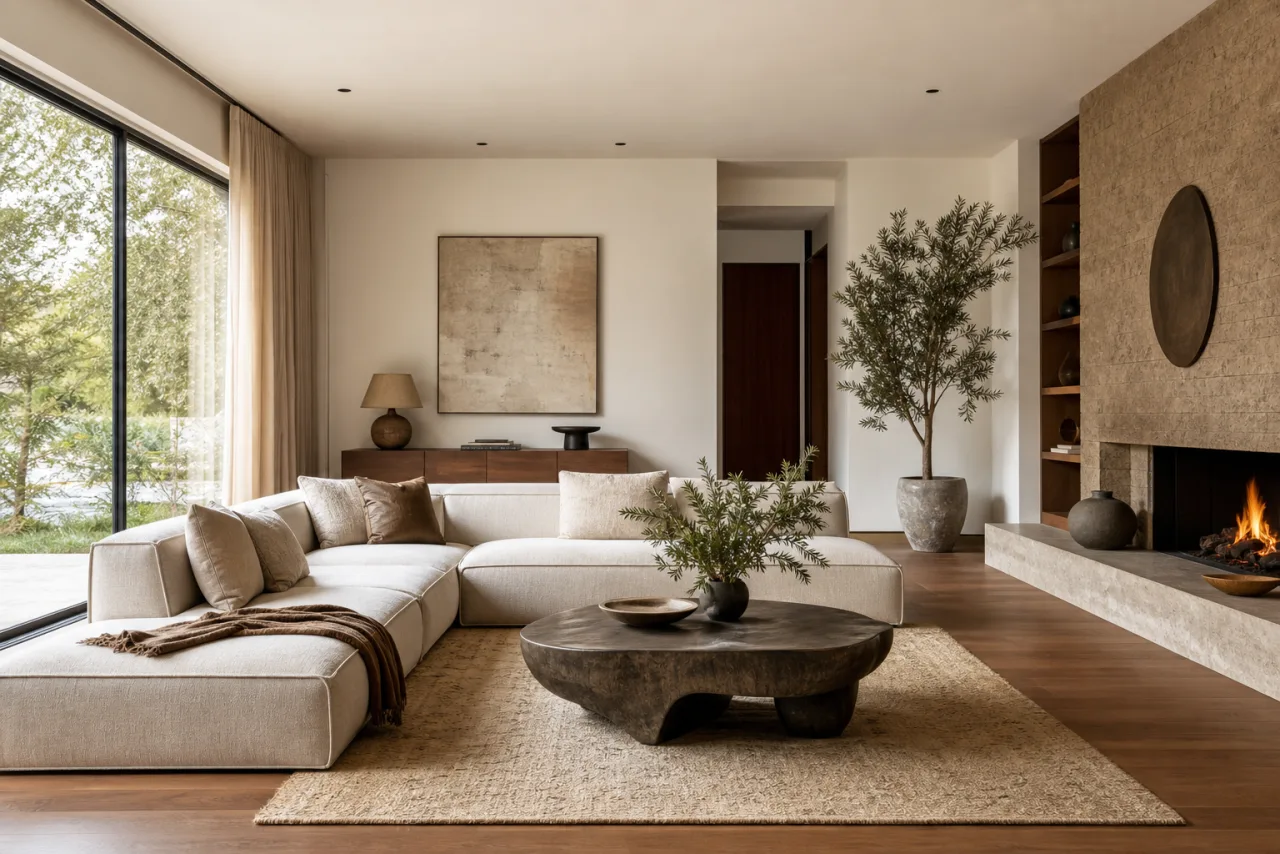
AI bathroom concepts made with Masonry
AI bathroom design questions
Can AI design my bathroom from a photo?
Yes. Upload a photo and Masonry generates photorealistic redesigns of your exact bathroom, restyled however you choose, from a full makeover to a single change.
Will it keep my bathroom's existing layout?
Yes. When you start from a photo, Masonry restyles the space while preserving its real geometry, windows, and proportions, so the concept stays true to the room you are actually working with. For the most faithful results, upload a clear, well-lit photo and keep the camera steady on the area you want to redesign.
Can I change tile, the vanity, and fixtures separately?
Yes. Restyle the whole bathroom or change one element at a time, like wall tile, flooring, the vanity, the shower, or the fixtures, while keeping everything else intact.
Is it free, and how much does it cost?
Plans start at $20/month, with upgrades for more generations or higher-resolution exports. It costs a fraction of a designer's fee, and you can explore many directions first.
Can I show the results to a contractor?
Yes. Export high-resolution concepts to align with your contractor or designer on the direction. Treat them as concepts rather than exact construction drawings.
Which AI model is best for bathrooms?
There is no single best model, and that is the point. Different models win at different briefs, so Masonry gives you all of them in one workspace and lets you compare results side by side. For a bathroom, Nano Banana Pro is the best all-rounder for photoreal results with faithful layout, Seedream is fast and detailed for exploring options, FLUX gives the most control for a consistent style, and GPT Image is great for precise edits. You pick the winner for each shot instead of being locked into one engine.
Can I use the renders commercially?
Yes. Renders are high-resolution and licensed for commercial use, so you can put them in client proposals, real-estate listings, pitch decks, and marketing. Review each model's terms for regulated or trademarked content, and use AI visuals as concepts rather than as-built guarantees.
See your new bathroom today
Upload a photo and generate photorealistic bathroom concepts in seconds.