

- Seconds
From house photo to finished concept
- 60+
AI models in one workspace
- Any style
Modern, farmhouse, craftsman, and more
- Up to 4K
Export resolution for listings
From current facade to finished concept
Three steps, no design software required.
- 01
Upload your house
Add a clear, straight-on photo of the exterior you want to redesign.
- 02
Pick a style and changes
Choose an architectural style and call out what to change, like siding, paint, or the roof.
- 03
Generate and refine
Get photorealistic concepts in seconds, compare options, and export your favorites.
Change anything on the exterior
Restyle the whole facade, or swap a single element and keep the rest of the house.
- Siding type and colorTest lap, board-and-batten, brick, stucco, and stone in any color.
- Roof material and colorCompare shingle, metal, and tile in different tones.
- Paint and trim colorTry whole-house palettes and accent trim instantly.
- Front door and entryRestyle the door, surround, and entry approach.
- Windows and shuttersSwap window styles, grilles, and shutters.
- Garage doorTest carriage, modern, and glass garage doors.
- Porch and railingsAdd or restyle porches, columns, and railings.
- Driveway and curb appealRefresh the driveway, walkway, and front landscaping.
Use the best AI model for your facade
No other tool lets you compare them. Run the same house through each and keep the best render.
Nano Banana Pro
Best all-rounder for photoreal staging, with the strongest prompt adherence and the most faithful layout, lighting, and materials.
ByteDance
Seedream 4.5
Fast, high-detail renders that handle busy furniture and tricky lighting setups well, ideal for exploring lots of directions quickly.
Black Forest Labs
FLUX.2 Pro
Sharp, controllable output, the pick when you want a consistent house style locked across a whole set of rooms.
Imagen 4 Ultra
Crisp, true-to-prompt detail when the brief is precise about specific materials, finishes, and fixtures.
OpenAI
GPT Image 2
Reliable edits and restyles, the pick when you want to keep most of a space and change only a few elements.
Ideogram
Ideogram V3 Quality
The choice when a concept board needs legible signage, labels, or typography rendered in the scene.
Every exterior style, on demand
Name any architectural look, or anchor on a reference. A few teams generate most:
- ModernClean lines, flat or low-slope roofs, and a minimal palette.
- Modern FarmhouseBoard-and-batten, black windows, and a warm, current look.
- CraftsmanTapered columns, exposed rafters, and natural materials.
- ColonialSymmetrical, classic proportions with timeless detailing.
- TudorSteep gables, decorative half-timbering, and brick.
- MediterraneanStucco, tile roofs, arches, and warm earthy tones.
- SpanishWhite stucco, clay tile, and rustic, sun-washed character.
- RanchLong, low, single-story lines with a relaxed profile.
- Mid-Century ModernFlat planes, big glass, and indoor-outdoor flow.
- VictorianOrnate detailing, steep roofs, and decorative trim.
- Cape CodSteep roof, dormers, and a cozy, classic East-Coast feel.
- ContemporaryCurrent materials, bold massing, and mixed textures.
- ScandinavianSimple forms, natural wood, and a calm, light palette.
- IndustrialMetal, concrete, and raw, utilitarian materials.
- CottageCharming, storybook proportions and soft, layered planting.
Built for curb appeal that sells
The same workspace covers the jobs that pay, from a repaint pitch to a listing refresh.
Real-estate listings
Show a refreshed exterior so a property photographs at its best and helps buyers picture the curb appeal.
Renovation and repaint proposals
Show before-and-after concepts that win the job, with the real house preserved so the pitch stays believable.
Color and material visualization
Let clients see siding, roof, and paint combinations on their actual home before they commit.
Curb-appeal marketing
Generate striking exterior imagery for websites, social, and ads.
Client concepts and mood boards
Iterate exterior directions in minutes instead of days, and review options live.
Concept exploration
Test bold directions risk-free before committing budget to materials or a contractor.
Your renders, yours to use
Every concept you generate is high-resolution and licensed for commercial use, so you can put it straight into client proposals, real-estate listings, and marketing. Use AI visuals as concepts rather than as-built guarantees, and label AI-enhanced listing imagery per your local real-estate disclosure rules.
See it before you reside or repaint
Avoid the most expensive exterior mistakes by previewing them first.
- Seconds
Per concept, versus weeks for renders
- $20/month to start
Versus thousands in design fees
- Every combo
Siding, roof, and paint tested first
- Your house
Preserved, so the concept stays realistic
AI exterior concepts made with Masonry
A sample of home-exterior renders generated by the Masonry community across styles.
AI home exterior design questions
What homeowners and pros ask before they switch.
Can AI redesign my home exterior from a photo?
Yes. Upload a straight-on photo of your house and Masonry generates photorealistic redesigns of that exact facade, restyled to the architecture, materials, and colors you choose.
Will it keep my house's actual structure?
Yes. When you start from a photo, Masonry restyles the space while preserving its real geometry, windows, and proportions, so the concept stays true to the room you are actually working with. For the most faithful results, upload a clear, well-lit photo and keep the camera steady on the area you want to redesign.
Can I change siding, roof, and paint color separately?
Yes. Restyle the whole facade or change one element at a time, like siding type and color, roof material, paint, the front door, windows, or the garage door, while keeping the rest of the house intact.
Is AI home exterior design free, and what does it cost?
Plans start at $20/month, with upgrades for more generations or higher-resolution exports. It costs a fraction of a designer's or architect's fee, and you can explore many directions first.
Is this good for real-estate listings and curb appeal?
Yes. A refreshed exterior concept helps a listing stand out and helps buyers picture the home's potential. Label any AI-enhanced listing imagery per your local real-estate disclosure rules.
Can I show the results to a contractor or painter?
Yes. Export high-resolution concepts to align with your contractor, painter, or siding installer on the direction. Treat them as concepts rather than exact construction drawings.
Which AI model is best for exteriors?
There is no single best model, and that is the point. Different models win at different briefs, so Masonry gives you all of them in one workspace and lets you compare results side by side. For a home exterior, Nano Banana Pro is the best all-rounder for photoreal results with faithful layout, Seedream is fast and detailed for exploring options, FLUX gives the most control for a consistent style, and GPT Image is great for precise edits. You pick the winner for each shot instead of being locked into one engine.
Can I use the renders commercially?
Yes. Renders are high-resolution and licensed for commercial use, so you can put them in client proposals, real-estate listings, pitch decks, and marketing. Review each model's terms for regulated or trademarked content, and use AI visuals as concepts rather than as-built guarantees.
Transform your home's exterior today
Upload a photo and generate photorealistic exterior concepts in seconds.
Explore more AI design tools
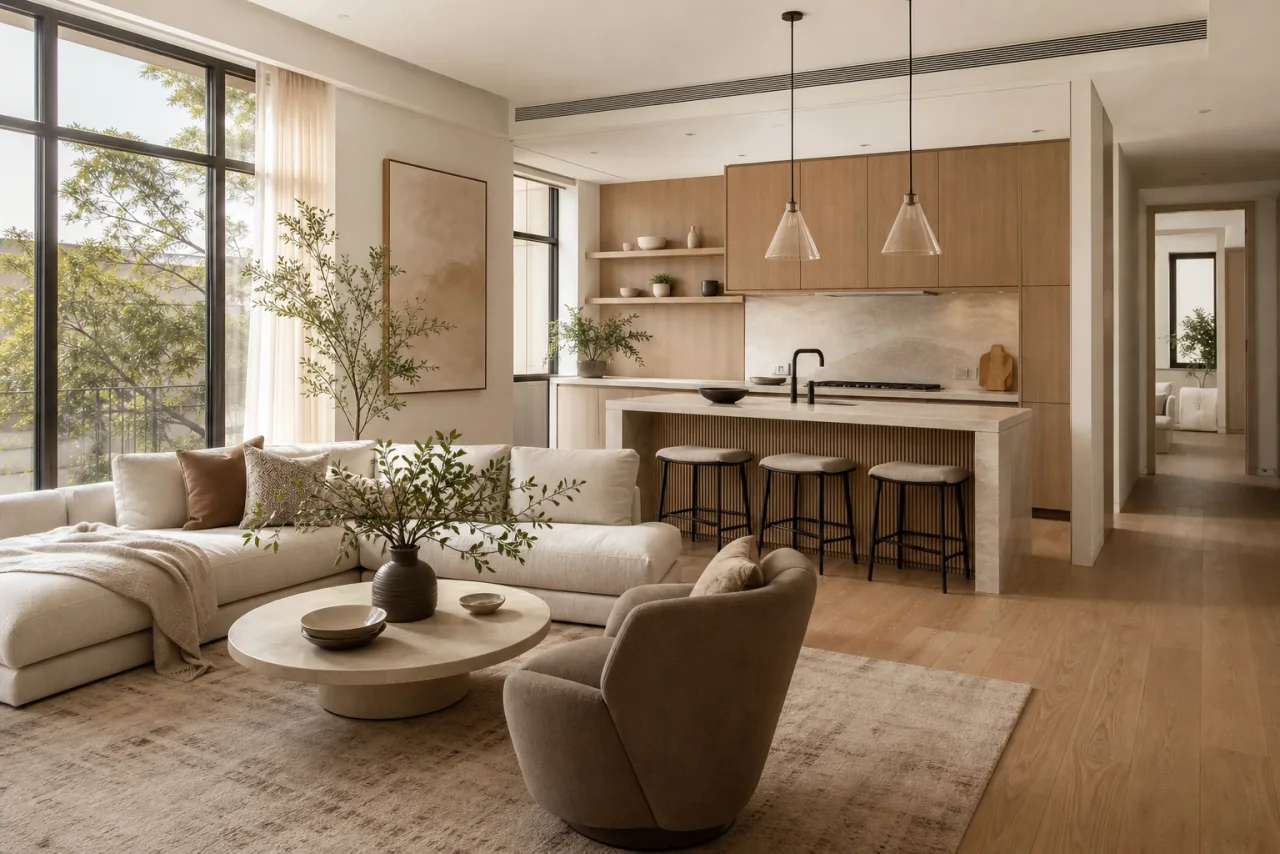
AI Interior Design
Restyle any room into photorealistic concepts in any style, in seconds.
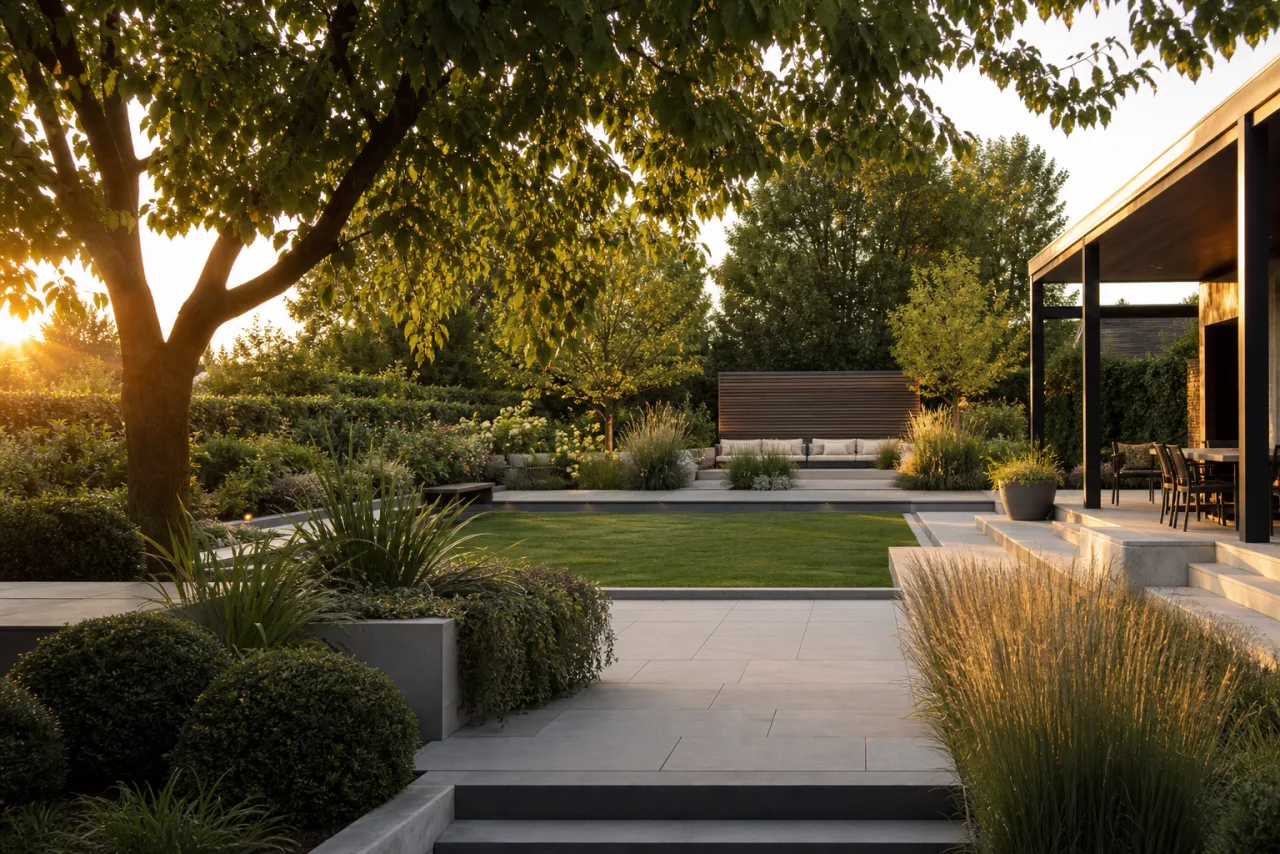
AI Landscape Design
Redesign any yard into photorealistic outdoor concepts, in seconds.
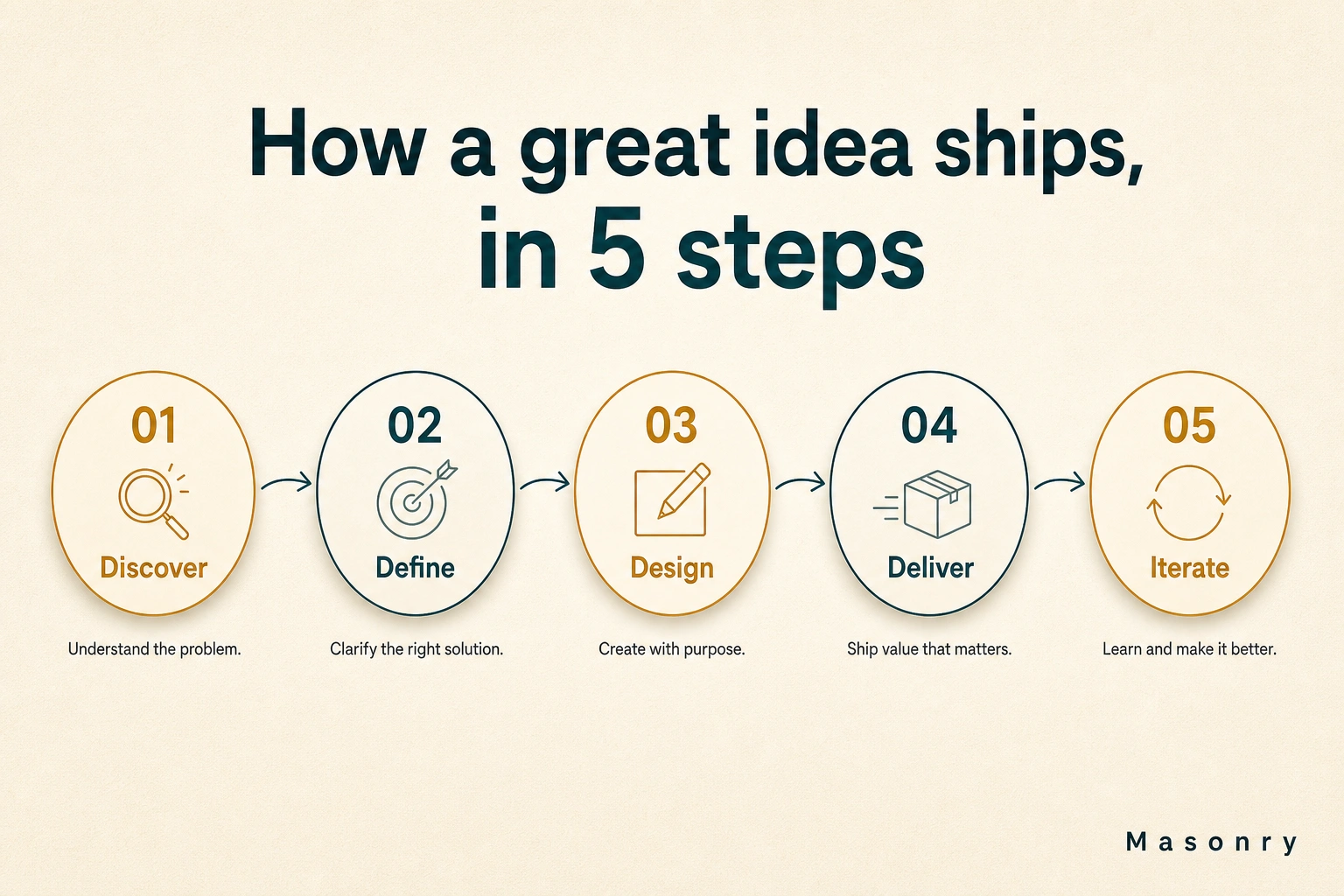
AI Infographic Generator
Turn any brief, stat, or outline into a polished infographic in seconds.

AI Product Photography
Turn a plain product photo into studio and lifestyle shots in seconds.