

- Seconds
From yard photo to finished concept
- 60+
AI models in one workspace
- Any style
Modern to cottage to xeriscape
- Up to 4K
Export resolution for client work
From bare yard to finished concept
Three steps, no design software and no green thumb required.
- 01
Add your yard
Upload a photo of the outdoor space, or describe it if you are planning from scratch.
- 02
Choose a style
Pick a landscape direction and note your climate, sun, and any features to keep.
- 03
Generate and refine
Get multiple photorealistic concepts at once, compare them, and export the best.
Use the best AI model for every yard
No other tool lets you compare them. Each one is strong at a different part of the job, and Masonry gives you all of them.
Nano Banana Pro
Best all-rounder for photoreal staging, with the strongest prompt adherence and the most faithful layout, lighting, and materials.
ByteDance
Seedream 4.5
Fast, high-detail renders that handle busy furniture and tricky lighting setups well, ideal for exploring lots of directions quickly.
Black Forest Labs
FLUX.2 Pro
Sharp, controllable output, the pick when you want a consistent house style locked across a whole set of rooms.
Imagen 4 Ultra
Crisp, true-to-prompt detail when the brief is precise about specific materials, finishes, and fixtures.
OpenAI
GPT Image 2
Reliable edits and restyles, the pick when you want to keep most of a space and change only a few elements.
Ideogram
Ideogram V3 Quality
The choice when a concept board needs legible signage, labels, or typography rendered in the scene.
Redesign any outdoor space
Jump straight into a tool tuned for the space you are working on.
Everything you need to design outdoors
Generate, restyle, and refine outdoor concepts without juggling tools or losing the yard you started with.
Photoreal yard renders
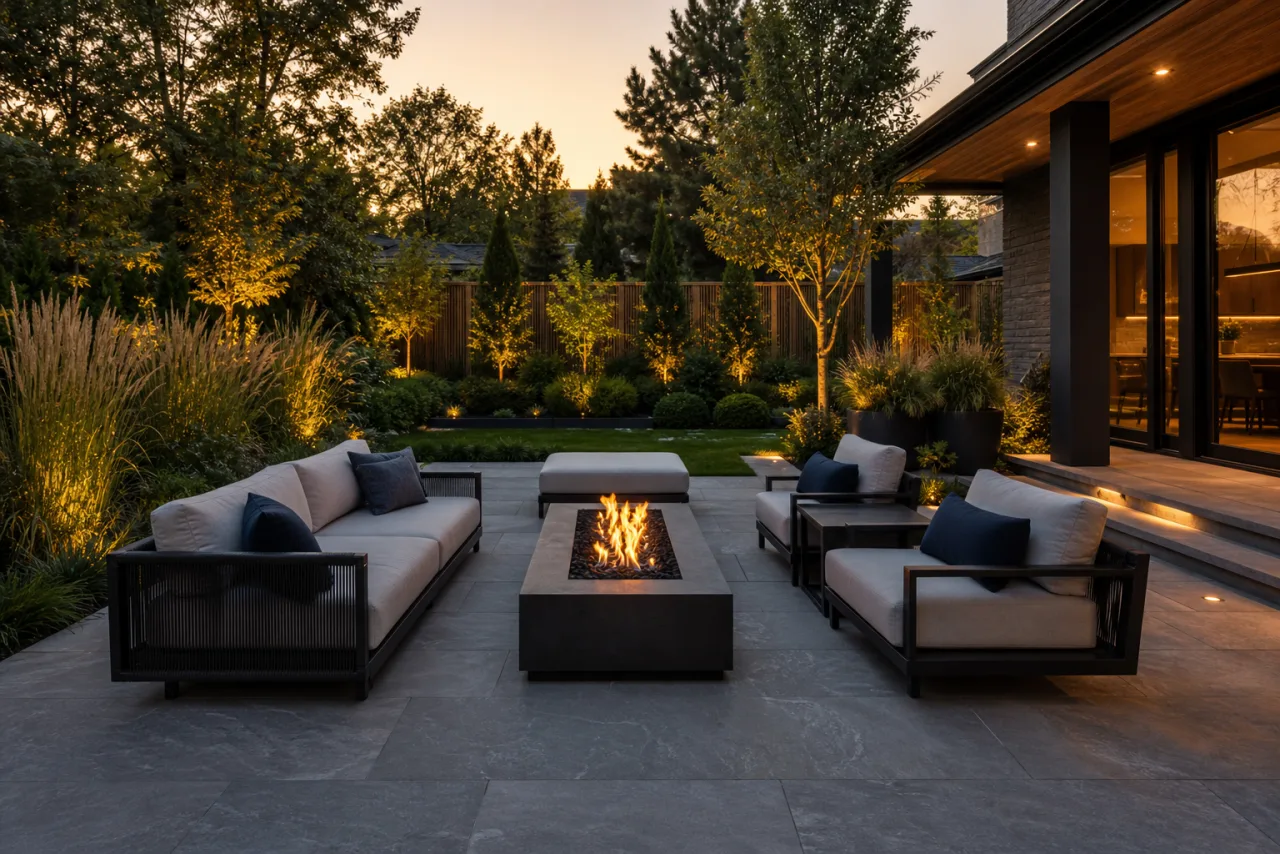
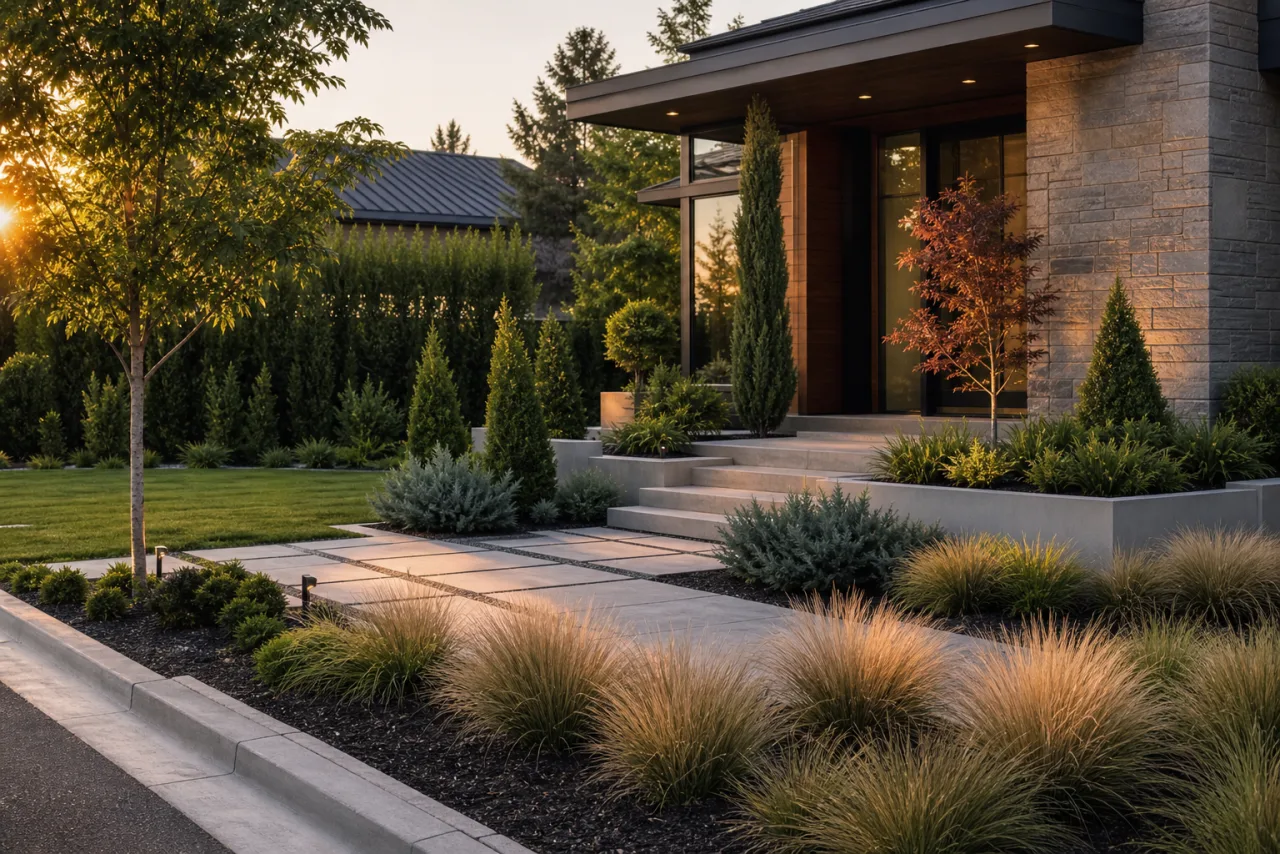
Produce client-ready outdoor visuals with realistic plants, light, and materials, not flat mockups.
Any landscape style
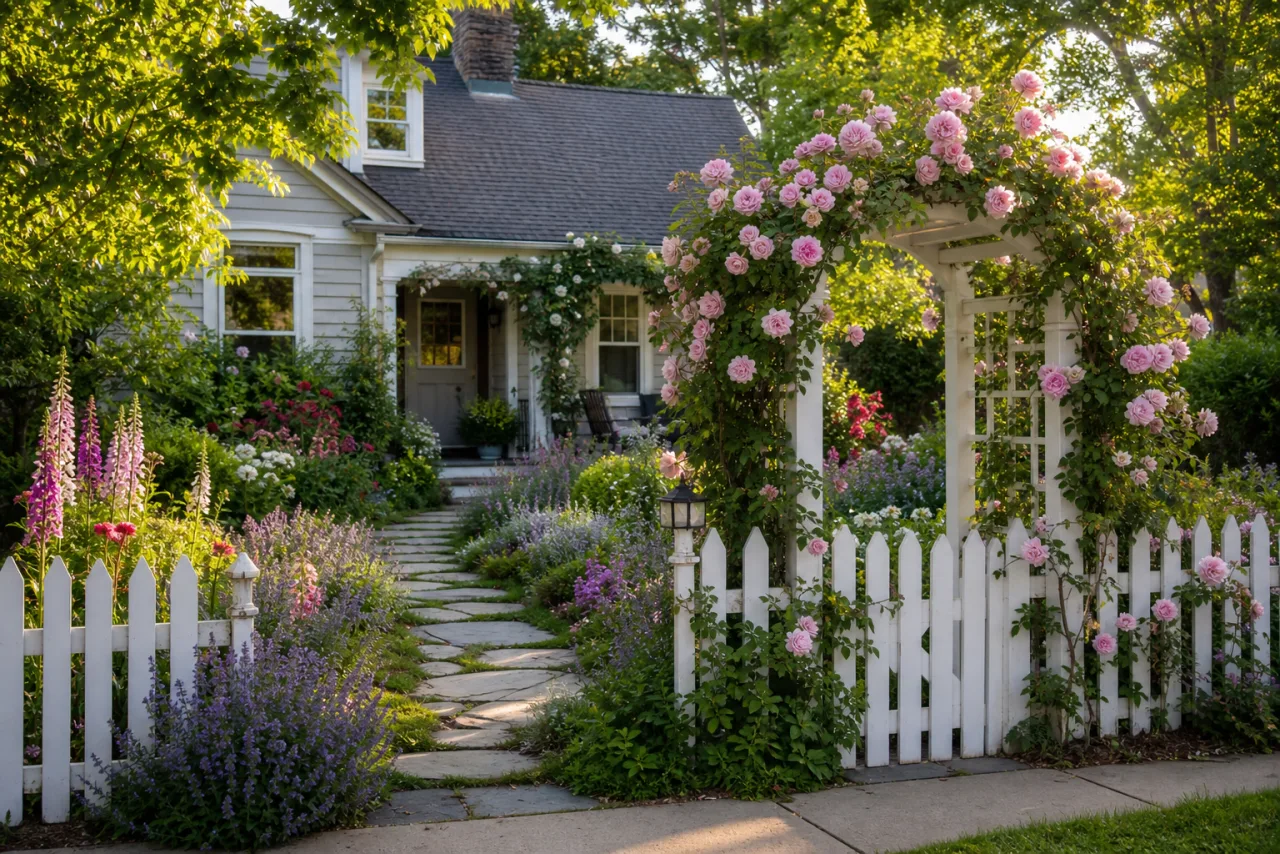
Modern, cottage, xeriscape, Japanese, tropical, and more, restyled on your real yard in one click.
Climate-aware planting
Describe your region or USDA hardiness zone and steer the design toward plants suited to your conditions.
Keeps the yard's layout
Start from a photo and restyle it while preserving the real shape, structures, and proportions.
Every top model in one place
Run the same brief through Nano Banana Pro, Seedream, FLUX, and Imagen, then keep the best.
Commercial-ready output
Export high-resolution visuals for proposals, listings, and marketing.
Every landscape style, on demand
Name any look, or anchor on a reference. A few of the styles teams generate most:
- ModernClean geometry, hardscape, and restrained, architectural planting.
- Cottage GardenDense, romantic drifts of mixed flowering perennials.
- XeriscapeDrought-tolerant, gravel, and succulents for low-water yards.
- TropicalLush broad-leaf foliage, palms, and vibrant resort energy.
- Japanese ZenRaked gravel, moss, stone, maples, and quiet water features.
- MediterraneanGravel, olives, lavender, and warm terracotta accents.
- Native and NaturalisticRegion-native, low-maintenance, pollinator-friendly planting.
- English GardenInformal abundance, climbing roses, and layered borders.
- Prairie and MeadowOrnamental grasses and naturalistic, drifting planting.
- CoastalSalt-tolerant grasses and a soft, sandy, breezy palette.
- FormalClipped hedges, symmetry, topiary, and an axial layout.
- Farmhouse and RusticInformal edible and cutting beds with natural materials.
- Woodland and ShadeFerns, shade perennials, and a calm under-canopy feel.
Built for real outdoor work
The same workspace covers the jobs that pay, from winning a landscaping bid to selling a home.
Landscaping proposals
Show before-and-after concepts that win the job, with the real yard preserved so the pitch stays believable.
Real-estate curb appeal
Refresh tired yards for listings so a property photographs at its best and helps buyers picture the outdoor space.
Client concepts and mood boards
Iterate outdoor directions in minutes instead of days, and walk clients through options live.
Plant and material planning
Test palettes, hardscape, and planting schemes before anyone breaks ground.
Commercial and HOA spaces
Courtyards, amenity areas, and commercial frontages, not just home yards.
Concept exploration
Try bold directions risk-free before committing budget to plants, paving, or a contractor.
Your renders, yours to use
Every concept you generate is high-resolution and licensed for commercial use, so you can put it straight into landscaping proposals, real-estate listings, and marketing. Use AI visuals as concepts rather than as-built or horticultural guarantees, and confirm plant suitability with a local nursery or your hardiness zone before planting.
AI landscape design vs hiring a designer
Not a replacement for a great landscape architect, but a faster way to explore and pitch.
- Minutes
Not the days or weeks a concept round takes
- $20/month to start
Versus a $2,000 to $10,000 design fee
- Unlimited
Styles and directions, not a fixed package
- Your yard
Preserved, so the plan stays realistic
Real landscape concepts made with Masonry
A sample of outdoor renders generated by the Masonry community across yards and styles.
AI landscape design questions
What homeowners and pros ask before they switch.
Will it recommend plants that survive in my climate or hardiness zone?
You can steer it. Describe your region, climate, sun exposure, or USDA hardiness zone in the prompt and the design will lean toward plants suited to those conditions. Always confirm specific plant choices with a local nursery or your hardiness zone before buying, and treat the render as a visual concept rather than a horticultural guarantee.
Can AI design my yard from a photo?
Yes. Upload a photo of your yard and Masonry generates photorealistic redesigns of that exact space, restyled to the look you choose. You can also start from a description if you are planning from scratch.
Will it keep my yard's existing layout?
Yes. When you start from a photo, Masonry restyles the space while preserving its real geometry, windows, and proportions, so the concept stays true to the room you are actually working with. For the most faithful results, upload a clear, well-lit photo and keep the camera steady on the area you want to redesign.
Is AI landscape design free, and what does it cost versus a designer?
Plans start at $20/month, with upgrades for more generations or higher-resolution exports. A landscape designer typically charges between $2,000 and $10,000, so AI lets you explore many directions first, for a fraction of the cost.
Does it work for small spaces like a patio or balcony?
Yes. It works for yards of any size, including patios, balconies, courtyards, and side yards, as well as full front and back yards.
Which AI model is best for landscape design?
There is no single best model, and that is the point. Different models win at different briefs, so Masonry gives you all of them in one workspace and lets you compare results side by side. For landscape design, Nano Banana Pro is the best all-rounder for photoreal results with faithful layout, Seedream is fast and detailed for exploring options, FLUX gives the most control for a consistent style, and GPT Image is great for precise edits. You pick the winner for each shot instead of being locked into one engine.
Can I redesign just the backyard or front yard?
Yes. Focus on any part of the property, like the backyard, front yard, garden beds, or pool area, while keeping the rest of the space as it is.
Can I use the renders commercially?
Yes. Renders are high-resolution and licensed for commercial use, so you can put them in client proposals, real-estate listings, pitch decks, and marketing. Review each model's terms for regulated or trademarked content, and use AI visuals as concepts rather than as-built guarantees.
Redesign your yard today
Turn any outdoor space into a photorealistic concept in seconds. No design software, no green thumb required.
Explore more AI design tools
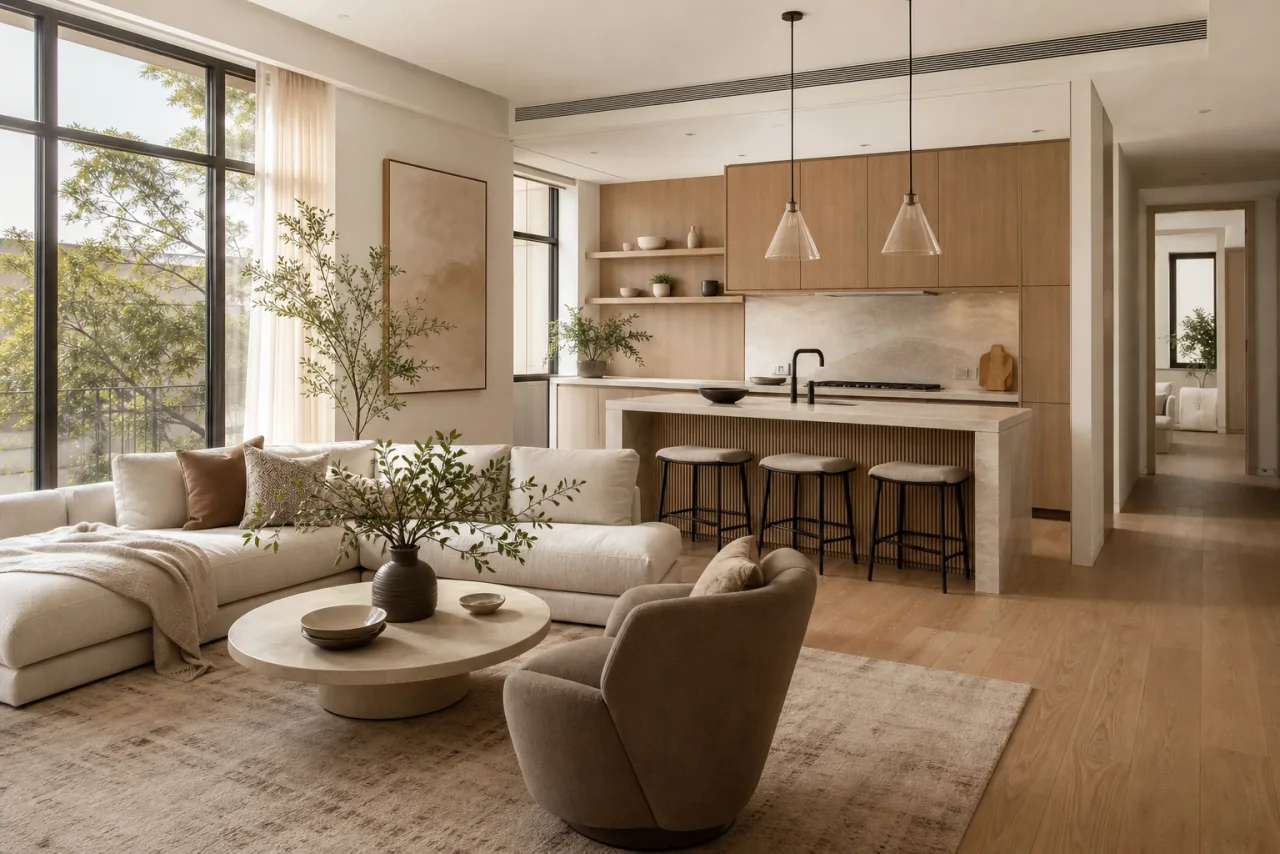
AI Interior Design
Restyle any room into photorealistic concepts in any style, in seconds.
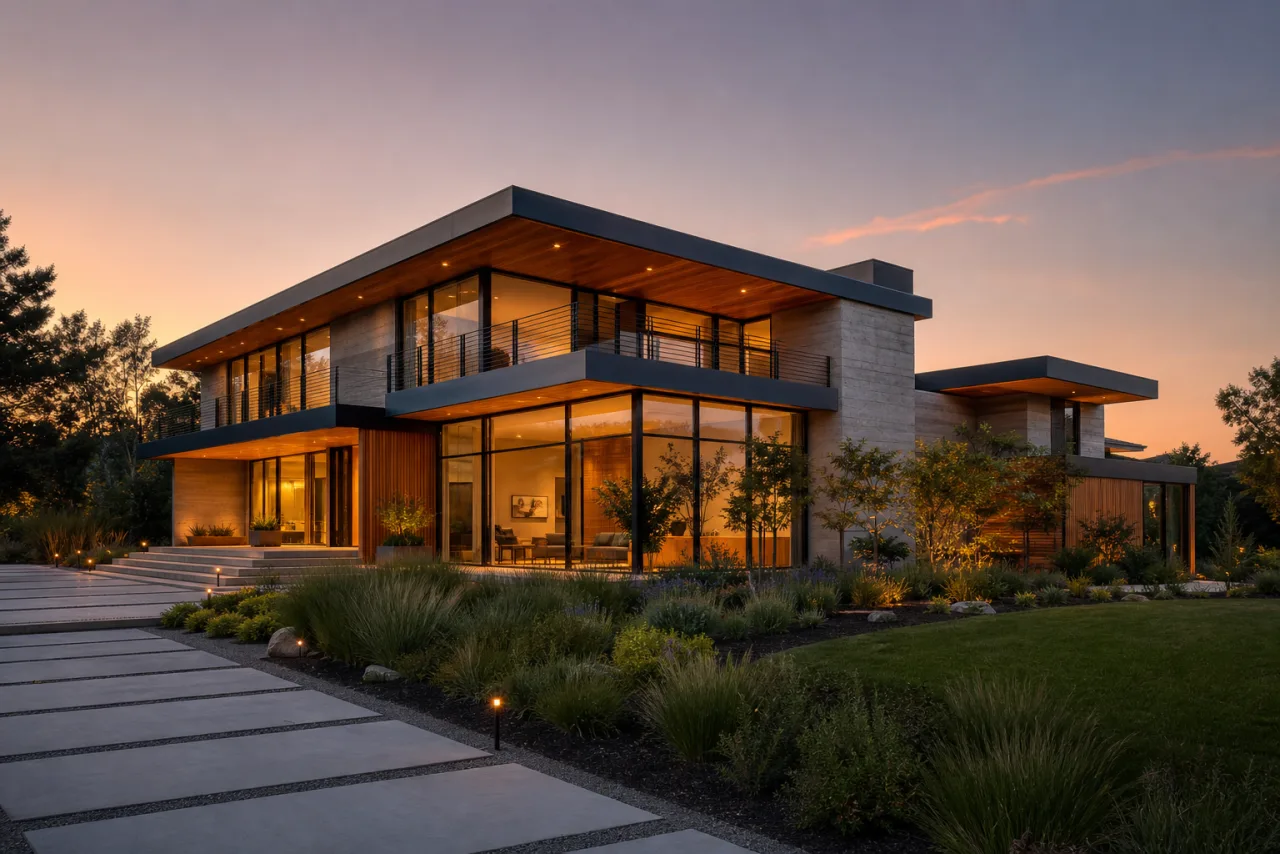
AI Home Exterior Design
Test siding, paint, and architectural styles on your real facade.
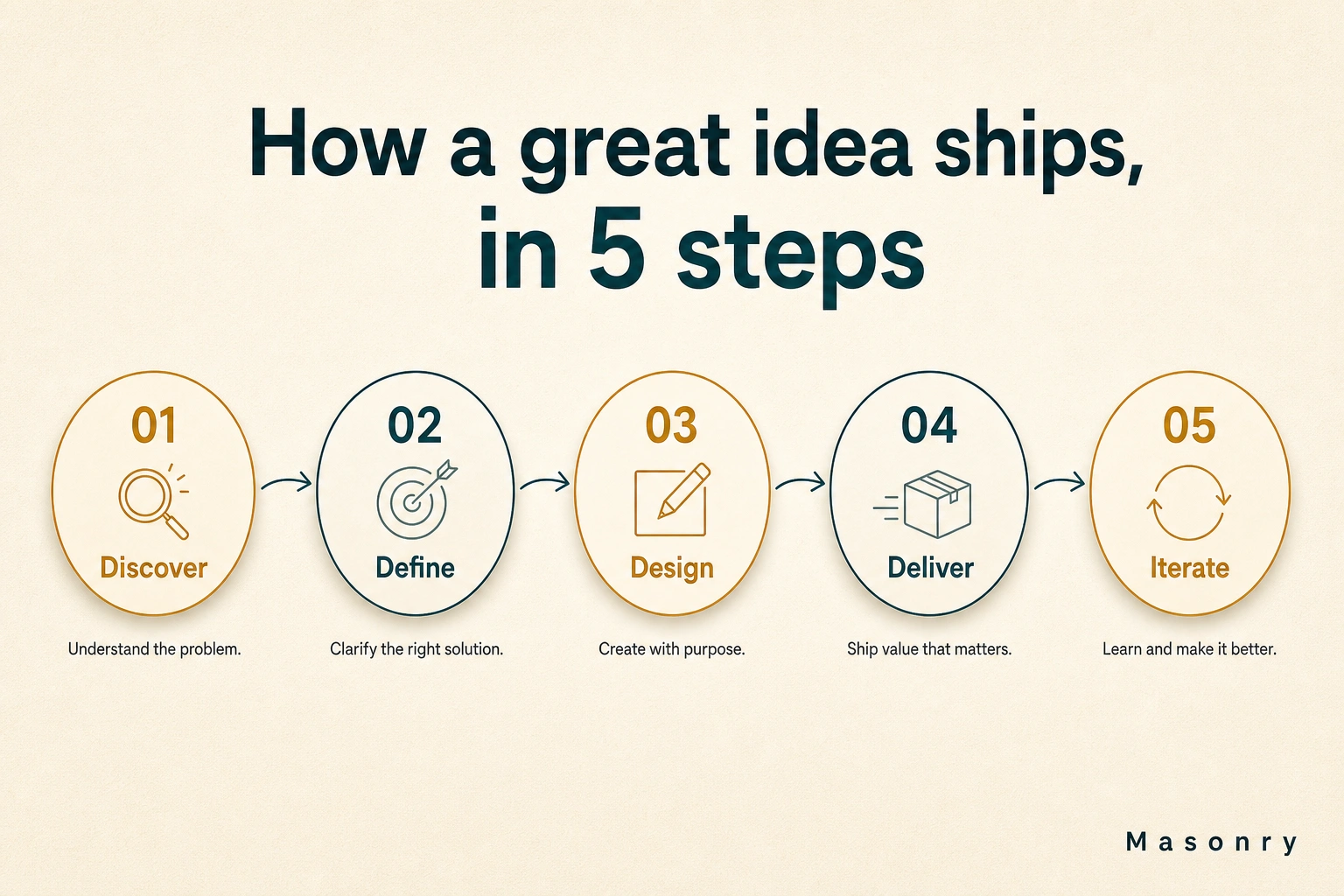
AI Infographic Generator
Turn any brief, stat, or outline into a polished infographic in seconds.

AI Product Photography
Turn a plain product photo into studio and lifestyle shots in seconds.