



- Up to 4K
Max resolution
- Up to 16
Reference images
- 1:3 to 3:1
Aspect ratios
- Low–High
Quality modes
About GPT Image 2
GPT Image 2 is OpenAI's latest flagship image model, released in April 2026 as the third generation of the GPT Image line. It inherits the core architectural advantage that defines the series: a native multimodal system where the same model that understands language also generates the image, rather than a separate encoder-decoder pair. The practical payoff is unusually tight prompt adherence. GPT Image 2 tracks multi-part instructions, respects spatial relationships, and renders in-image text with a level of fidelity that rival models still struggle to match. For business creative teams, this means fewer iteration cycles on briefs that have specific layout or copy requirements, and a reliable editing workflow where targeted changes to one element don't cause the rest of the image to drift.
Beyond generation, GPT Image 2 supports genuine non-destructive editing with up to 16 reference images per call, so you can swap a background, adjust a product color, or refine a detail in an approved hero shot without starting over. Outputs generated through the OpenAI API (and through Masonry, which uses that API) are fully cleared for commercial use under OpenAI's standard usage policies, so you can move from generation directly to campaign deployment without additional licensing steps. At up to 3840×2160 resolution across a flexible 1:3 to 3:1 aspect-ratio range, GPT Image 2 delivers assets ready for digital, print, and out-of-home without an upscaling pass.
Prompts behind these GPT Image 2 images
Actual prompts from GPT Image 2 renders by the Masonry community. Copy any prompt, then remix it into your own creation.

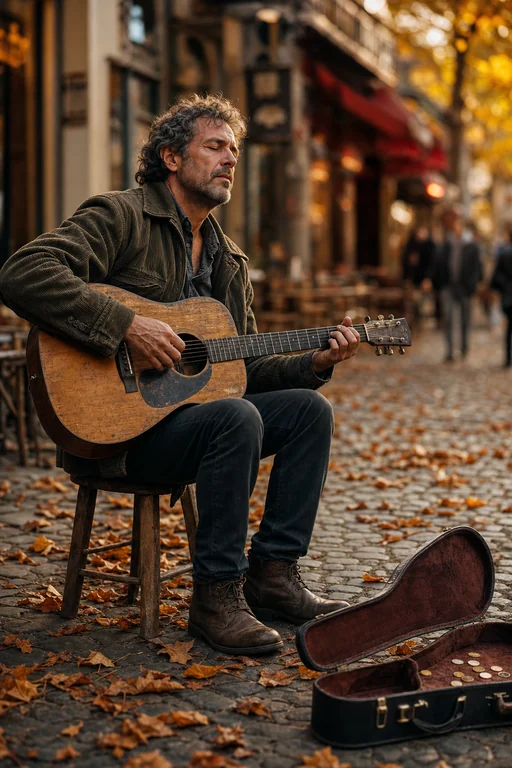

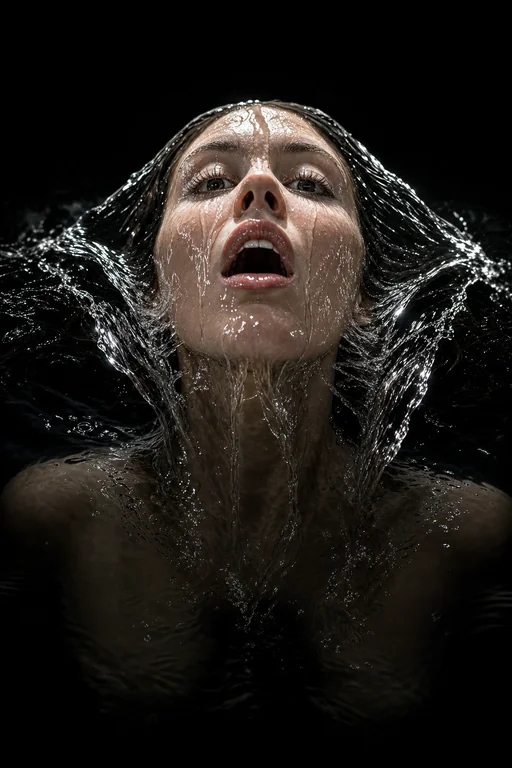

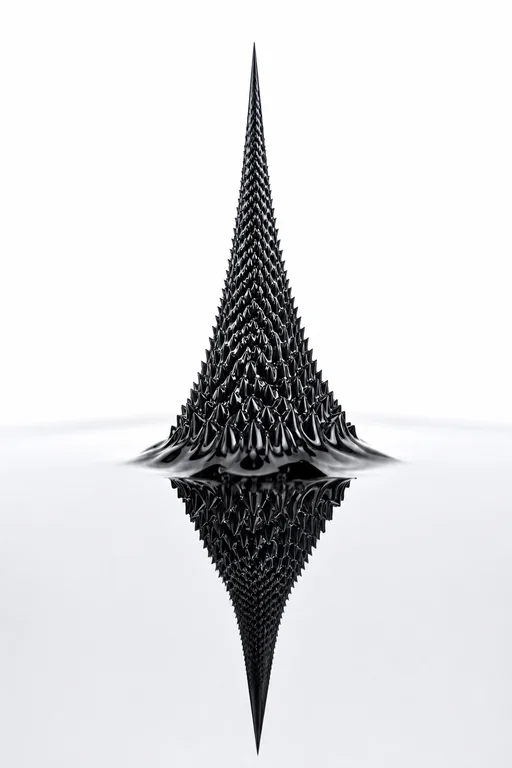

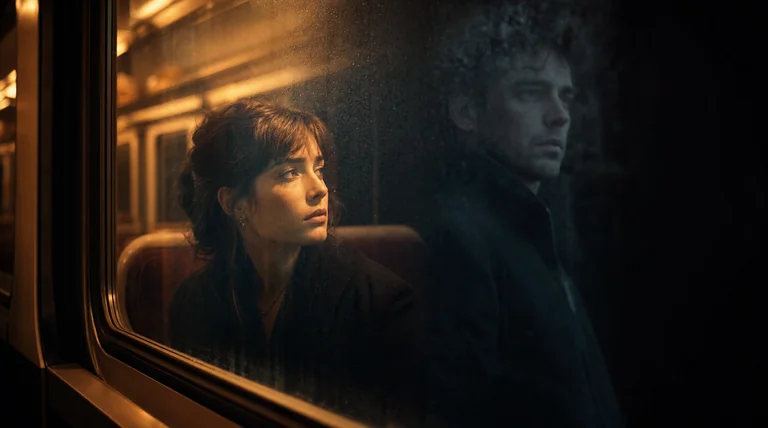

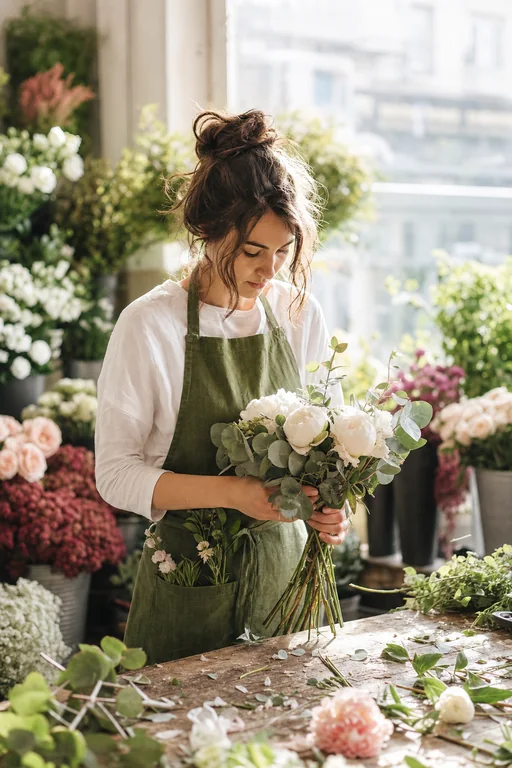

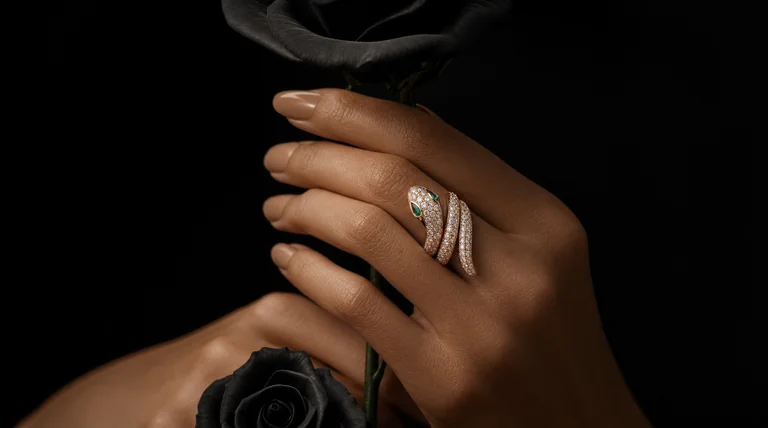

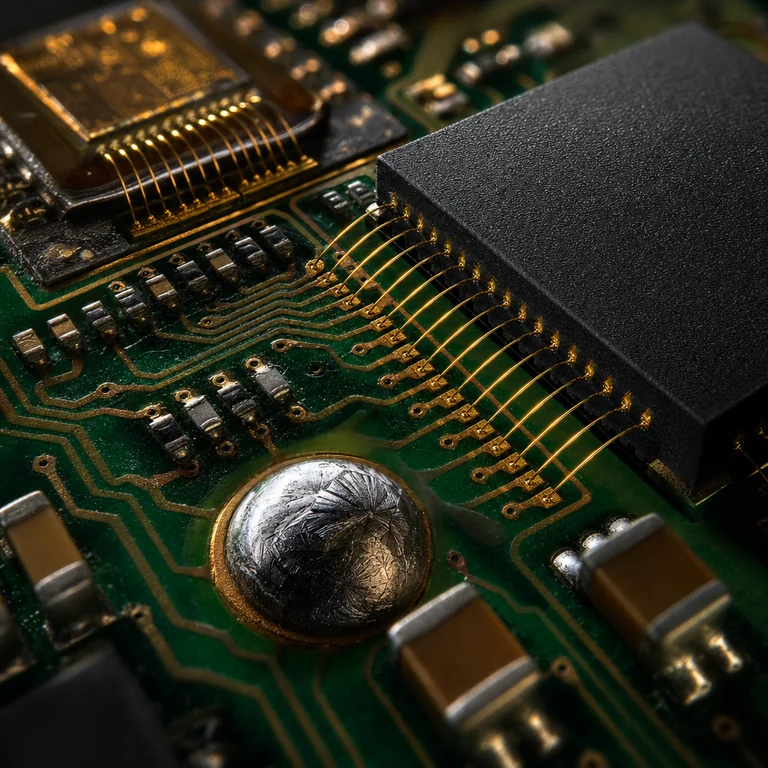

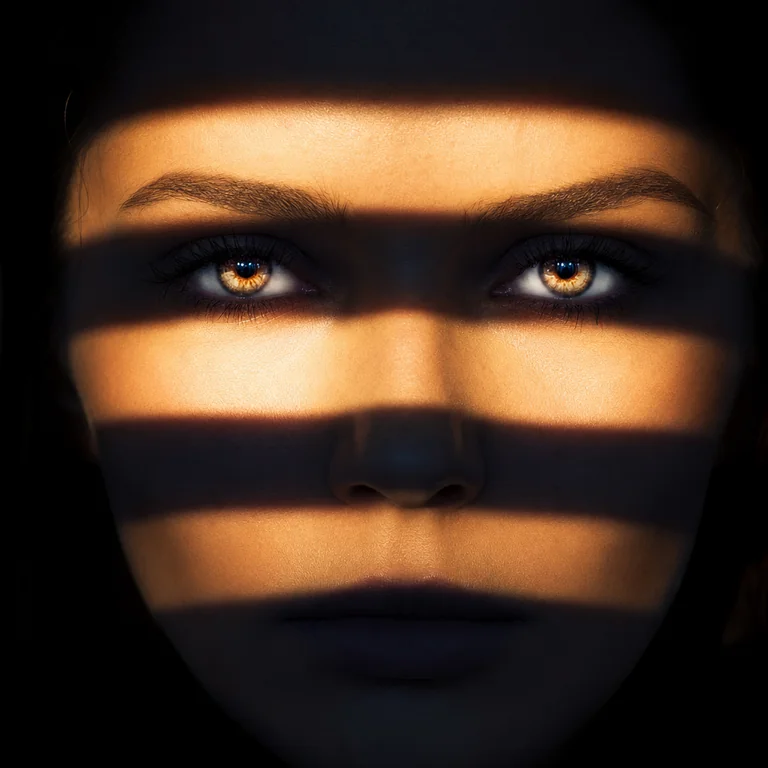




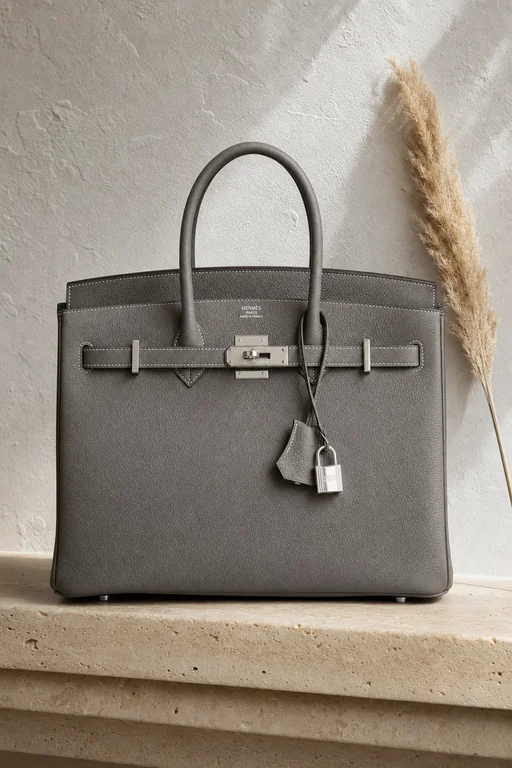
A tall 9:16 vertical luxury product photograph of a Hermès Birkin 30 in Togo leather, Etain gray colorway, placed upright on a smooth cream travertine stone shelf mounted against a raw white plaster wall. The structured bag stands perfectly centered in the frame, its palladium hardware — turn-lock, clochette, and lock — each catching a soft directional light from the upper left at slightly different angles, creating individual highlights on every metal element. The iconic double stitching along every seam is visible at full zoom. The Hermès Paris stamp on the front hardware is clearly legible. A single dried pampas grass stem leans casually against the right side of the bag. Shot on an 85mm lens at f/4. Color grade: warm travertine stone, cool plaster wall, the gray leather as the tonal hero. Mood: old money, architectural, gallery-level luxury product photography.

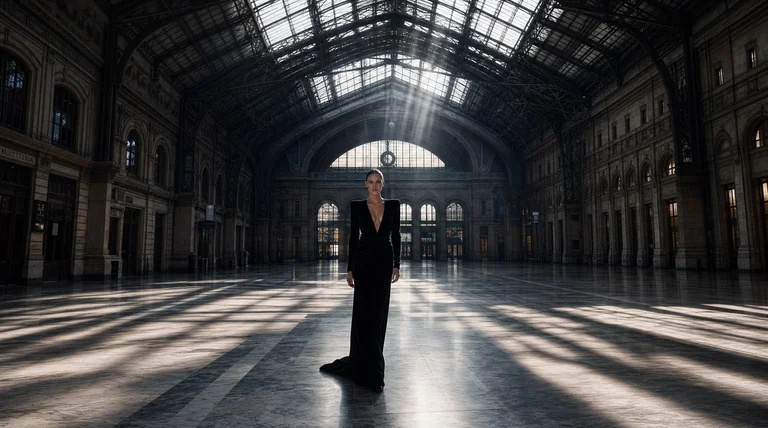

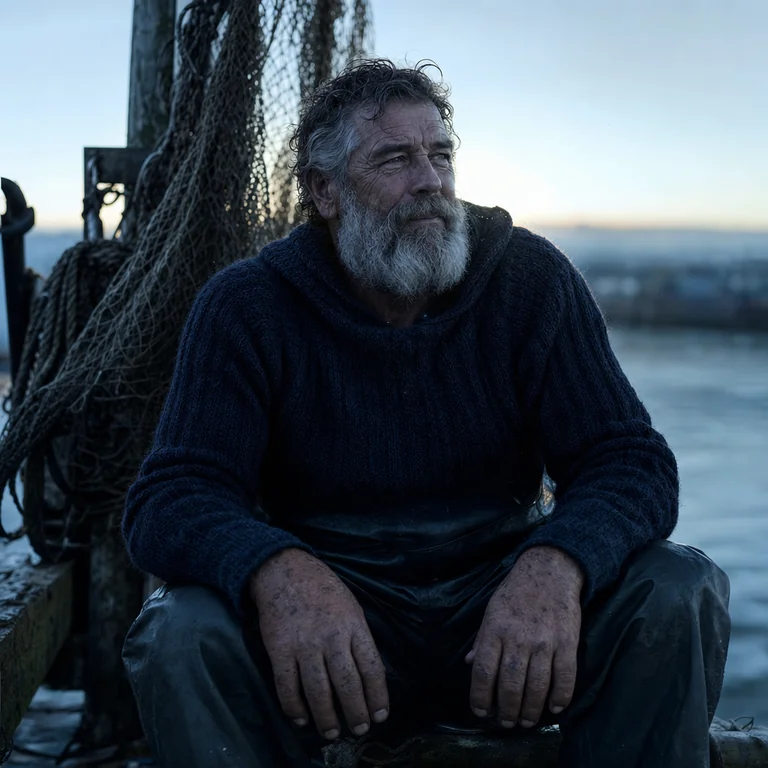

Why teams choose GPT Image 2
GPT Image 2 is the model to reach for when accuracy is the brief: the right text in the right place, an element changed without the rest of the image shifting, a complex layout that follows every line of the spec. Its native multimodal architecture means prompt adherence is structurally better than models that treat language and image generation as separate steps. For marketing and brand teams running high-stakes campaigns where a misrendered headline or off-brand crop has real cost, that reliability is the differentiator. Inside Masonry, GPT Image 2 sits alongside 50+ other models. Use it where precision matters, then hand off to others where style or speed are the priority.
What GPT Image 2 can do
The capabilities that set GPT Image 2 apart and earn its place in a brief
Strong Instruction Following
Parses complex, multi-part prompts and places each element where you asked. Layouts, spatial relationships, and per-element styling hold reliably across generations.
Accurate In-Image Text
Renders headlines, labels, packaging copy, and signage with high legibility. Dense text and small lettering remain measurably stronger than most competing models.
Precise Non-Destructive Editing
Change a specific element (background, product color, headline) without the rest of the image drifting. Accepts up to 16 reference images per call for complex multi-source compositions.
Native Multimodal Architecture
One model handles both language understanding and image generation, which is why prompt adherence is consistently tighter than systems that bolt a language encoder onto a separate image generator.
Flexible Resolution and Aspect Ratios
Outputs from square to cinematic wide (1:3 to 3:1) at up to 3840×2160, ready for digital, print, OOH, and social without a separate upscaling step.
Commercial-Ready Outputs
Images generated via the OpenAI API (including through Masonry) are cleared for commercial use under OpenAI's standard usage policy. No additional licensing steps before campaign deployment.
Where teams reach for GPT Image 2
- Ad creatives and social posts with on-image copy that must be spelled and positioned correctly
- Product and packaging mockups where label text and placement are part of the brief
- Iterative, non-destructive edits on approved hero shots that let you swap backgrounds, recolor products, and refine details without re-rolling
- Multi-element compositions that reference several brand assets in a single call
- E-commerce imagery where consistent product presentation across SKUs matters
- Copy-heavy promotional banners and retail assets where text accuracy is non-negotiable
- Brand campaign concepting where a detailed written brief needs to translate faithfully into visuals
- Print-ready assets at high resolution without a separate upscaling workflow
What sets GPT Image 2 apart
The strengths teams reach for, shown on real renders.
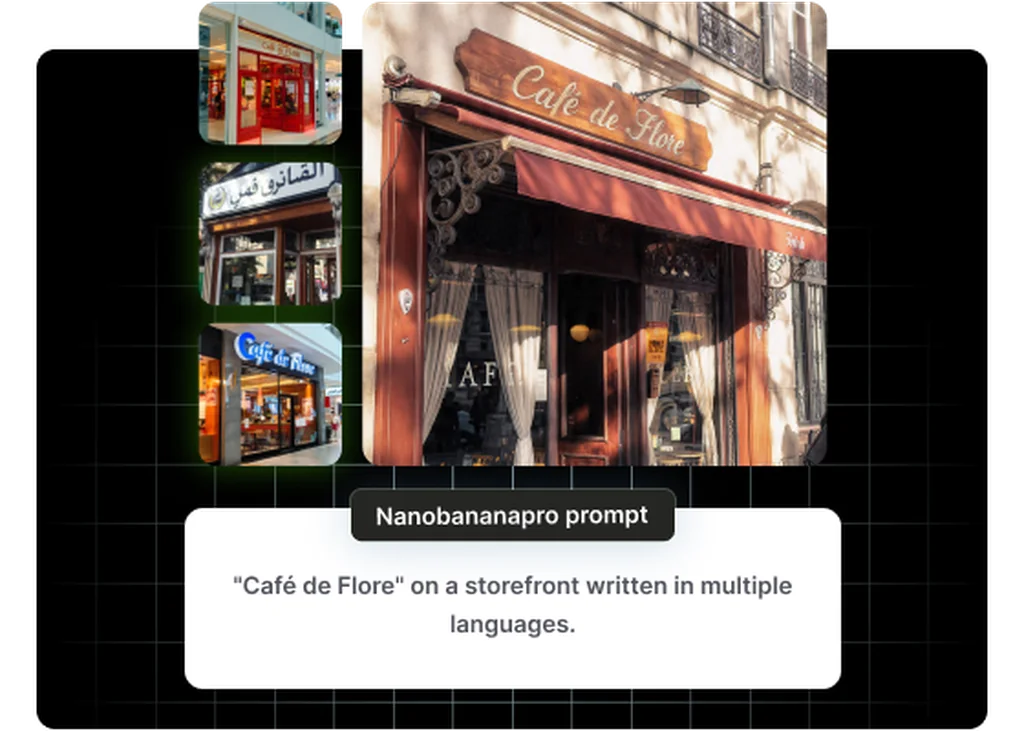
Precise Instruction Following
Parses complex, multi-part briefs and places every element exactly where specified, with headlines in position, product in frame, and backgrounds on cue. Ideal for layout-driven ad creative and branded content.
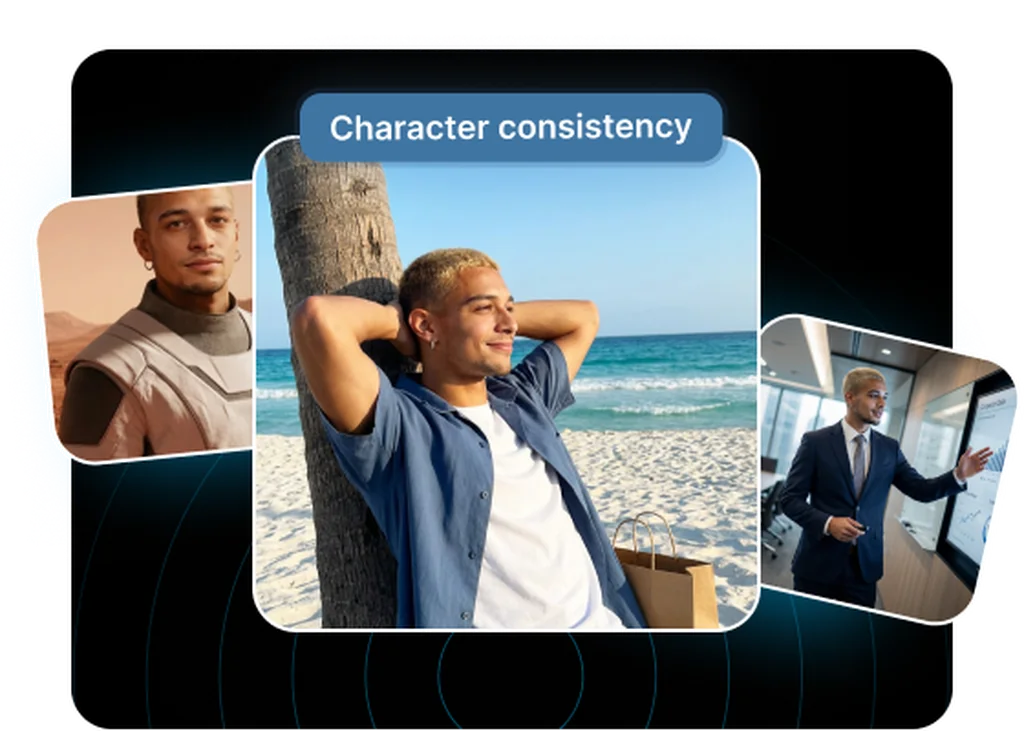
Accurate In-Image Text
Renders headlines, labels, and packaging copy with crisp legibility, a consistent strength of the GPT Image line and essential for copy-heavy marketing assets.
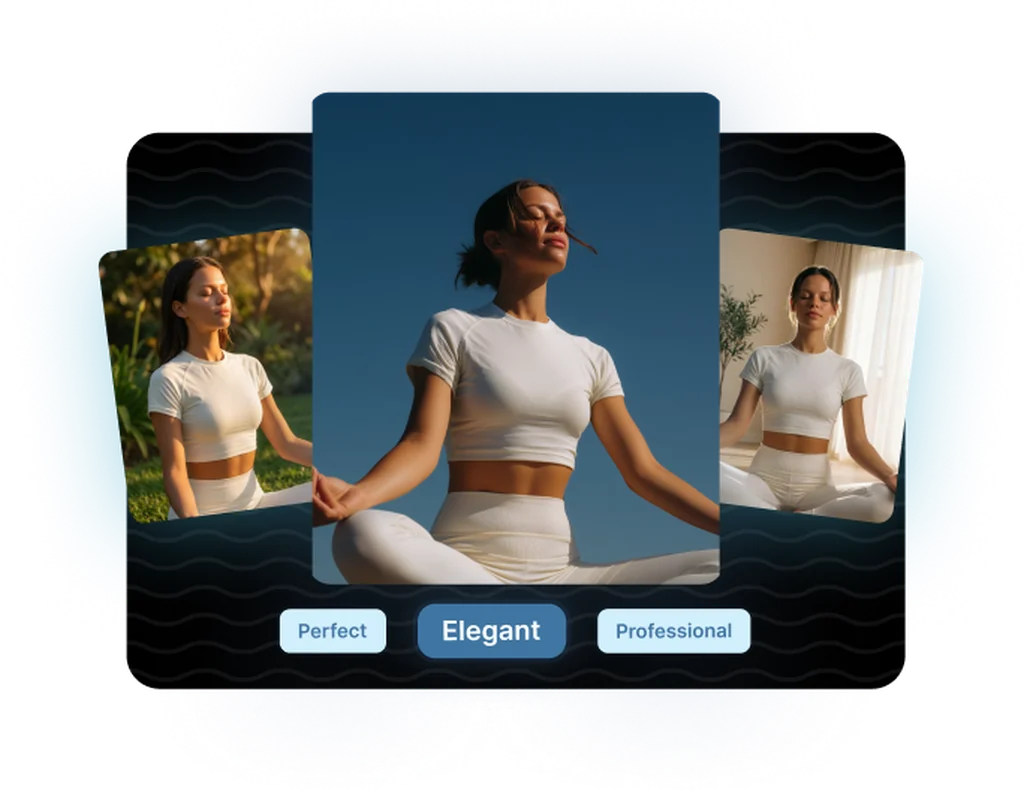
Non-Destructive Editing with Up to 16 References
Swap backgrounds, refine details, and iterate on approved concepts without regenerating from scratch. Supports up to 16 reference images per edit for precise, consistent revisions.
Explore related categories
Browse adjacent categories and creative directions teams are exploring
Frequently asked questions
What teams need to know about creating with GPT Image 2 in Masonry
Can I use GPT Image 2 outputs commercially?
Yes. Images generated through the OpenAI API (including through Masonry) are cleared for commercial use under OpenAI's standard usage policies. You can move from generation directly to ad trafficking, print production, or digital publishing without additional licensing. If distributing in the EU, you may need to surface the embedded C2PA metadata at the point of publication, but that is a regulatory requirement, not an OpenAI restriction.
What resolution does GPT Image 2 output?
GPT Image 2 supports up to 3840×2160 (roughly 8 megapixels) across a flexible aspect-ratio range from 1:3 to 3:1. You can also specify exact pixel dimensions such as 1536×1024 for a banner or social post. This makes it usable for digital, print, and out-of-home assets without a separate upscaling step in most workflows.
How does GPT Image 2 handle in-image text compared to other models?
It is consistently one of the strongest models for in-image text. The native multimodal architecture means it "understands" text as part of the image generation process rather than treating it as a post-hoc overlay. Dense text, small labels, and multi-word headlines render with high legibility. In comparative tests, GPT Image 2 outperforms FLUX and Midjourney on dense text and complex typographic layouts, though FLUX.2 [flex] closes the gap on structured typography.
How many reference images can I provide for editing?
Up to 16 reference images per call. This makes GPT Image 2 one of the most flexible models for multi-source compositions. You can supply a product shot, a background reference, a style board, and additional brand assets all in a single request and ask the model to synthesize them into one coherent image.
How does GPT Image 2 compare to Midjourney for marketing creative?
The two have different strengths. Midjourney v8 leads on raw aesthetic quality and stylized output; GPT Image 2 leads on prompt accuracy, text rendering, and editing. If your brief is "make something beautiful in a loosely defined aesthetic," Midjourney is often faster. If your brief is "this text, in this position, on this product, with this background change," GPT Image 2 is more reliable and has a proper API that integrates into automated pipelines.
How does GPT Image 2 compare to FLUX models?
GPT Image 2 and FLUX models have complementary strengths. GPT Image 2 is stronger on prompt adherence, text rendering, and non-destructive editing. FLUX.2 Pro and Max lead on photorealism and film-quality aesthetics. FLUX.2 Dev gives you open weights for self-hosting and fine-tuning. In Masonry, you can use GPT Image 2 for layout-precise creative and FLUX models where photorealism or style is the priority. You are not locked to one.
Does GPT Image 2 support inpainting and targeted edits?
Yes. GPT Image 2 supports targeted editing. You can describe what to change and the model will modify that element while preserving the rest of the image. This is more reliable than "remix" style editing found in some other tools, where changing one element causes unpredictable drift in surrounding areas. For asset-intensive workflows, generating a clean base image and editing in variants is often faster than re-generating from scratch each time.
What output formats does GPT Image 2 produce?
GPT Image 2 outputs standard raster images (PNG and JPEG) suitable for direct use in ad platforms, CMS uploads, and print workflows. Because Masonry connects to the OpenAI API, outputs flow directly into your Masonry workspace for further editing, annotation, or handoff to the rest of your creative pipeline.
Is GPT Image 2 good for product photography and e-commerce imagery?
Yes, particularly for structured product shots where placement, lighting direction, and background are specified in the prompt. It handles multi-SKU workflows well. Generate a clean product base and use editing to spin out background or colorway variants rather than running a full generation for each. For pure photorealistic product photography with complex surface materials, FLUX.2 Flex or Pro may produce sharper detail, but GPT Image 2's editing precision often makes it faster end-to-end.
How long does GPT Image 2 take to generate an image?
GPT Image 2 takes longer than faster models like FLUX Schnell or Nano Banana 2. The model does additional reasoning before generating, which contributes to better prompt accuracy but adds a few seconds of latency. For high-volume batch workflows where speed is the priority, faster models are a better fit. For considered, high-stakes creative where a few extra seconds in exchange for higher accuracy saves rework time, GPT Image 2's generation speed is reasonable.
Can GPT Image 2 generate images with multiple distinct products or brand elements in one shot?
Yes, and this is one of its clearest differentiators. Its long, detailed prompt handling and multi-reference support mean you can describe complex scenes with several products, props, and environmental elements and have each placed correctly in the frame. Teams running lifestyle or flat-lay creative with multiple SKUs in a single shot find this particularly useful.
What is GPT Image 2?
GPT Image 2 is an AI image generation model from OpenAI, available inside Masonry, the AI creative agent teams use to produce marketing, product, and brand images.
How does my team use GPT Image 2 in Masonry?
Open a Masonry canvas, pick GPT Image 2 from the model selector, and describe the image you need: a product shot, an ad creative, a social post. Masonry generates it, then you refine, edit, and combine GPT Image 2 with other models in one workspace.
Is GPT Image 2 free to try?
Yes, you can start generating images with GPT Image 2 on Masonry's free tier, then scale up with higher limits and priority processing as your team grows.
How do I write good prompts for GPT Image 2?
GPT Image 2 follows detailed instructions well, so be explicit. Describe each element, where it sits, and the exact text you want, then use editing to refine rather than re-rolling from scratch. See the prompt gallery on this page for real GPT Image 2 prompts you can copy and adapt.
Who makes GPT Image 2?
GPT Image 2 is built by OpenAI. Inside Masonry it runs alongside 50+ image and video models, so your team can pick the right one for each brief without switching tools.
Can I see examples made with GPT Image 2?
Yes, the prompt gallery on this page shows real images teams have generated with GPT Image 2 in Masonry, each paired with the exact prompt you can copy and adapt for your own brand.
Start creating with GPT Image 2
Generate, edit, and compare across 50+ models in one workspace.
Guides for GPT Image 2
Prompt walkthroughs and examples from the Masonry blog
Explore more AI models
Compare GPT Image 2 with other models teams run in Masonry