

- Seconds
From photo to finished concept
- 60+
AI models in one workspace
- Any style
Modern to maximalist, on demand
- Up to 4K
Export resolution for client work
From empty room to finished concept
Four steps, no design software and no learning curve.
- 01
Add your room
Upload a photo of the space, or describe it in plain language if you are starting from scratch.
- 02
Choose a style
Pick a design direction and call out any must-keep elements, like the flooring or a feature wall.
- 03
Generate options
Get multiple photorealistic concepts at once and compare them side by side.
- 04
Refine and export
Tweak the prompt, regenerate the parts you want, and export in high resolution.
Use the best AI model for every room
No other tool lets you compare them. Each one is strong at a different part of the job, and Masonry gives you all of them.
Nano Banana Pro
Best all-rounder for photoreal staging, with the strongest prompt adherence and the most faithful layout, lighting, and materials.
ByteDance
Seedream 4.5
Fast, high-detail renders that handle busy furniture and tricky lighting setups well, ideal for exploring lots of directions quickly.
Black Forest Labs
FLUX.2 Pro
Sharp, controllable output, the pick when you want a consistent house style locked across a whole set of rooms.
Imagen 4 Ultra
Crisp, true-to-prompt detail when the brief is precise about specific materials, finishes, and fixtures.
OpenAI
GPT Image 2
Reliable edits and restyles, the pick when you want to keep most of a space and change only a few elements.
Ideogram
Ideogram V3 Quality
The choice when a concept board needs legible signage, labels, or typography rendered in the scene.
Design any room in your home
Jump straight into a tool tuned for the space you are working on.
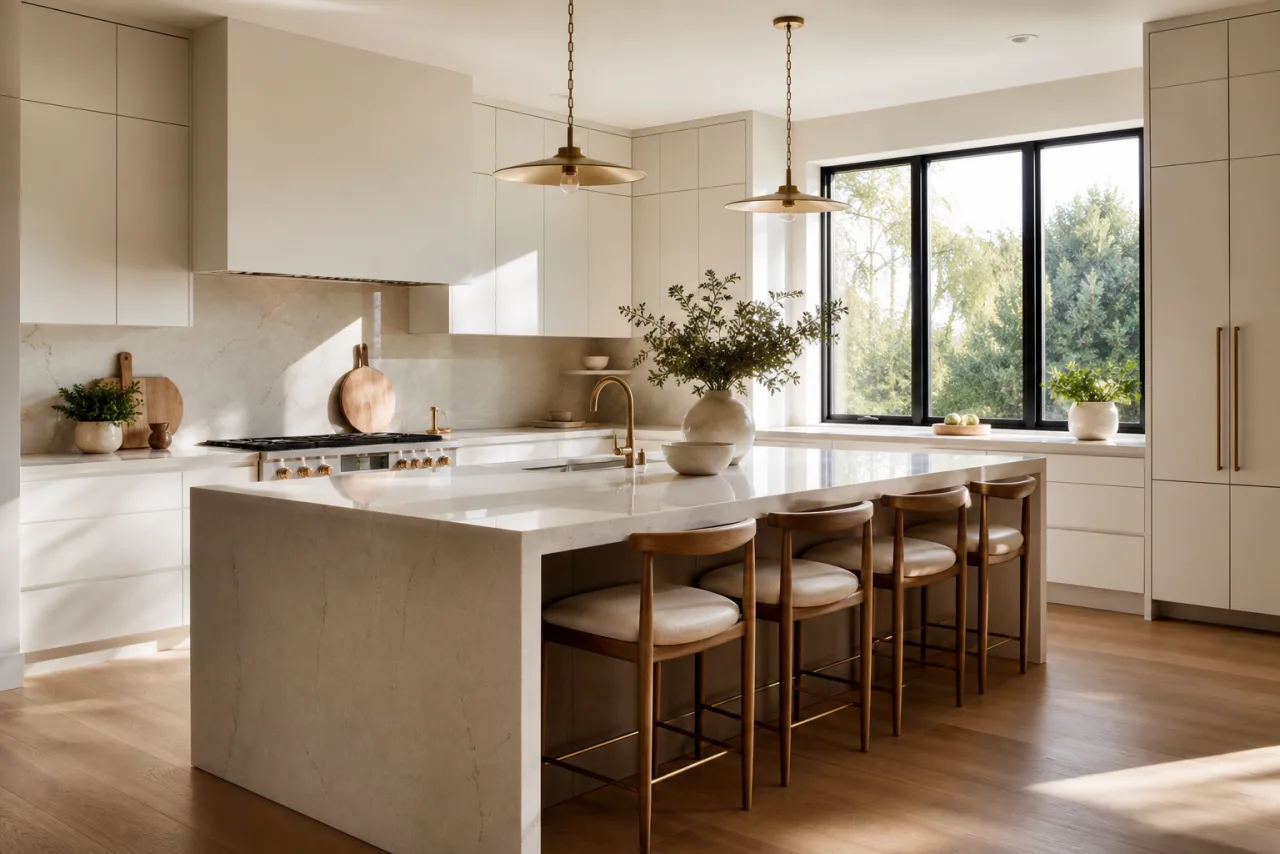
AI Kitchen Design
Test cabinets, countertops, and full styles on your real kitchen.
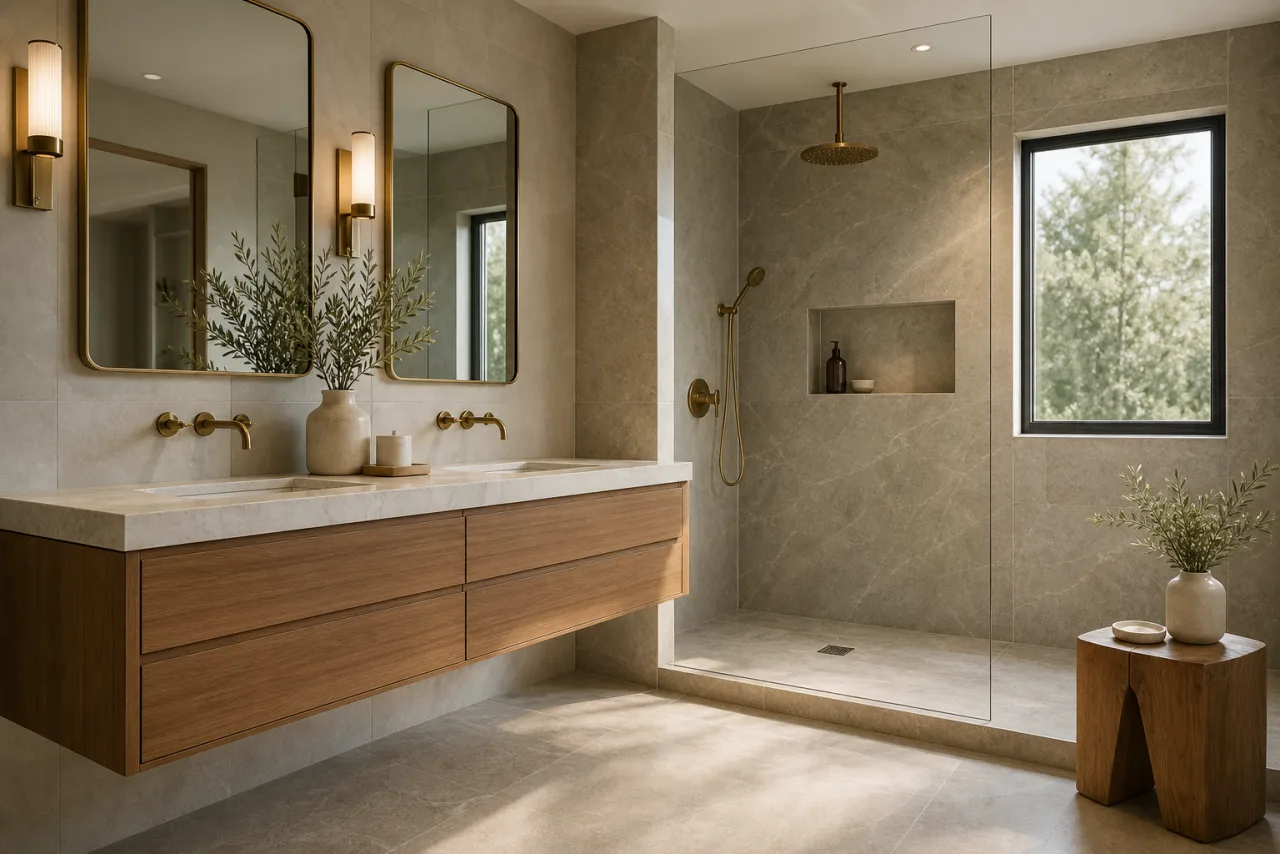
AI Bathroom Design
Try tile, vanities, and full styles on your real bathroom.
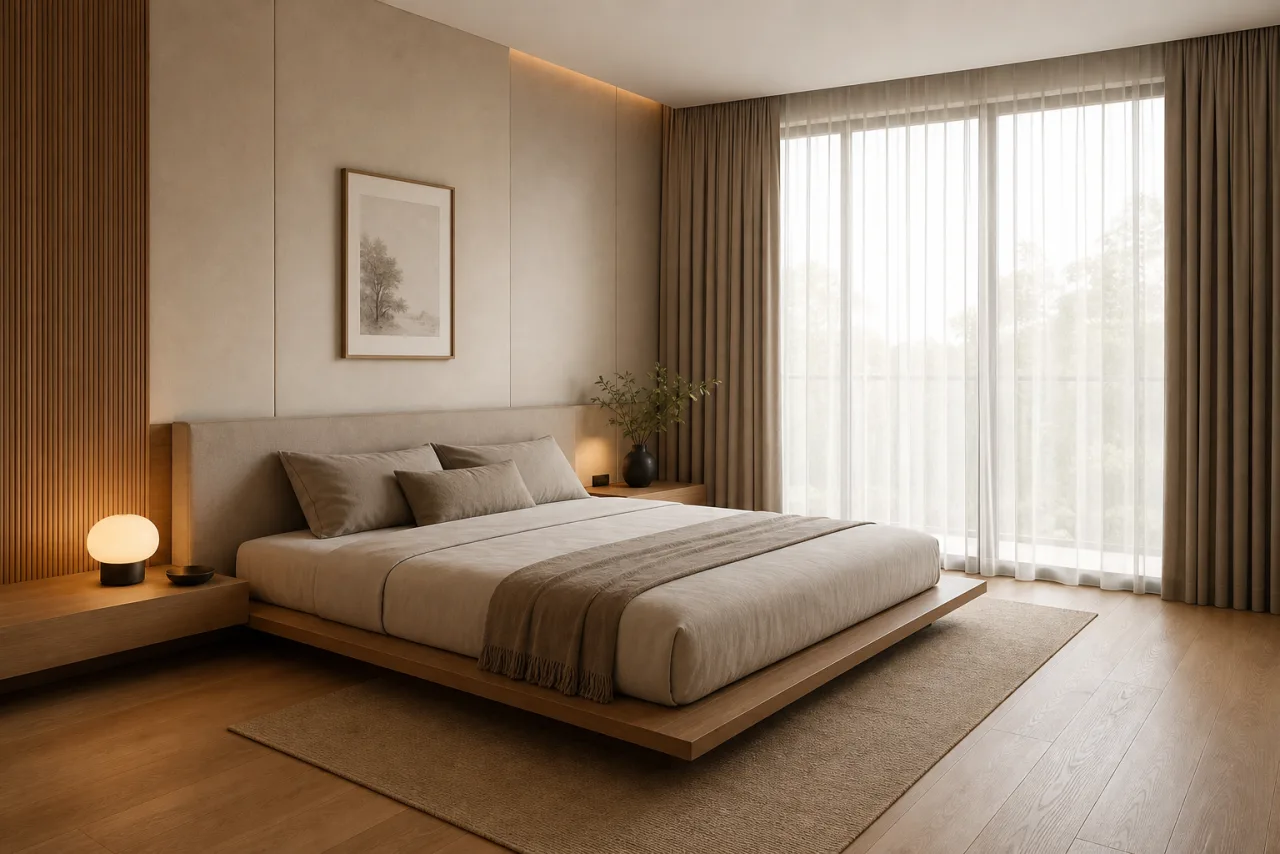
AI Bedroom Design
Restyle palettes, furniture, and full looks on your real bedroom.
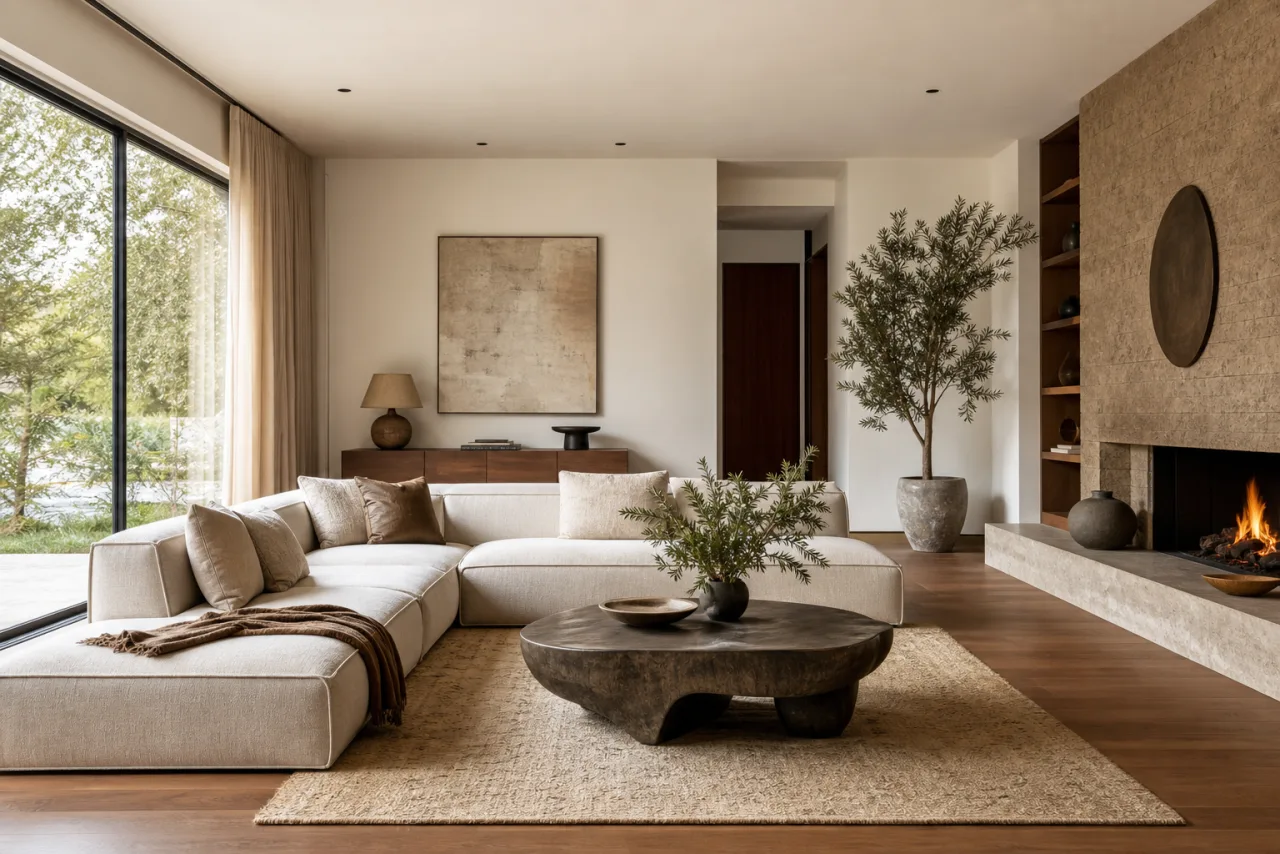
AI Living Room Design
Restyle layouts, furniture, and full looks on your real living room.
Everything you need to design a space
Generate, restyle, and refine interior concepts without juggling tools or losing the room you started with.
Photoreal room renders
Produce client-ready interior visuals with realistic lighting, materials, and depth, not flat, obviously-AI mockups.
Any style on demand
Modern, Scandinavian, Japandi, industrial, and more. Restyle the same room across looks in a single click.
Keeps the room's layout
Start from a real photo and restyle it while preserving the actual geometry, so concepts stay true to the space.
Every top model in one place
Run the same brief through Nano Banana Pro, Seedream, FLUX, and Imagen, then keep the best result.
Instant variations
Generate a dozen directions in the time a single moodboard used to take, and iterate live with the client.
Commercial-ready output
Export high-resolution visuals you can put in listings, pitch decks, and renovation proposals.
Every interior design style, on demand
Name any look, or anchor on a reference image. A few of the styles teams generate most:
- ModernClean lines, a neutral palette, and an uncluttered, open feel.
- ContemporaryCurrent trends, soft curves, and sophisticated neutral tones.
- MinimalistBare essentials, monochrome palettes, and generous negative space.
- ScandinavianLight woods, white walls, and cozy, functional simplicity.
- JapandiJapanese minimalism blended with Scandinavian warmth and craft.
- Mid-Century Modern1950s and 60s forms, teak, organic shapes, and tapered legs.
- IndustrialExposed brick, metal, and concrete with a raw, utilitarian edge.
- BohemianEclectic, layered textiles, plants, and globally sourced accents.
- Modern FarmhouseRustic warmth, shiplap, and a neutral, lived-in coziness.
- CoastalAiry blues and whites, natural light, and a relaxed beachy mood.
- MediterraneanTerracotta, arches, and warm earthy tones with old-world charm.
- TraditionalClassic symmetry, rich woods, and refined, timeless detailing.
- TransitionalA balanced blend of traditional comfort and modern restraint.
- Art DecoBold geometry, glamour, and metallic, high-contrast accents.
- MaximalistSaturated color, pattern, and a confident more-is-more approach.
- Quiet LuxuryHigh-end materials and understated, expensive-looking restraint.
- Hollywood GlamDramatic, plush, mirrored, and metallic Regency-inspired finishes.
- BiophilicNature-integrated spaces with greenery, wood, and abundant light.
- EclecticA curated, intentional mix of eras, textures, and styles.
- French CountrySoft, elegant, vintage European warmth with rustic detail.
- RusticNatural materials, weathered wood, and grounded, earthy texture.
- ZenCalm, balanced, low-clutter spaces built around natural materials.
- Shabby ChicDistressed vintage pieces, soft pastels, and romantic detailing.
- TropicalLush greenery, rattan, and vibrant, resort-inspired energy.
Built for real client work
The same workspace covers the jobs that actually pay, from staging a listing to winning a renovation.
Real-estate virtual staging
Fill empty listings with photoreal furnished concepts. Staged listings photograph better and help buyers picture the space.
Renovation proposals
Show before-and-after concepts that win the job, with the existing layout preserved so the pitch stays believable.
Client pitch decks and mood boards
Iterate concepts in minutes instead of days, and walk clients through directions live.
Listing and marketing photos
Refresh tired rooms and generate on-brand imagery for MLS listings, websites, and social.
Commercial spaces
Offices, cafes, retail, and hospitality interiors, not just homes, with the same speed and control.
Concept exploration
Test bold directions risk-free before anyone commits budget to furniture, paint, or a contractor.
Your renders, yours to use
Every concept you generate is high-resolution and licensed for commercial use, so you can put it straight into client proposals, real-estate listings, pitch decks, and marketing. No watermarks, no per-image fees, no waiting on a studio. Use AI visuals as concepts rather than as-built guarantees, and review each model's terms for regulated or trademarked content.
AI interior design vs hiring a designer
Not a replacement for great designers, but a faster way to explore and pitch before anyone commits.
- Minutes
Not the days or weeks a revision round takes
- $20/month to start
Versus a $2,000+ design fee for concepts
- Unlimited
Revisions and directions, not a fixed package
- 24 styles
Explored instantly, not one at a time
Real interior concepts made with Masonry
A sample of interior renders generated by the Masonry community across rooms and styles.
AI interior design questions
What teams ask before they switch.
Can AI really design a room from a photo?
Yes. Upload a photo of the room and Masonry generates photorealistic redesigns of that exact space, restyled to the look you choose. You can also start from a text description if the room does not exist yet.
How accurate is it, and will it keep my room's actual layout?
Yes. When you start from a photo, Masonry restyles the space while preserving its real geometry, windows, and proportions, so the concept stays true to the room you are actually working with. For the most faithful results, upload a clear, well-lit photo and keep the camera steady on the area you want to redesign.
Is AI interior design free, and what does it cost versus a designer?
You can start generating concepts for free, then upgrade when you need more generations or higher-resolution exports. A traditional designer typically charges a few thousand dollars and takes weeks per revision round. AI lets you explore unlimited directions first, for a fraction of the cost.
Which AI model is best for interior design?
There is no single best model, and that is the point. Different models win at different briefs, so Masonry gives you all of them in one workspace and lets you compare results side by side. For interior design, Nano Banana Pro is the best all-rounder for photoreal results with faithful layout, Seedream is fast and detailed for exploring options, FLUX gives the most control for a consistent style, and GPT Image is great for precise edits. You pick the winner for each shot instead of being locked into one engine.
Can I use the designs commercially?
Yes. Renders are high-resolution and licensed for commercial use, so you can put them in client proposals, real-estate listings, pitch decks, and marketing. Review each model's terms for regulated or trademarked content, and use AI visuals as concepts rather than as-built guarantees.
Can I use it for real-estate virtual staging?
Yes. Virtual staging is one of the most popular uses. Furnish an empty listing or restyle a dated room in photoreal detail, then use the renders in your listing photos and marketing. Label staged images per your local real-estate disclosure rules.
Will AI replace interior designers?
No. It replaces the slow, expensive part of exploring and pitching concepts. Designers use it to generate directions in minutes, show clients options live, and spend their time on the judgment, sourcing, and project work that AI cannot do.
What interior design styles can it generate?
Any style you can describe, from modern, Scandinavian, and Japandi to industrial, maximalist, and traditional. You can mix styles, anchor on a reference image, or call out specific materials and finishes.
What room types are supported?
Every room in a home, including kitchens, bathrooms, bedrooms, living rooms, dining rooms, and home offices, plus commercial spaces like offices, cafes, retail, and hospitality interiors.
What photo should I upload for the best result?
A clear, well-lit photo taken straight on, showing the whole area you want to redesign. Avoid heavy clutter and extreme angles, and keep the camera steady so the model can read the room's geometry accurately.
Can I edit or refine a result?
Yes. Regenerate variations, adjust the prompt, swap the style, or keep most of the room and change only a few elements. You stay in control until the concept is right.
How long does a render take?
Seconds. Most concepts generate in well under a minute, so you can explore a dozen directions in the time a single moodboard used to take.
Design your dream space today
Turn any room into a photorealistic concept in seconds. No design software, no learning curve.
Explore more AI design tools
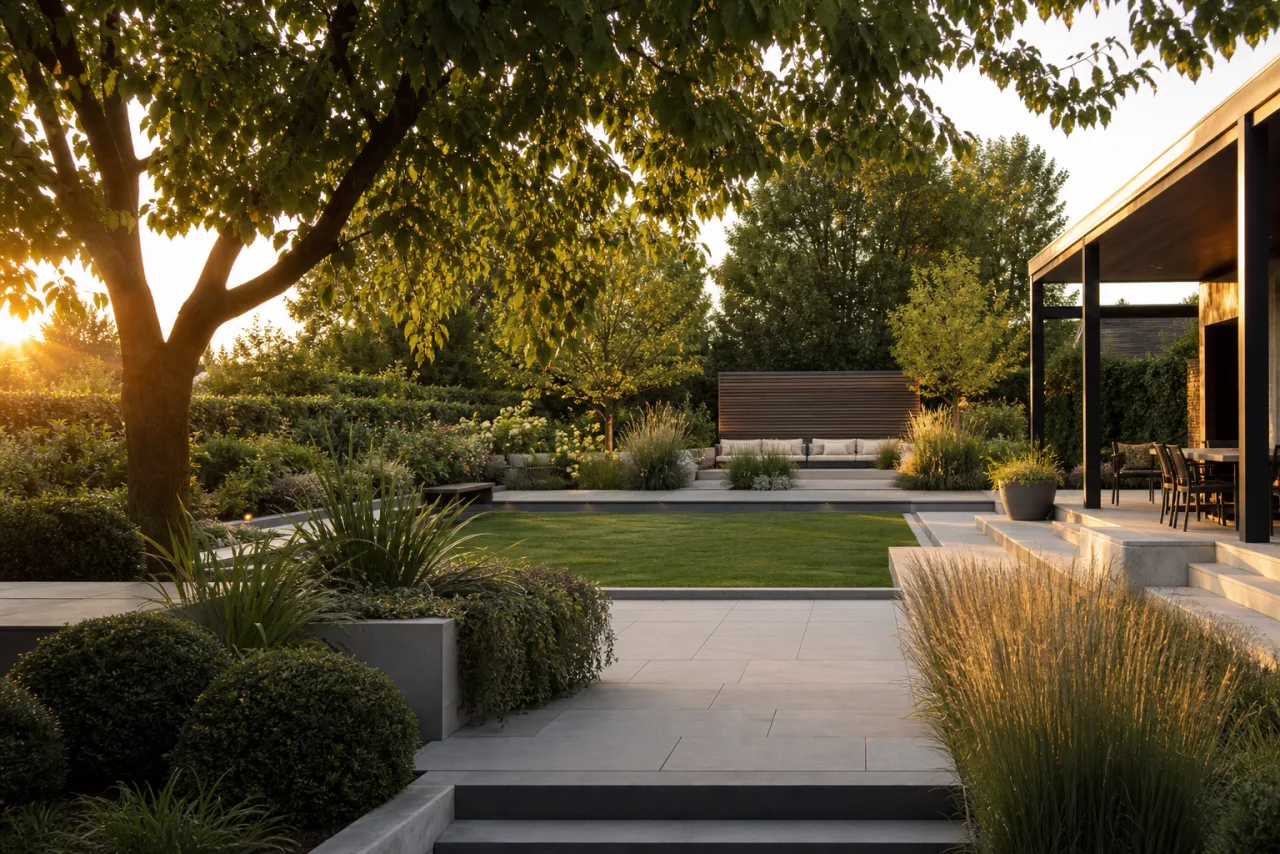
AI Landscape Design
Redesign any yard into photorealistic outdoor concepts, in seconds.
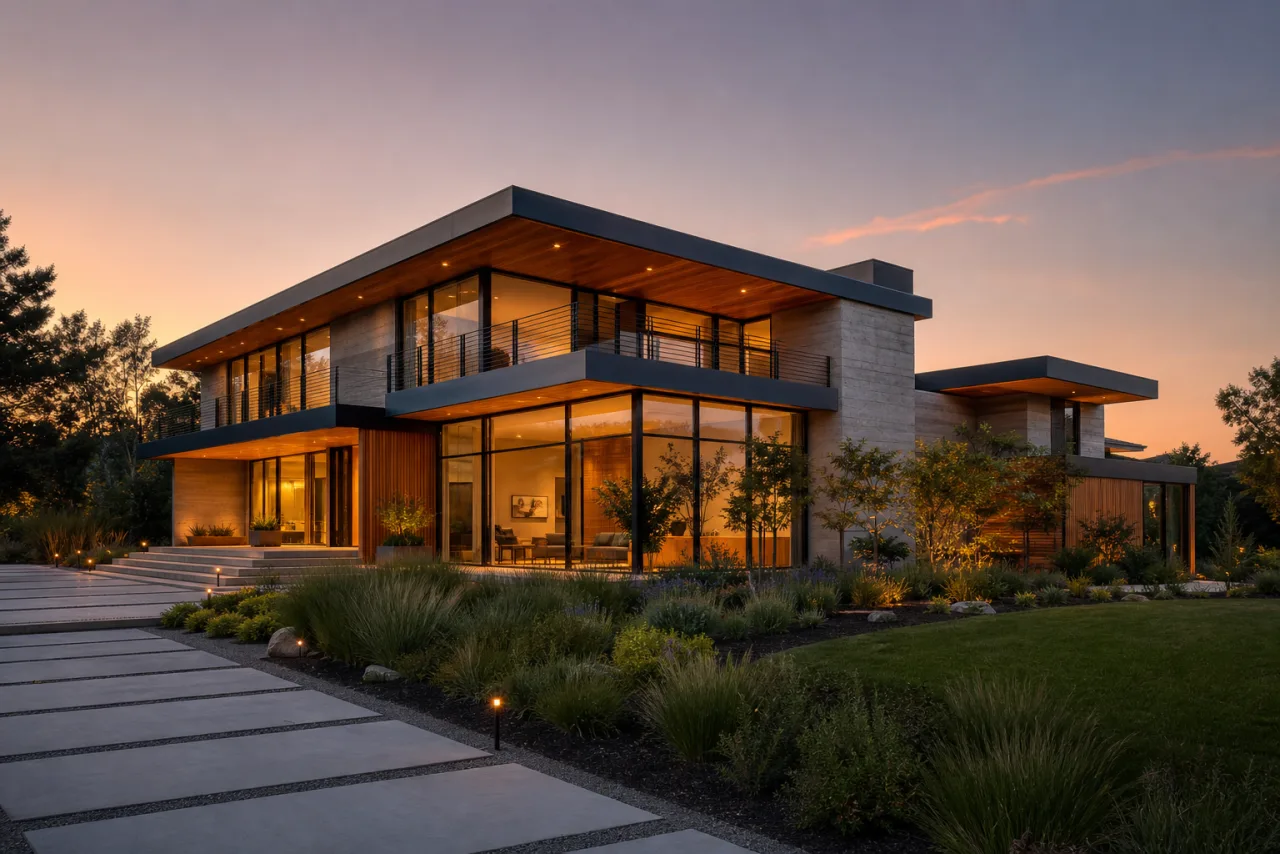
AI Home Exterior Design
Test siding, paint, and architectural styles on your real facade.
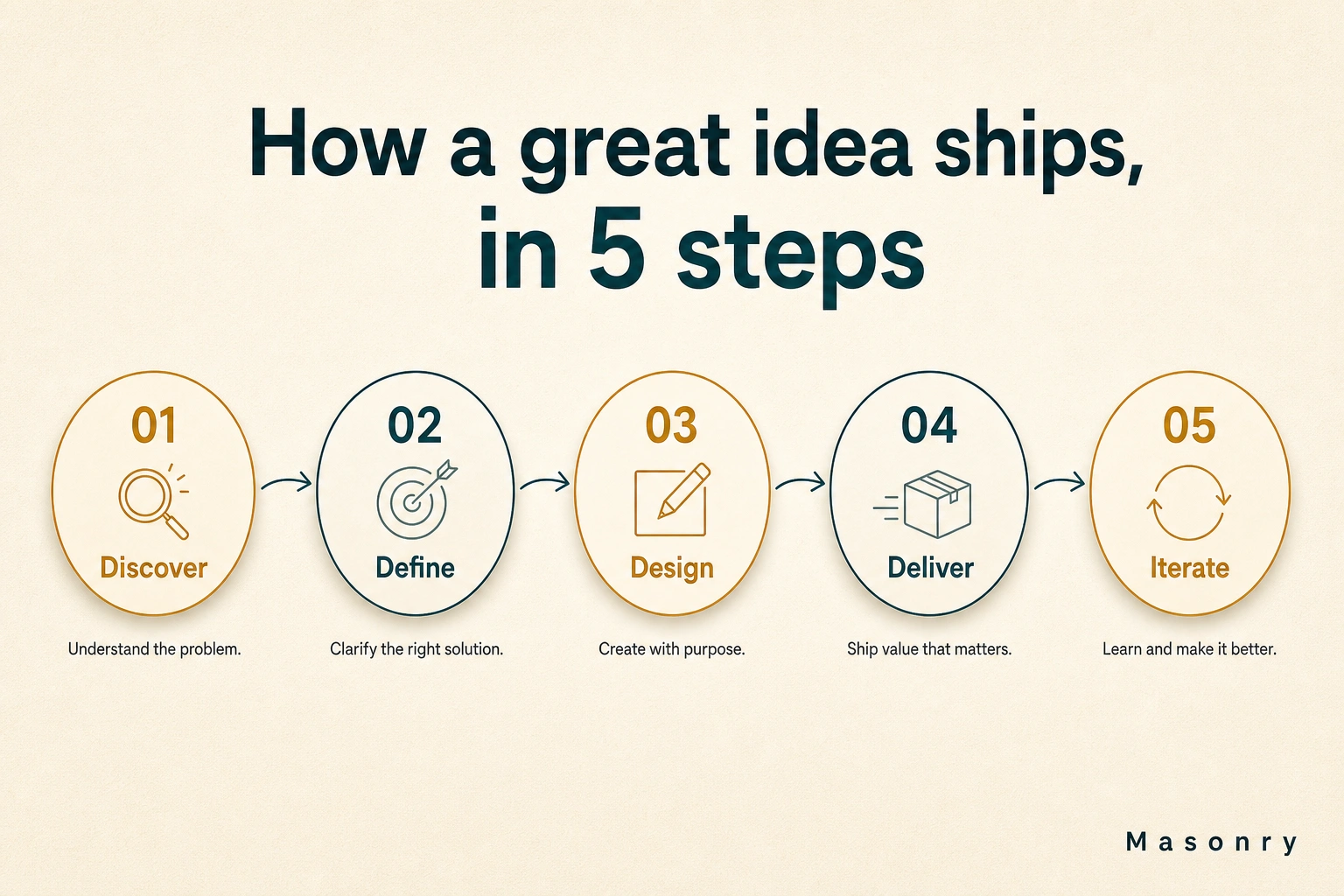
AI Infographic Generator
Turn any brief, stat, or outline into a polished infographic in seconds.

AI Product Photography
Turn a plain product photo into studio and lifestyle shots in seconds.