

- Up to 4K
Resolution
- Up to 8s
Clip length
- 24 fps
Frame rate
- 16:9, 9:16
Aspect ratios
About Veo 3.1
Veo 3.1 is Google DeepMind's most advanced video generation model, and its defining capability is native audio. Ambient sound, sound effects, and dialogue are generated simultaneously with the video in a single model pass, not bolted on afterward. That matters practically because many competitive models, including Runway and earlier Veo versions, output silent video that requires a separate audio generation step, which adds cost, latency, and sync complexity. Veo 3.1 eliminates that step. The audio is generated in sync with the visuals, and dialogue lip-sync stays tight enough to make the outputs viable as draft material for finished ad and social content. The January 2026 update extended native audio to all generation modes including Ingredients to Video, meaning every workflow path in Veo 3.1 now produces audio-visual content in one call.
On the video quality side, Veo 3.1 supports output resolutions of 720p, 1080p, and 4K at 24 fps in 16:9 (landscape) and 9:16 (portrait) aspect ratios, with clip lengths of 4, 6, or 8 seconds per generation. If you need longer content, each extension call adds 7 seconds, and you can chain up to 20 extensions, reaching a theoretical maximum of 148 seconds of continuous footage from a single concept. The model also supports image-to-video, accepting reference images at 720p or higher as the starting frame. For business creative teams, Veo 3.1 is most useful for social spots, product demos, and ad creative where the combination of strong motion physics, cinematic lighting, and synchronized audio means you're generating near-finished material rather than raw silent clips. In Masonry, it sits alongside image models, so teams can move from concept image to finished video spot inside a single workspace, prompting, refining, and extending without switching tools.
Why teams choose Veo 3.1
Choose Veo 3.1 when the video needs audio and you don't want to add a separate audio generation step. It produces synchronized ambient sound, effects, and dialogue in a single call, a meaningful practical advantage for ad creative, social spots, and product videos where the audio is part of the creative. Kling 3.0 and Wan 2.5 also generate native audio, but Veo 3.1 is among the strongest on audio-visual coherence and motion quality, which is what makes it a dependable choice for client-facing commercial work. If you need silent drafts for rapid visual ideation at lower cost, Veo 3.1 Fast offers a speed-optimized tier. If you need longer-form narrative content, the extension workflow (up to 148 seconds via chained calls) keeps everything inside a single model rather than stitching separate clips.
What Veo 3.1 can do
The capabilities that set Veo 3.1 apart and earn its place in a brief
Native Audio Generation
Ambient sound, sound effects, and dialogue are generated with the video in a single pass, with no separate audio step, no sync issues, and no additional cost or latency for a finished soundtrack.
Cinematic Motion and Scene Coherence
Realistic physics, lighting, and camera movement hold together across the full clip. Subjects don't flicker, backgrounds don't drift, and the output is coherent enough for client-facing review without frame-by-frame cleanup.
Image-to-Video Support
Accepts a reference image at 720p or higher as the opening frame and animates from it, useful for product shots, brand assets, or concept images that need to come to life without a re-prompt.
Extendable Clips Up to 148 Seconds
Each generation produces up to 8 seconds; extension calls add 7 seconds each, chainable up to 20 times. A single creative concept can extend to nearly two and a half minutes of seamlessly extended footage.
Strong Prompt Adherence
Follows described action, pacing, camera angle, and shot direction closely, so the video you describe is roughly the video you get, reducing re-generation cycles for directed commercial content.
SynthID Video Watermarking
Every Veo 3.1 output is embedded with an invisible SynthID watermark that survives common editing operations like color grading, cropping, and compression, providing a traceable provenance record for AI-generated video assets.
Where teams reach for Veo 3.1
- Video ads with synchronized sound, like food, beverage, and CPG spots where audio is half the sell
- Product demos and unboxing videos with ambient audio and UI interaction sounds
- Vertical social clips (9:16) for TikTok, Instagram Reels, and YouTube Shorts with native audio
- Brand storytelling and launch films where motion quality needs to hold up to client review
- Concept-to-spot workflows using image-to-video to animate existing brand creative or product photography
- Extended narrative sequences by chaining generation and extension calls for longer brand films
- E-commerce and DTC product videos that previously required a video production crew
- Sports, fitness, and lifestyle content where realistic motion physics are essential
What sets Veo 3.1 apart
The strengths teams reach for, shown on real renders.
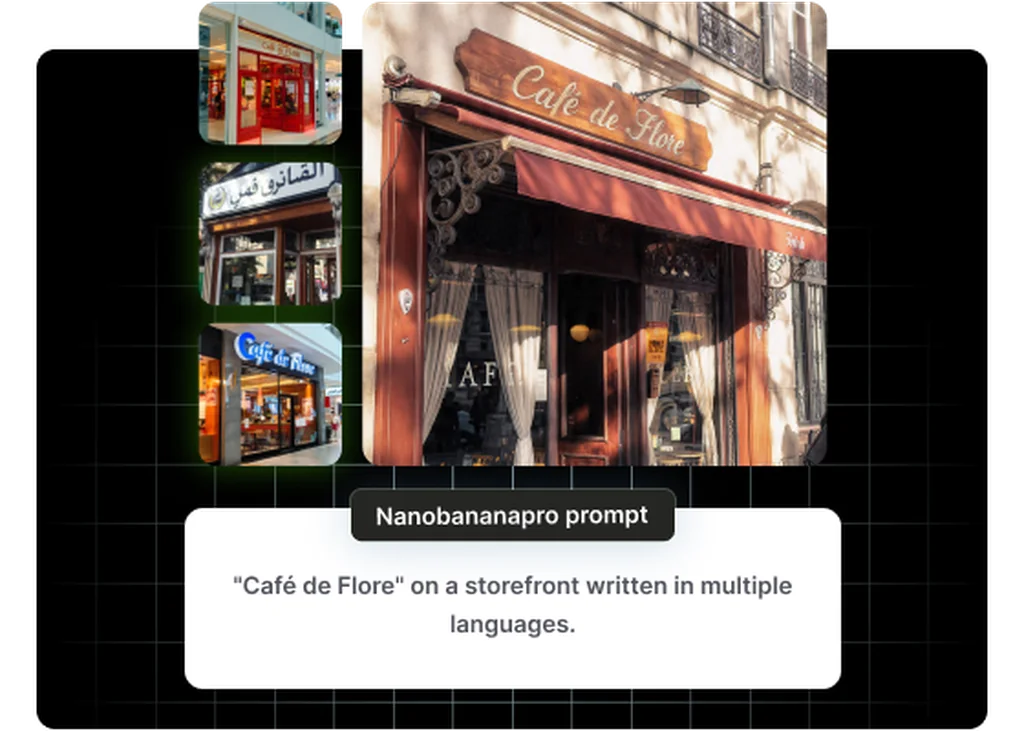
Native Audio with No Post-Production Required
Veo 3.1 generates dialogue, sound effects, and ambient audio in sync with the video in a single pass, so your ad or social spot arrives with a finished soundtrack, not a silent draft to hand off to audio.
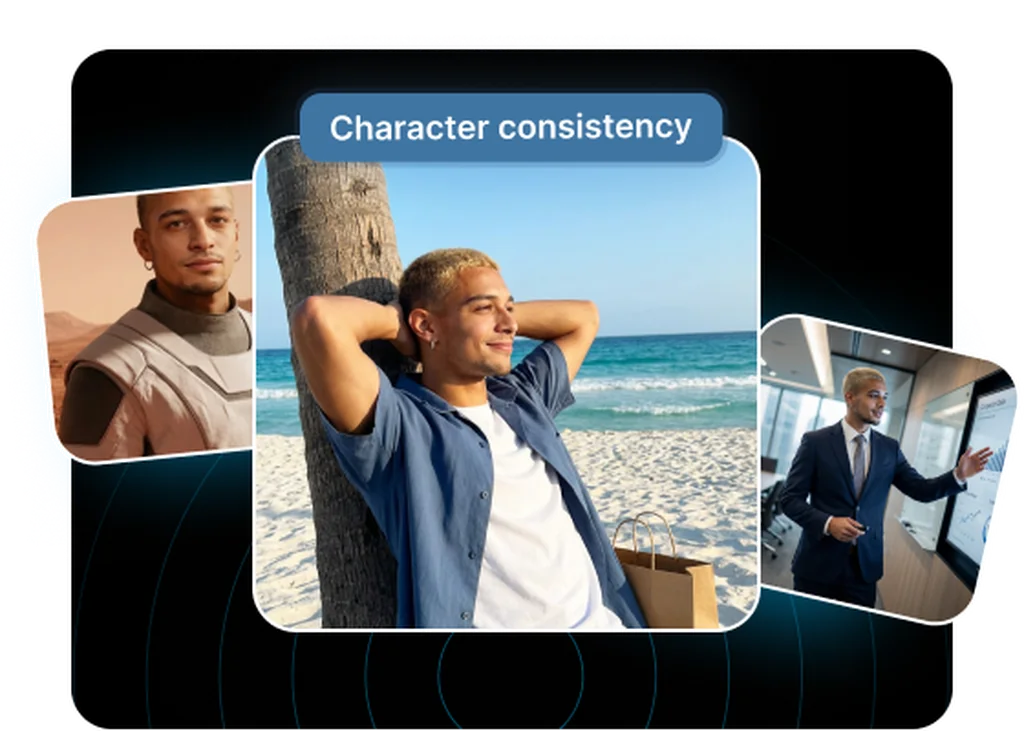
Cinematic Motion and Scene Coherence
Realistic physics, lighting, and camera movement hold together across the full clip, with no flickering subjects or drifting backgrounds. Deliver client-ready product demos and brand films without frame-by-frame cleanup.
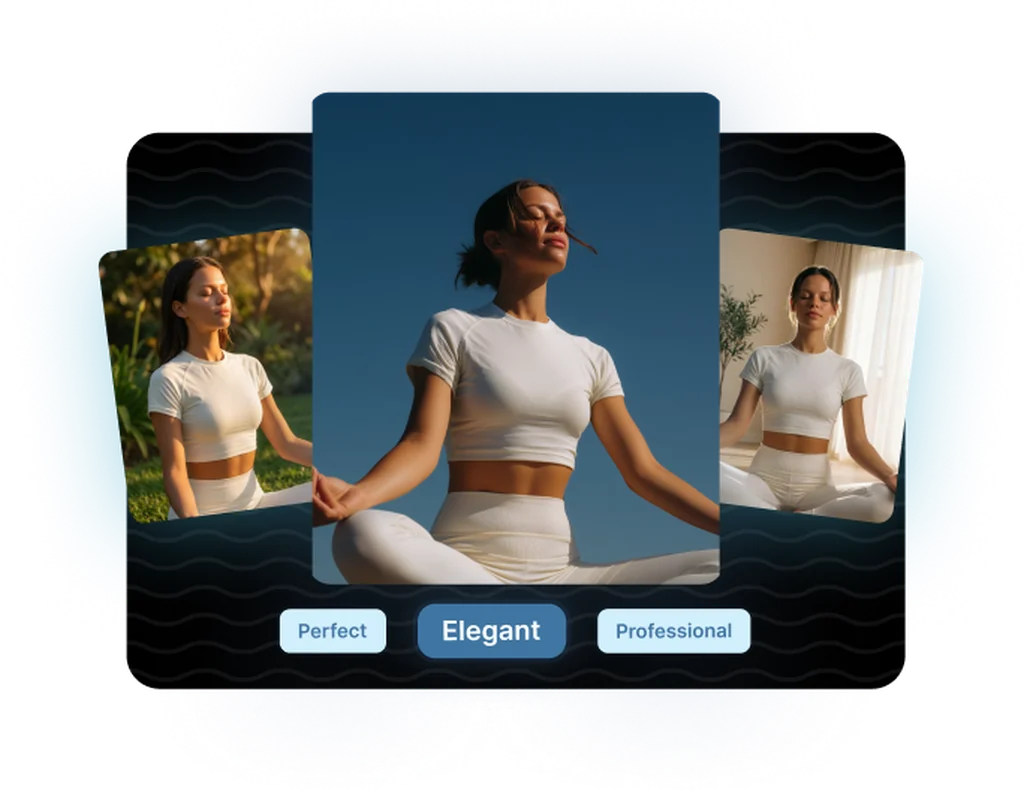
4K at 24 fps for Broadcast and Social
Generate up to 4K resolution at 24 fps in 16:9 or 9:16, matching the format requirements of paid media, broadcast, and vertical social in one model. No separate upscaling or reformat step before publishing.
Explore related categories
Browse adjacent categories and creative directions teams are exploring
Frequently asked questions
What teams need to know about creating with Veo 3.1 in Masonry
What makes Veo 3.1 different from Kling, Runway, and other video models?
A core strength is native audio generation. Veo 3.1 produces ambient sound, sound effects, and dialogue synchronized with the video in a single model pass. Runway and many other tools still output silent clips that need a separate audio step; Kling 3.0 and Wan 2.5 also generate audio now, but Veo 3.1 is regarded as one of the strongest on audio-visual coherence and motion quality, which is what makes it a dependable pick for client-facing commercial work.
How long can a Veo 3.1 clip be?
A single generation produces 4, 6, or 8 seconds of video. Using the extension feature, each call adds 7 seconds of new footage seamlessly matching the style and motion of the preceding clip. You can chain up to 20 extensions, reaching a theoretical maximum of 148 seconds of continuous footage from a single creative concept, viable for short brand films and extended social content.
What resolutions and aspect ratios does Veo 3.1 support?
Veo 3.1 generates at 720p, 1080p, and 4K (3840×2160) at 24 fps. Supported aspect ratios are 16:9 (landscape) for standard ad formats, broadcast, and YouTube, and 9:16 (portrait) for TikTok, Instagram Reels, and YouTube Shorts. There is no 1:1 or 4:3 support in the current preview.
Can Veo 3.1 animate an existing image (image-to-video)?
Yes. Veo 3.1 supports image-to-video, accepting a reference image at 720p or higher resolution as the opening frame. The model animates from that starting frame, which is useful for bringing existing brand photography, product shots, or concept art to life without re-prompting the entire visual from scratch.
How accurate is the lip-sync when generating dialogue?
Veo 3.1 generates dialogue with tight lip-sync, so spoken audio tracks the character's mouth movements closely rather than looking dubbed. Google notes that perfectly consistent spoken audio is still an area of active development, but generating speech in the same pass as the video is a meaningful improvement over layering audio in afterward for ad creative and social content with talking characters or voiceovers.
What is the audio quality of Veo 3.1 outputs?
Veo 3.1 generates its audio (ambient sound, sound effects, and dialogue) in the same pass as the video, so it arrives already synced to the visuals rather than layered on afterward. You can describe the desired ambience, effects, and dialogue in the prompt and the model will synthesize audio that fits the described scene.
Can Veo 3.1 be used commercially?
Commercial use of Veo 3.1 outputs is permitted for users on Vertex AI or Gemini Enterprise subscriptions under Google's API terms. This covers advertising, marketing materials, branded content, and client deliverables. All outputs include SynthID watermarking for provenance tracking, which does not restrict commercial use.
Does Veo 3.1 apply a visible watermark to videos?
No visible watermark is added. Every output carries an invisible SynthID digital watermark embedded in the video data. SynthID survives common editing operations including color grading, cropping, and compression, and it functions as a machine-readable provenance record rather than a visible brand mark.
What is the API cost for Veo 3.1?
Veo 3.1 is billed per second of generated video on the Vertex AI and Gemini APIs, with a lower-cost Veo 3.1 Fast tier for teams that prioritize speed over maximum quality. Per-second API rates change over time, so check Google's current Vertex AI pricing for exact figures. For non-API access, Google AI Pro and Ultra subscriptions bundle generation credits through Google's consumer apps.
How does Veo 3.1 handle motion quality for fast-moving subjects?
Veo 3.1 is notably strong at fast-motion content (athletes, vehicles, pouring liquids, and sizzling food), which is why it works well for sports, beverage, and food advertising. The model maintains subject coherence and realistic physics through rapid motion, where competing models sometimes produce flickering or distorted subjects.
What prompt elements most improve Veo 3.1 results?
Describe three things explicitly, the visual scene, the motion happening in the frame, and the audio you want (ambient, effects, or dialogue). Veo 3.1 generates all three natively, so including audio intent in the prompt gives you a more complete clip in one pass. Camera movement cues (dolly, pan, handheld) also carry well into the output.
Is there a Veo 3.1 Fast tier and when should I use it?
Yes. Veo 3.1 Fast is a speed-optimized variant that generates clips faster at lower cost per second. It's suited to rapid ideation, storyboarding, and pre-visualization where you're exploring concepts rather than generating final assets. Use full-quality Veo 3.1 for client-facing deliverables, and Veo 3.1 Fast for the exploration phases where iteration speed matters more than polished output.
What is Veo 3.1?
Veo 3.1 is an AI video generation model from Google, available inside Masonry, the AI creative agent teams use to produce marketing, product, and brand videos.
How does my team use Veo 3.1 in Masonry?
Open a Masonry canvas, pick Veo 3.1 from the model selector, and describe the video you need: a product shot, an ad creative, a social post. Masonry generates it, then you refine, edit, and combine Veo 3.1 with other models in one workspace.
Is Veo 3.1 free to try?
Yes, you can start generating videos with Veo 3.1 on Masonry's free tier, then scale up with higher limits and priority processing as your team grows.
How do I write good prompts for Veo 3.1?
Describe the scene, the motion, AND the sound you want. Veo 3.1 generates audio natively, so naming the ambience or effects gives you a more complete clip in one pass. See the prompt gallery on this page for real Veo 3.1 prompts you can copy and adapt.
Who makes Veo 3.1?
Veo 3.1 is built by Google. Inside Masonry it runs alongside 50+ image and video models, so your team can pick the right one for each brief without switching tools.
Can I see examples made with Veo 3.1?
Yes, the prompt gallery on this page shows real videos teams have generated with Veo 3.1 in Masonry, each paired with the exact prompt you can copy and adapt for your own brand.
Start creating with Veo 3.1
Generate, edit, and compare across 50+ models in one workspace.
Guides for Veo 3.1
Prompt walkthroughs and examples from the Masonry blog
Explore more AI models
Compare Veo 3.1 with other models teams run in Masonry