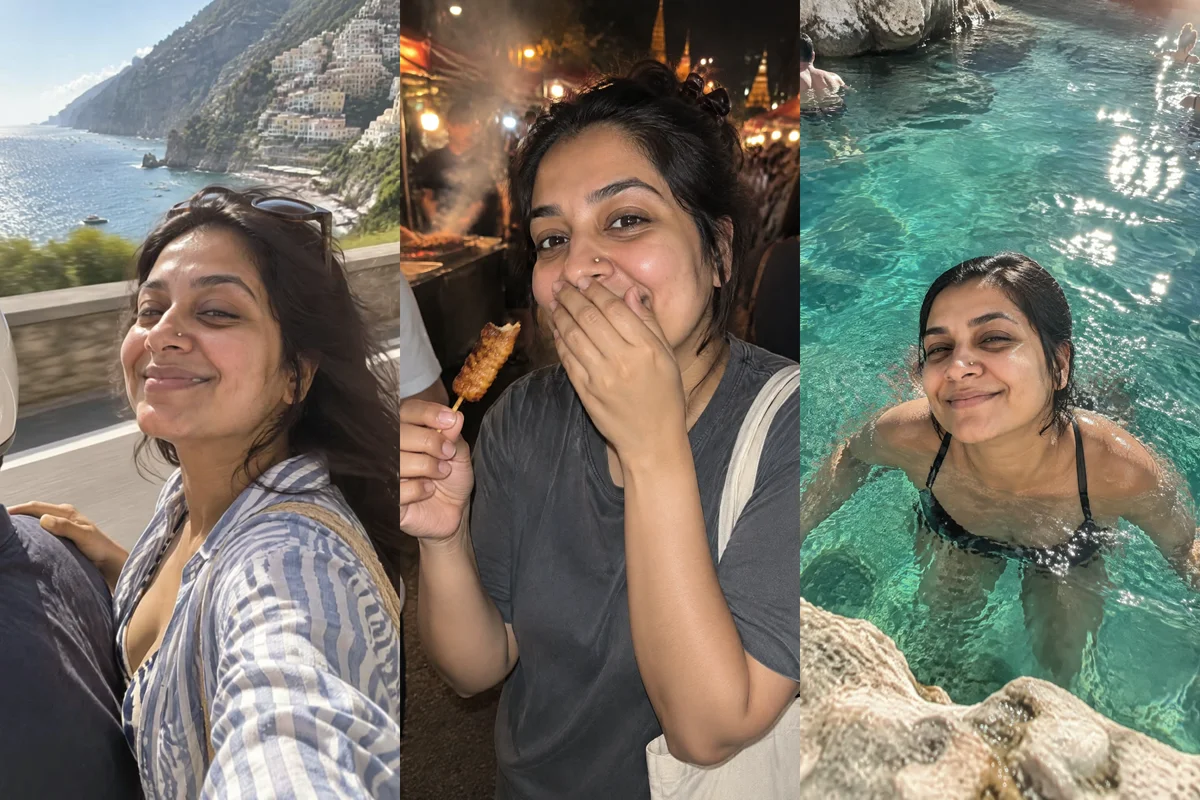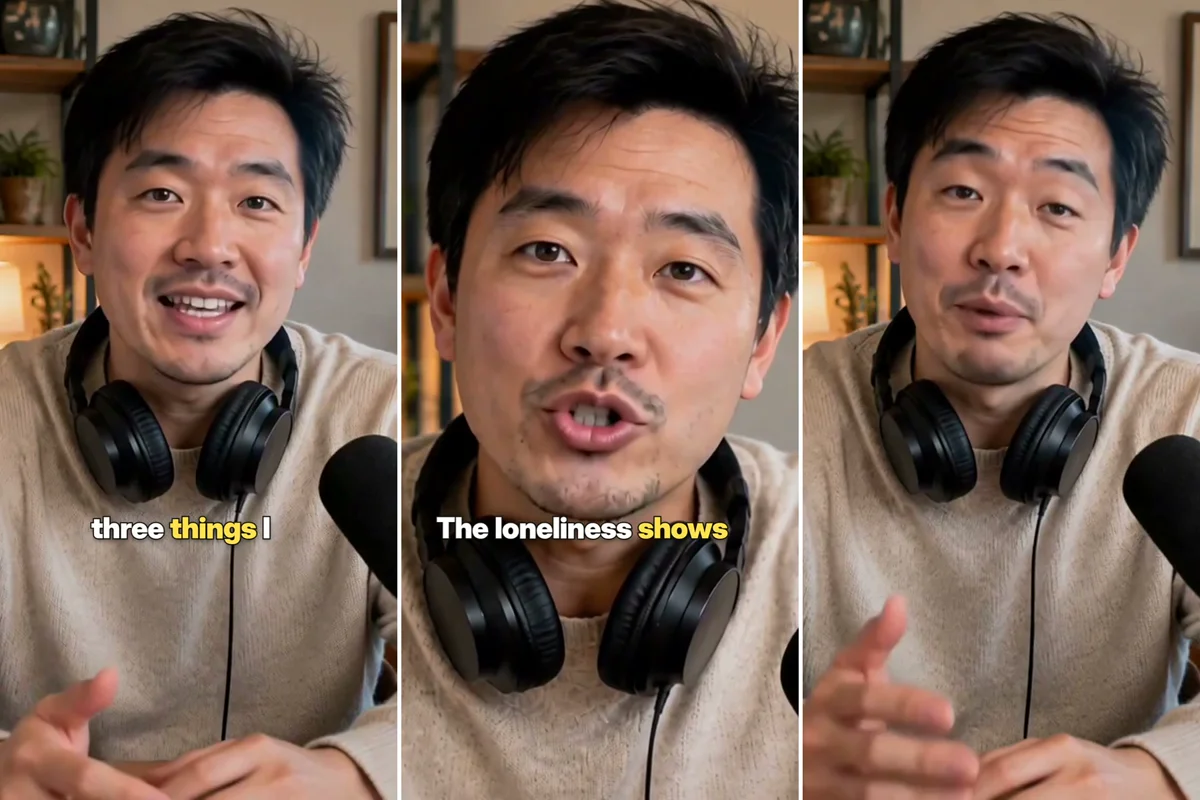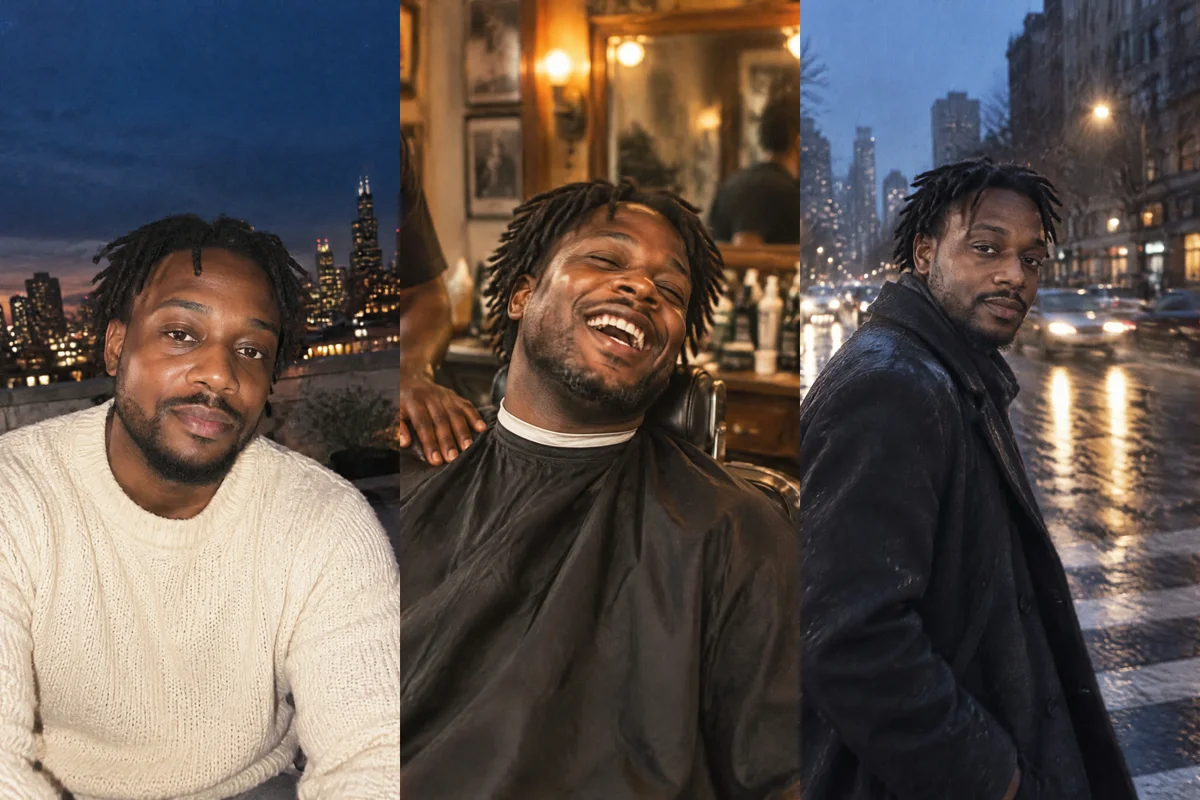
To get Instagram-worthy portraits from one selfie, connect Masonry to ChatGPT, attach the selfie, type @Masonry and describe the portrait you want: a golden-hour editorial shot, a moody black and white, a film-camera street portrait. Masonry passes your selfie to the image model as a reference so the face stays yours, and returns up to four portraits, usually in 10 to 40 seconds.
From there you keep going in the same chat: change the outfit, warm up the light, make a 4:5 version for the feed and a 9:16 for Stories, enlarge the keeper for print, or turn it into a five-second moving portrait for Reels. Everything is saved in your Masonry workspace too.
This guide covers setup, which selfie to use, five portrait styles to copy, the tools that run, costs and fixes.
Set up Masonry in ChatGPT
- Open ChatGPT plugins, select Add, then Add custom MCP server.
- Name it Masonry, paste
https://masonry.so/mcpand create it. - Select Connect, then Allow on masonry.so, where you sign in or create an account and pick your workspace.
- Start a new chat and type
@Masonrybefore your ask.
The ChatGPT setup page keeps these steps current. Using Claude instead? The same tools work after you add Masonry as a custom connector, but Masonry needs a direct link to your photo there rather than an attachment.
Pick a selfie the model can read
- Face fully visible and sharp, no sunglasses or hands in the way.
- Soft, even light, like a window in daytime.
- No beauty filter: the model needs your real skin, brows and hairline.
- Just you in the frame.
- A JPEG, PNG or WebP up to 15 MB.
A second selfie from a three-quarter angle helps when you want the same face across many portraits. For a steady likeness over weeks of posts, save yourself as a character once and name it in each ask; the daily AI character guide shows how.
Five portrait styles to copy
Each ask below assumes the selfie is attached. Change the bracketed parts to fit you.
1. Golden-hour editorial
@Masonry use my attached selfie and keep my face exactly as it is. A golden-hour editorial portrait of me on a rooftop, warm low sun from the left lighting one side of my face, soft lens flare, wearing a [cream linen shirt], 85mm portrait lens look, shallow depth of field, natural skin texture, no beauty filter. 4:5. Give me 4 takes
2. Black and white studio
@Masonry from my attached selfie, a black and white studio portrait: plain dark gray backdrop, one large soft light from the side, deep shadows on the other side, [black turtleneck], looking just past the camera, calm and serious. Fine film grain. 4:5
3. Film-camera street portrait
@Masonry using my selfie, a candid street portrait of me crossing a city street in [Paris] in late afternoon, shot on 35mm film, slightly warm colors, a little motion in my coat, people blurred in the background. Use the film style. 4:5
4. Phone-candid café shot
@Masonry with my selfie, a candid phone photo of me laughing at a small café table by the window, a cappuccino and an open book in front of me, taken from across the table by a friend, slightly off-center, soft daylight. No filter. 4:5
5. Clean profile headshot
@Masonry from my attached selfie, a clean professional headshot for my profile: head and shoulders, soft light, plain light-gray background, [navy blazer], friendly half smile, looking at the camera. Square 1:1. Keep my face, hair and skin tone exactly as they are
For headshots specifically, you can also ask for Masonry's Headshot Studio template by name; the assistant reads its guide and follows it. The Headshot Studio page shows example results.
Style presets you can name
Instead of describing a whole look, you can name one of Masonry's style presets and let it blend into your description:
| Preset | Good for |
|---|---|
| photorealistic | Everyday portraits that should read as a photo |
| editorial | Magazine-style portraits with deliberate lighting |
| cinematic | Wide, moody frames that look like a film still |
| film | Grain and color that feel like analog film |
| vintage | Faded, older-photo looks |
| anime, watercolor, line_art, render_3d | Illustrated or stylized versions of you |
Say "use the editorial style" or "in the watercolor style" and the assistant passes it along.
What happens behind the scenes
add_reference_imagestores the selfie you attached privately in your workspace and returns a link the other tools use. It costs nothing.generate_imagemakes the portraits with your selfie as the reference. With "4 takes" it makes four versions of one description; with four different descriptions it makes one of each. The shape (such as 4:5) and the style preset apply to every image in the call.remix_imageedits one portrait by its job id when you ask for a change, keeping the composition.upscale_imageenlarges the keeper to 2x, 3x or 4x and sharpens it, for print or a crisp profile photo.animate_image(optional) turns a portrait into a short clip, for example a slow push in while you blink and smile.
Masonry's notes tell the assistant to pass a reference whenever a real person is in the picture, because without one the model invents a look-alike. If a portrait comes back with a stranger's face, check that the assistant passed your selfie as the reference. If it did, try a sharper, evenly lit selfie.
Tips for portraits worth posting
Describe the light first. "Warm low sun from the left", "one big soft light from the side", "window light from behind". Light does more for a portrait than any adjective.
Name a lens look. "85mm portrait lens" gives flattering compression and a soft background; "35mm film" feels closer and more candid.
Ask for real skin. "Natural skin texture, no beauty filter" keeps freckles, pores and fine lines that make a portrait look like you, not a render. The realistic AI photo prompt guide has six tested portrait prompts with more of these cues.
Make a grid in one go. For a cohesive Instagram grid, ask for four different scenes in the same style and color in one call, so they match.
Edit, don't restart. When a portrait is 90% right, ask for the one change ("make the shirt navy", "remove the earring"). A new generation may lose what you liked.
Bring it to life. A 5-second clip of your best portrait, with a blink and a small smile, works as a Reel cover or a profile video.
What it costs
Connecting Masonry is free, and storing your selfie costs nothing. Images spend credits from your Masonry workspace, and 1 credit is 1 US cent. As of November 2026:
- A portrait: under 1 credit on the default model, about 6 on Nano Banana 2.1 and about 16 on Nano Banana Pro.
- A set of four: about 3 credits on the default model.
- Edits and upscales: priced by the model used; ask the assistant to list models for exact prices.
- A 5-second moving portrait: about 48 credits on the default video model, MiniMax H3 Max.
New accounts get 50 free credits for 30 days, which cover images on GPT Image 2.5 Flare at Standard quality. Other models, including video, need a paid plan. When a request needs credits or a plan, Masonry's reply in ChatGPT says what ran out and links to the Masonry plans page; you manage credits in your Masonry account.
Limits and troubleshooting
The face drifts. Use a sharper, evenly lit selfie, add a three-quarter view, and say "keep my face exactly as it is". Redo only the portraits that miss.
Jewelry, hands or glasses look odd. Ask for one edit at a time with remix_image, or for a pose where hands are out of frame.
The shape was refused. Each image model supports its own set of shapes. Masonry refuses a shape the model can't make instead of quietly changing it, and the reply lists the shapes that work.
My attachment wasn't used in Claude. Masonry can take files attached in ChatGPT. In Claude and other apps, give a direct link to the image file.
Someone else's selfie. Only with their permission. Don't use AI portraits where a real, unedited photo is required.
Where to go next
The Masonry MCP page lists every image and video tool. For more people-first ideas, put yourself on holiday anywhere with the same selfie, or browse templates. Building a website or app and need images in your project? The same tools work in Cursor and VS Code.