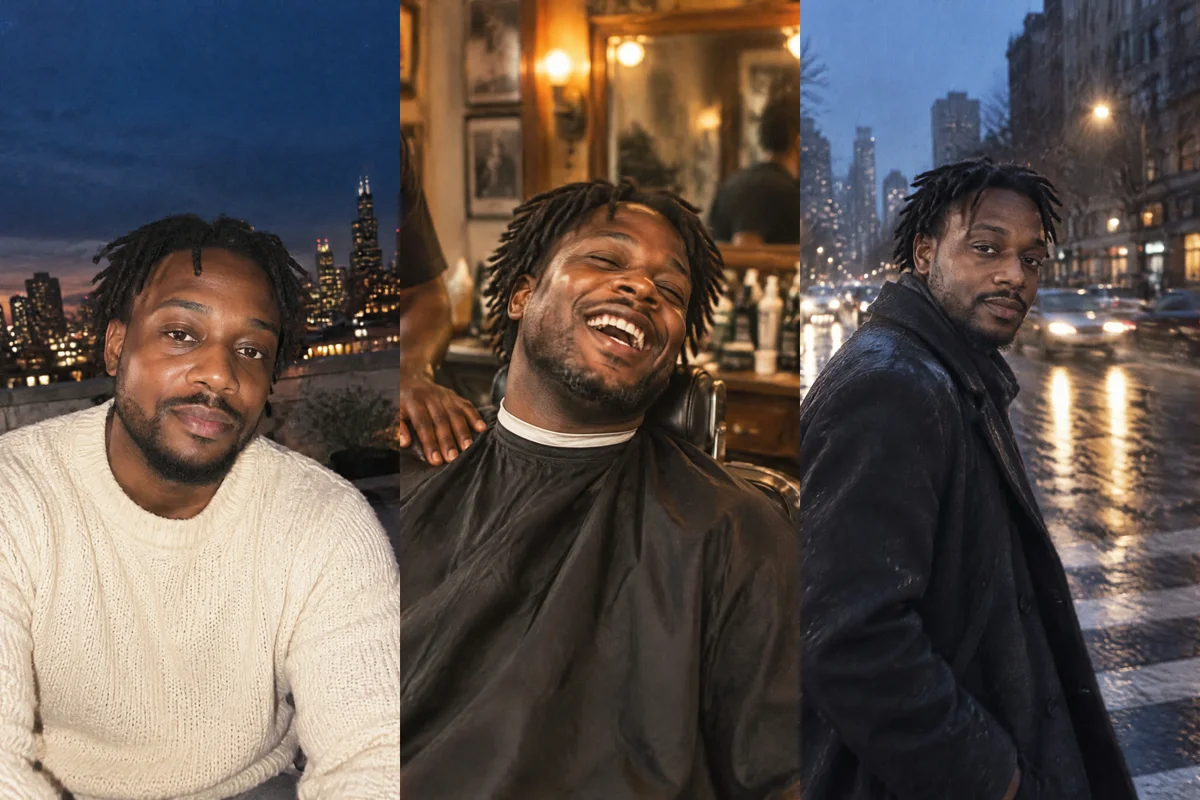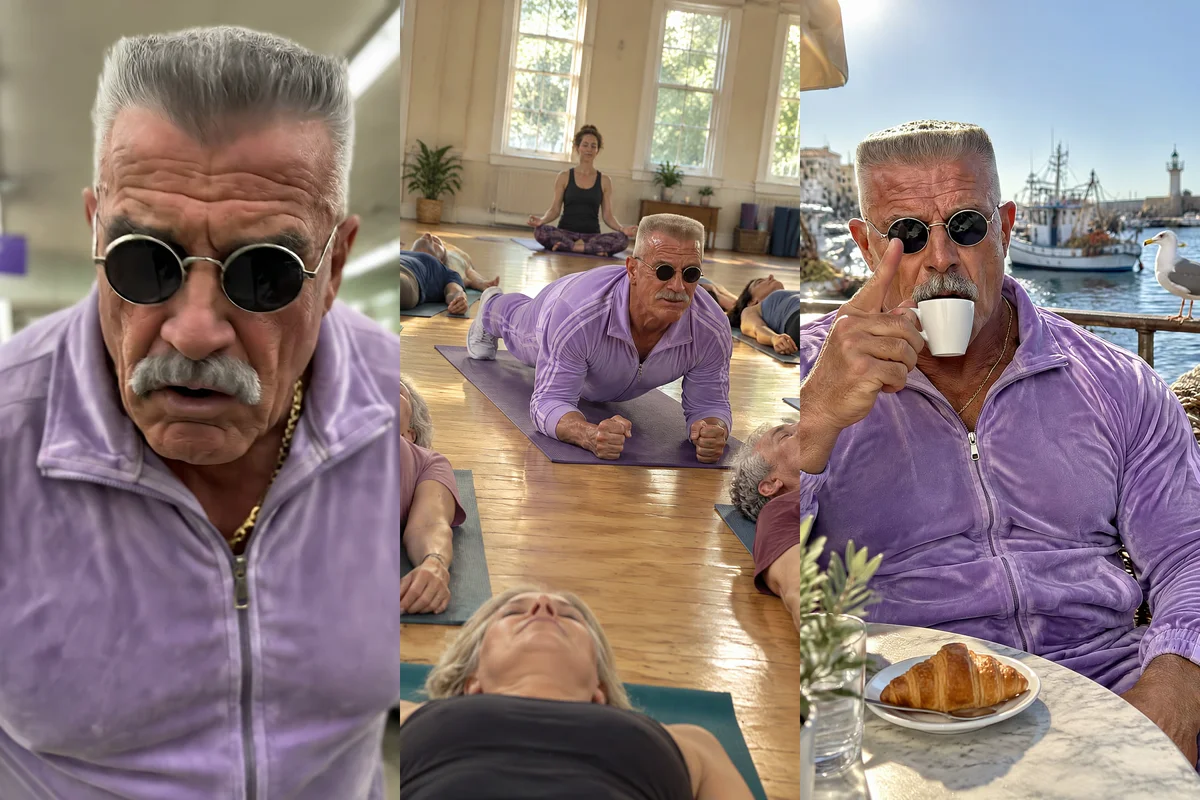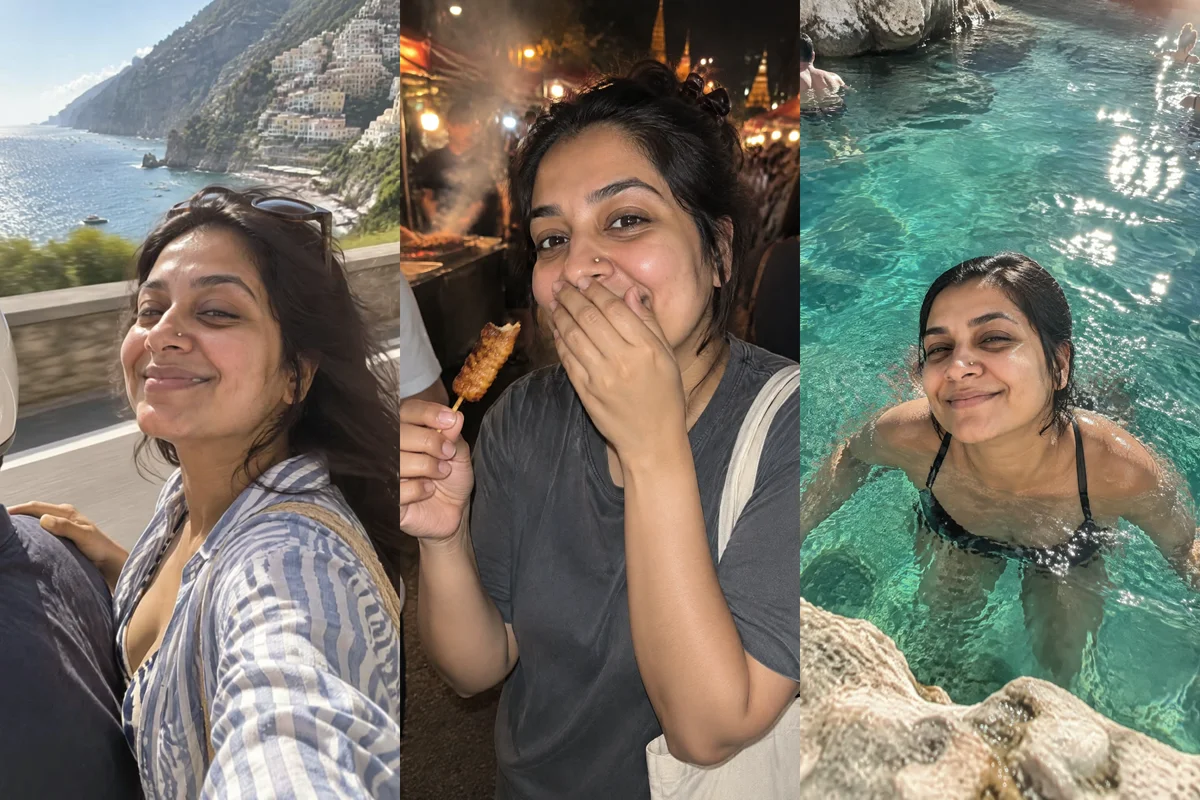
To put yourself on holiday anywhere, send one clear selfie to ChatGPT or Claude with Masonry connected and ask for photos of you in the place you want. Masonry passes your selfie to the image model as a reference so the face stays yours, makes up to four different travel shots in one go, and can animate your favorite into a short vertical clip for Reels or TikTok.
People use this for all kinds of reasons: a birthday post from a beach you'd love to visit, a moodboard before booking a trip, a joke carousel of "me at every wonder of the world", or a travel account that needs content between real trips. Whatever the reason, it takes one photo and a few minutes.
This guide covers which selfie works best, the asks to copy, the tools that run in the background, costs, and how to fix the usual problems.
Step 1: Connect Masonry
ChatGPT: in ChatGPT plugins select Add, then Add custom MCP server. Name it Masonry, paste https://masonry.so/mcp, create it, select Connect and then Allow on masonry.so. Type @Masonry in a new chat. Full ChatGPT steps.
Claude: on the Claude setup page, select Add to Claude, check the URL reads https://masonry.so/mcp, select Continue, then Connect and Allow on masonry.so.
One difference matters here. In ChatGPT you can attach your selfie straight to the message. In Claude, Masonry needs a direct link to the photo file, or you can create a character from your photos in the Masonry app and ask Claude to use it by name.
Step 2: Pick the right selfie
The selfie does most of the work, so choose it on purpose:
- Face fully visible, looking at the camera or slightly to the side.
- Even, soft light. A window in daytime beats a ring light or a dark bar.
- Nothing covering the face: no sunglasses, no hand at the chin, no hair across the eyes.
- Just you. A second face in the frame gives the model two people to choose from.
- Unfiltered. Beauty filters smooth out the details that make your face yours.
A JPEG, PNG or WebP up to 15 MB works.
Step 3: Ask for the trip
Ask for several places at once. Masonry makes up to four different images in one call, each from its own description, all with your selfie as the reference.
@Masonry use my attached selfie and keep my face exactly as it is. Make 4 vertical photos of me on holiday in Santorini, each taken on a phone by a friend: on a whitewashed rooftop at sunset with the blue domes behind me, laughing at a café table with a frappé, walking down narrow white steps in a linen dress, and sitting on the harbor wall at golden hour. Natural skin, no filters
@Masonry using my attached selfie, make 4 photos of me in Kyoto in cherry blossom season: under the blossoms by a canal, at an old wooden tea house, in a quiet temple garden at early morning, and on a lantern-lit street at night. Same face in all four, casual travel outfit, 4:5 for Instagram
Write each place as if you were telling a photographer where to stand: the spot, the time of day, what you're doing, what's behind you.
Step 4: Fix the details
When one photo is nearly right, edit it instead of starting again. Masonry keeps the composition and changes only what you ask.
@Masonry in the café photo, change my top to a white linen shirt, remove the person in the background, and make the light a bit warmer. Keep my face and pose the same
Step 5: Turn the best shot into a clip
@Masonry animate the sunset rooftop photo into a 5 second vertical clip: slow orbit around me, my hair moves in the breeze, I turn and smile at the camera. Keep my face the same
For a full holiday reel, ask for three or four clips and one music track, then have them joined:
@Masonry make a 15 second vertical holiday reel from the rooftop, the white steps and the harbor photos: animate each for about 5 seconds with a gentle camera move, add a light summery acoustic track, join them with crossfades, and put "Santorini, someday" on screen for the first 2 seconds
What happens behind the scenes
| Step | Tool | What it does |
|---|---|---|
| Your selfie | add_reference_image | Stores the photo you attached privately in your workspace and returns a link the other tools use. Free |
| The trip | generate_image | Up to 4 different prompts in one call, each image with your selfie as the reference |
| Fixes | remix_image | Edits one finished image by its job id, keeping the composition |
| The clip | animate_image | Turns a photo into a short clip, with an optional camera move such as orbit, dolly_in or handheld |
| The music | generate_audio | Makes an instrumental track from a description |
| The reel | combine_clips | Joins the clips with transitions, music and on-screen text |
Masonry's notes tell the assistant to pass a reference whenever a real person is involved, because without one the model invents a look-alike. That's why the selfie goes in first.
Tips for photos that look like you, and like a trip
Phone-photo language beats studio language. "Taken on a phone by a friend", "slightly off-center", "squinting a little in the sun" reads as a real holiday photo. "Professional portrait, perfect lighting" reads as an ad. The AI UGC photo guide has more of these cues.
Match the light to the time of day. Golden hour on a beach, soft overcast in a city, lantern light at night. When the light on your face matches the light in the scene, the photo holds together.
Dress for the place. Name the outfit. Otherwise you may end up in a coat on a tropical beach, or in whatever you wore in the selfie.
Let something go slightly wrong. Hair blowing into your mouth, squinting into the sun, a flash photo at a night market. The trips people share now are messy, and a small mishap reads as a real moment where a perfect sunset reads as a stock photo.
Keep crowds in the background. Ask for "a few people far in the background, out of focus". Busy foregrounds are where faces and hands go wrong.
Planning lots of trips? Save yourself as a character. Make one clean image of you alone on a plain background, then ask the assistant to save it as a character. Name the character in each ask and your face carries across every set. The daily AI character guide shows the routine, and the consistent character tutorial covers checking a face across a moving shot.
Keep it honest. These are fun pictures, not proof of a trip. Don't use them to mislead people, and label them as AI where the platform asks you to.
What it costs
Connecting Masonry is free, and storing your selfie costs nothing. Generations spend credits from your Masonry workspace, where 1 credit is 1 US cent. As of November 2026:
- Photos: under 1 credit on the default model, about 6 on Nano Banana 2.1 and about 16 on Nano Banana Pro. A set of four on the default model is about 3 credits. Our Amalfi, Bangkok and Mallorca set cost about 6.
- Edits: priced like images, by the model used.
- Clips: about 48 credits for 5 seconds on the default video model, MiniMax H3 Max, which is used unless you name another.
- A 15-second reel of three clips: about 144 credits for the clips, plus the music and a render of at least 1 credit.
New accounts get 50 free credits for 30 days, which cover images on GPT Image 2.5 Flare at Standard quality. Other models, including every video model, need a paid plan. When a request needs more credits or a plan, Masonry says so in the chat: in Claude with the prices and a link, in ChatGPT with a link to the Masonry plans page, and you add credits in your Masonry account.
Limits and troubleshooting
It doesn't look like me. Try a clearer selfie (see Step 2), say "keep my face exactly as it is", and redo just that image. For the steadiest results across many images, save yourself as a character.
My selfie was ignored in Claude. Claude can see attachments, but Masonry can't receive them from Claude. Use a direct link to the image file, or create your character in the Masonry app first.
Hands or feet look wrong. Ask for a pose where hands hold something or rest in a pocket, and redo that one image with remix_image.
Signs and menus show nonsense text. Ask for "no readable text in the background", or keep signs out of focus.
The clip changes my face. Ask for a smaller movement: a slow push in or a gentle breeze rather than a spin. Large head turns are where likeness slips.
Someone else's photos. Use only photos of yourself or of someone who said yes. Masonry's tools are told to animate a real person only with that person's permission.
Where to go next
All the tools behind this are on the Masonry MCP page. If you want more angles of one photo you already love, the camera angles template reshoots it from new positions; other ideas are in templates. Turning holiday clips into ads for a product? See UGC video ads in Claude and ChatGPT. New to video in chat? Start with how to make videos in ChatGPT.