

- Seconds
From a phone photo to a finished shot
- 60+
AI models in one workspace
- Any scene
Studio, lifestyle, flat lay, hero, macro
- Up to 4K
Export resolution for listings and ads
From a plain photo to a finished product shot
Four steps, no studio booking and no photographer.
- 01
Upload your product
Drop in a clean photo of the real item. A simple phone shot on a plain background is enough to start.
- 02
Describe the scene
Call out the setting, surface, lighting, and mood you want, or pick a style like studio packshot, lifestyle, or flat lay.
- 03
Generate and compare
Get multiple shots at once and compare how each model preserves your product, then keep the strongest result.
- 04
Refine and export
Swap the background, adjust the light, regenerate a detail, and export in high resolution for your store and ads.
Use the best AI model for every product shot
No other tool lets you compare them. Each model preserves products differently across glass, labels, fabric, and metal, and Masonry gives you all of them so you keep the one that nails your SKU.
Nano Banana Pro
Best all-rounder for product photography. The strongest at faithful staging, lighting, and materials while keeping your real product intact.
ByteDance
Seedream 4.5
Fast, high-detail renders for exploring lots of scene directions before you lock in the hero shot.
Black Forest Labs
FLUX.2 Pro
Sharp, controllable output, the pick when you want one consistent look locked across a whole catalog.
Imagen 4 Ultra
Crisp, true-to-prompt detail when the brief is precise about specific surfaces, finishes, and reflections.
OpenAI
GPT Image 2
Reliable edits and restyles. Use it to keep a shot you like and change only the background, palette, or a single detail.
Recraft
Recraft V3
Clean, design-forward output with strong brand-style control, useful for packaging-led and on-brand campaign looks.
Redesign any outdoor space
Jump straight into a tool tuned for the space you are working on.
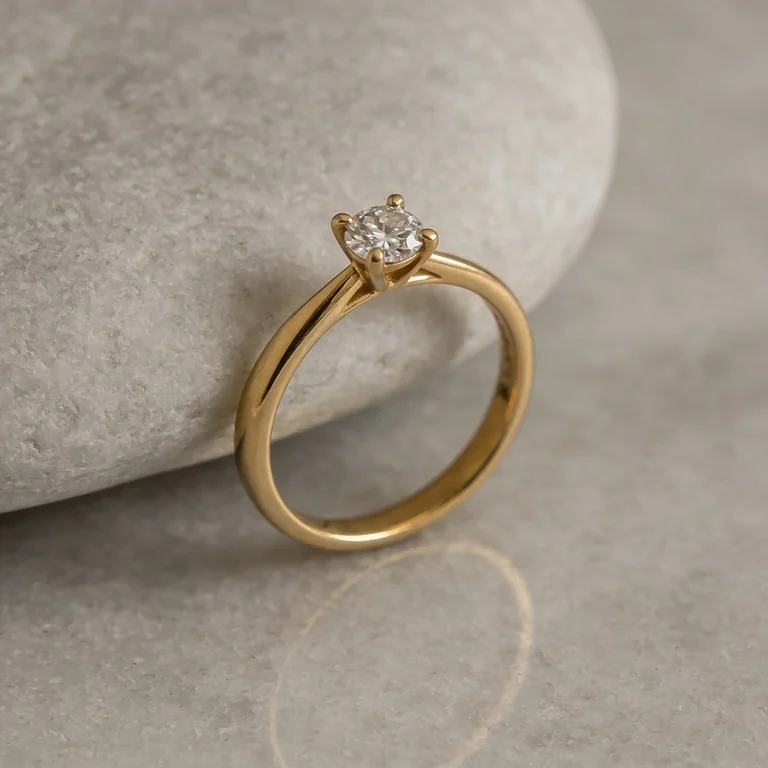
AI Jewelry Photography
Macro and hero shots that keep your metal, stones, and setting intact.
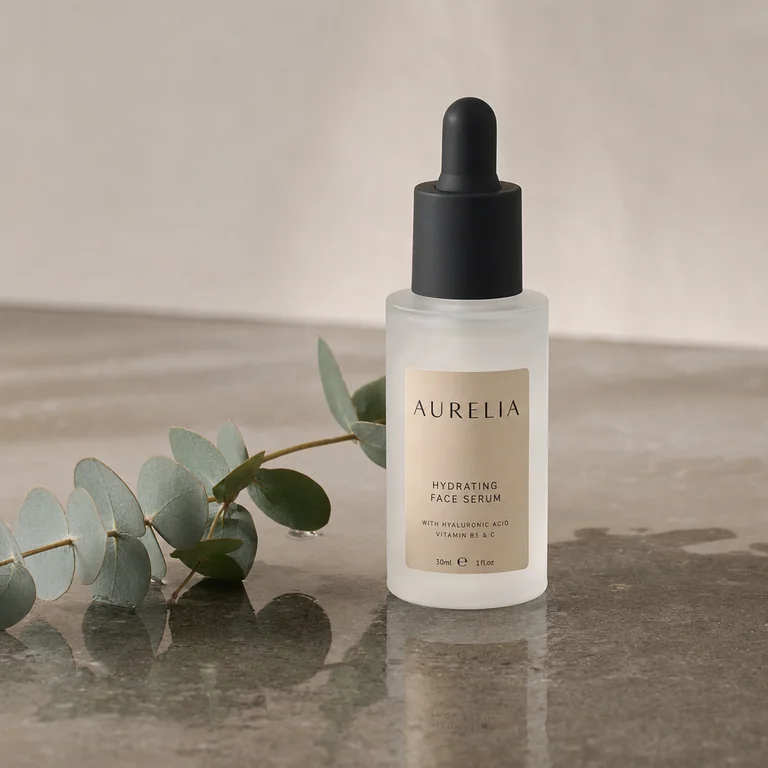
AI Skincare Product Photography
Frosted-glass hero shots that keep your brand name and claims readable.
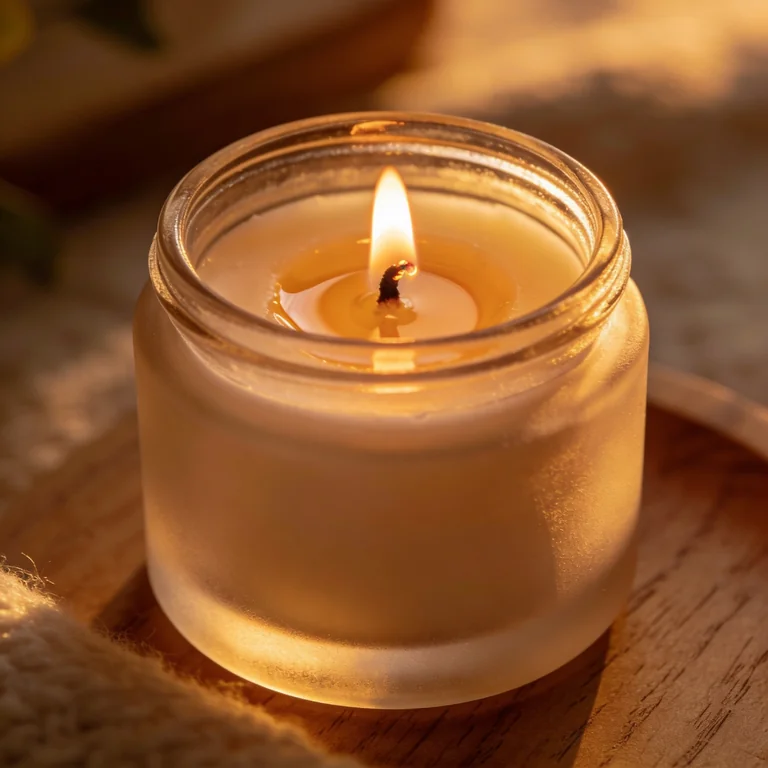
AI Candle Product Photography
Glowing jar heroes where the flame actually behaves like a light source.
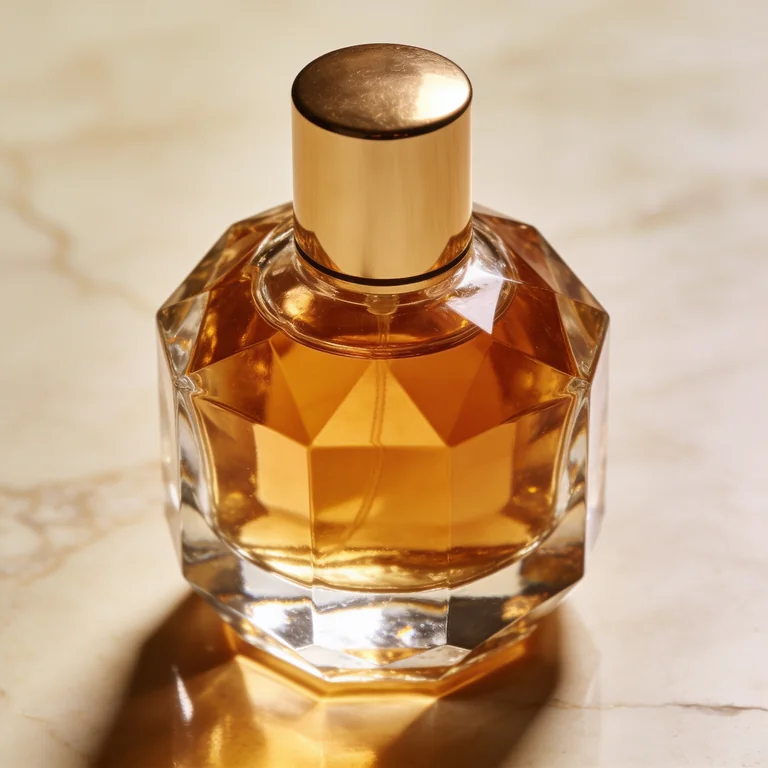
AI Product Photography for Shopify
Listing-ready shots across a whole catalog, consistent SKU to SKU.
Everything you need to ship listing-ready shots
Generate, restyle, and refine product photos without a studio, a photographer, or a separate background tool.
Keeps your real product
Start from a photo of the actual item and the scene is built around it, so the label, shape, and finish stay yours instead of being reinvented.
Every top model in one place
Run the same product through Nano Banana Pro, FLUX, Seedream, Imagen, and GPT Image, then keep whichever preserves it best.
Any scene on demand
Clean studio packshots, warm lifestyle scenes, flat lays, splashes, and hero shots. Restyle the same product across looks in one click.
Catalog speed
Shoot a dozen directions in the time a single studio setup used to take, and turn a whole catalog around in an afternoon.
On-brand and consistent
Anchor on a reference, lock a palette and lighting style, and keep the same look across every SKU in the range.
Commercial-ready output
Export high-resolution shots you can put straight on Shopify, Amazon, paid social, email, and printed catalogs.
Every product shot type, on demand
Name any setup, or anchor on a reference. The ones ecommerce teams generate most:
- Studio packshotClean product on a seamless white or neutral sweep, the catalog and marketplace standard.
- LifestyleThe product in a real, in-use scene that sells the mood as much as the item.
- Flat layTop-down arrangement with props and negative space for social and editorial.
- Hero shotOne dramatic, art-directed image for the top of a product page or an ad.
- Macro / detailClose-up on texture, material, and craftsmanship: stitching, grain, finish.
- Floating / levitationProduct suspended in space with clean shadows for a modern, premium look.
- On-modelApparel, jewelry, and accessories worn in context for fit and scale.
- Outdoor / natural lightSunlit, real-world settings for an authentic, less-staged feel.
- Dark / moodyDeep backgrounds and directional light for luxury and premium categories.
- Splash / liquidBeverages and cosmetics with motion, droplets, and energy in the frame.
- Group / setA full range or bundle arranged together for a collection or gift story.
- SeasonalHoliday and seasonal scenes for campaigns without a new photo shoot.
Built for real ecommerce work
The same workspace covers the shots that actually sell, from a marketplace listing to a paid-social campaign.
Shopify and DTC stores
Fill out a product page with clean packshots and lifestyle scenes that match your brand, without a studio day.
Amazon and marketplaces
Generate compliant white-background main images plus rich secondary shots that lift conversion.
Paid social and ads
Spin up scroll-stopping creative variations for Meta and TikTok and test scenes without a new shoot each time.
Email and lifecycle
Fresh seasonal and promo visuals for every send, on brand and ready in minutes.
Catalogs and lookbooks
Shoot an entire range in one consistent style and turn the catalog around in an afternoon.
Agencies and studios
Deliver more concepts per client, faster, and explore directions before committing to a physical shoot.
Your shots, yours to sell
Every product shot you generate is high-resolution and licensed for commercial use, so you can put it straight on Shopify, Amazon, paid social, email, and printed catalogs. No watermarks, no per-image fees, no waiting on a studio. Treat AI visuals as creative output, and review each model's terms for regulated categories, named entities, or trademarked content.
AI product photography vs booking a studio shoot
Not a replacement for a great photographer on a flagship campaign, but a far faster way to ship the dozens of shots a store actually needs every season.
- Minutes
From a phone photo to a finished shot, not a week of scheduling
- $20/month to start
Versus $500+ per product for a studio shoot
- Unlimited
Scenes and variations, not a fixed shot list
- Any setting
Any scene on demand, without building a physical set
Real product shots made with Masonry
A sample of product photos generated by the Masonry community across categories and styles.
AI product photography questions
What ecommerce teams ask before they switch.
Can AI actually generate professional product photos?
Yes. Upload a plain photo of your product and Masonry generates clean studio packshots, lifestyle scenes, flat lays, and hero shots in seconds. The right model picks preserve your real product faithfully, so the result reads as a designed studio shot rather than an obviously-AI mockup.
Will it keep my exact product, label, and shape?
Yes, and this is the part that matters most. You upload a clean photo of your real product, and the models restyle the scene around it, so the label text, shape, color, and finish stay yours instead of being reinvented. Different models hold fidelity differently on the hard cases (frosted glass, small printed labels, reflective metal), which is exactly why comparing several on your actual product beats trusting one pipeline. Upload the clearest, best-lit shot you have for the most faithful result.
Which AI model is best for product photography?
There is no single best model, and that is the point. Different models win at different briefs, so Masonry gives you all of them in one workspace and lets you compare results side by side. For product photography, Nano Banana Pro is the best all-rounder for photoreal results with faithful layout, Seedream is fast and detailed for exploring options, FLUX gives the most control for a consistent style, and GPT Image is great for precise edits. You pick the winner for each shot instead of being locked into one engine.
Does it work for glass, reflective, or transparent products?
Yes, and these are exactly the cases where comparing models pays off. Frosted glass, clear bottles, and reflective metal preserve differently across models, so Masonry lets you run the same product through several and keep the one that holds the material best. Start from a clean, well-lit reference photo for the most faithful reflections and edges.
Can I generate lifestyle scenes, not just white backgrounds?
Yes. Describe any setting (a kitchen counter, a wet stone slab, a sunlit table, a studio sweep) and the product is staged into it. You can generate a clean marketplace packshot and a warm lifestyle scene from the same source photo and keep both.
Is it free, and how much does it cost?
You can start generating product shots for free, then upgrade when you need more generations or higher-resolution exports. It costs a fraction of a studio shoot per product and removes the scheduling, set building, and per-image fees that come with one.
Can I keep one consistent look across my whole catalog?
Yes. Anchor on a reference image, call out the lighting and palette you want, and reuse that brief across every SKU. For a long catalog, lock a consistent house style with one of the more controllable models (FLUX or Recraft) so every shot in the range matches.
Can I use the photos commercially?
Yes. Shots are high-resolution and licensed for commercial use, so you can put them on Shopify, Amazon, paid social, email, and printed catalogs. Review each model's terms for regulated categories or trademarked content, and treat AI visuals as creative output you check before shipping.
Is this an alternative to Photoroom, Pebblely, or Claid?
Yes, with a different shape. Those tools run a single pipeline, so you get one look and no way to compare. Masonry runs your product through several leading image models at once and keeps the one that preserves it best, with a reference-image workflow built to hold your real SKU. Use it when one pipeline stops being enough on your trickier products.
What should I upload for the best result?
The clearest, best-lit photo of the real product you have, on a plain background, with the label and key details visible. The more faithfully the source shows your product, the more faithfully the generated scenes preserve it.
Related guides
Go deeper on the models and tools behind these shots.
Shoot your next product photo today
Turn one plain photo into studio and lifestyle shots in seconds. No studio, no photographer, no background tool.
Explore more AI design tools
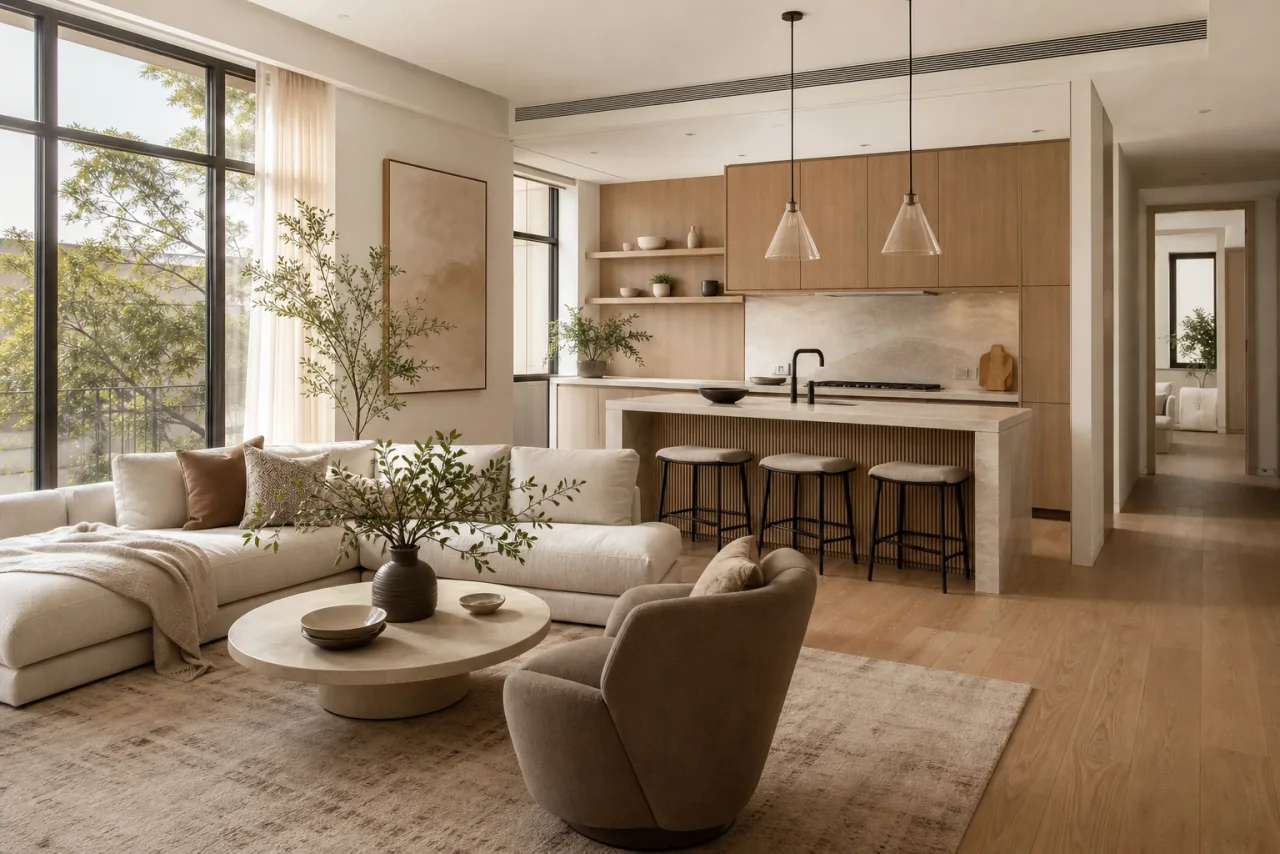
AI Interior Design
Restyle any room into photorealistic concepts in any style, in seconds.
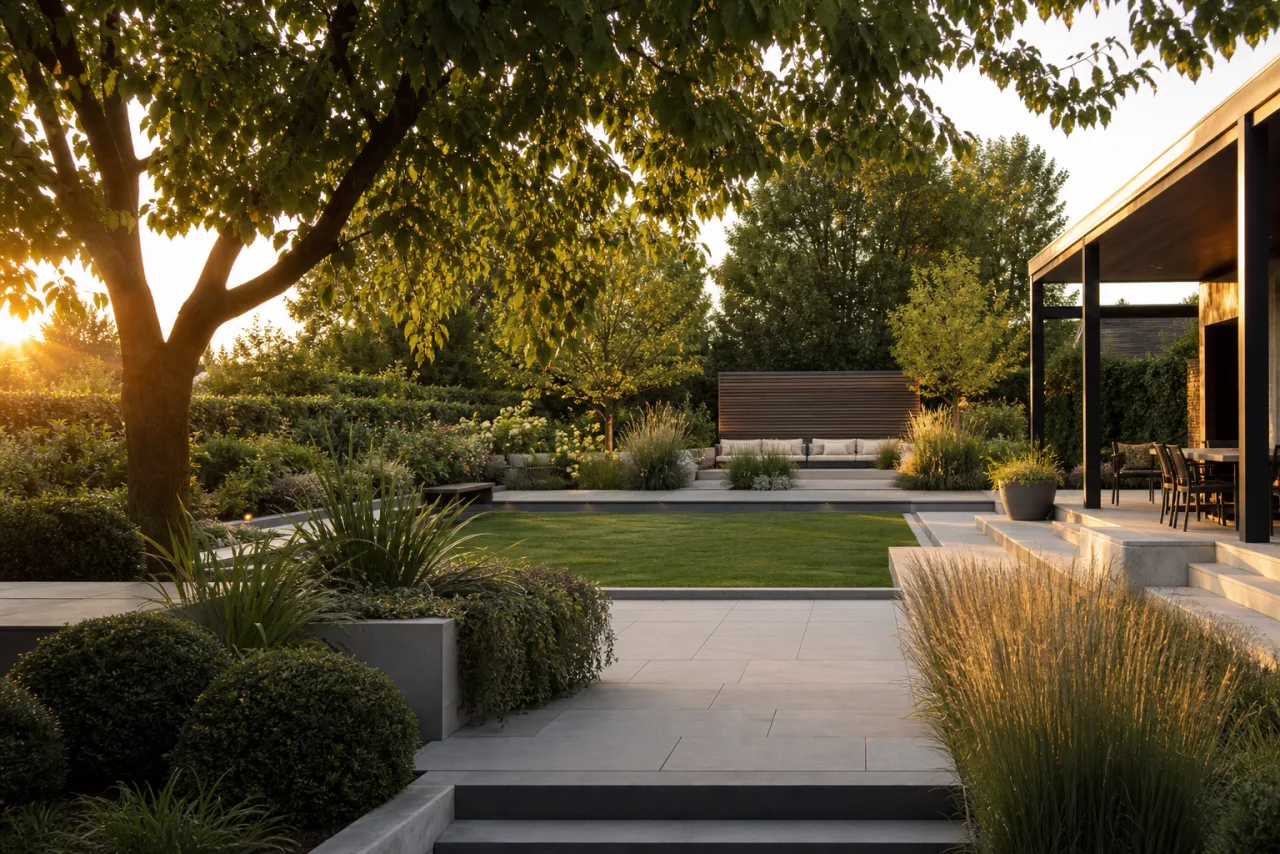
AI Landscape Design
Redesign any yard into photorealistic outdoor concepts, in seconds.
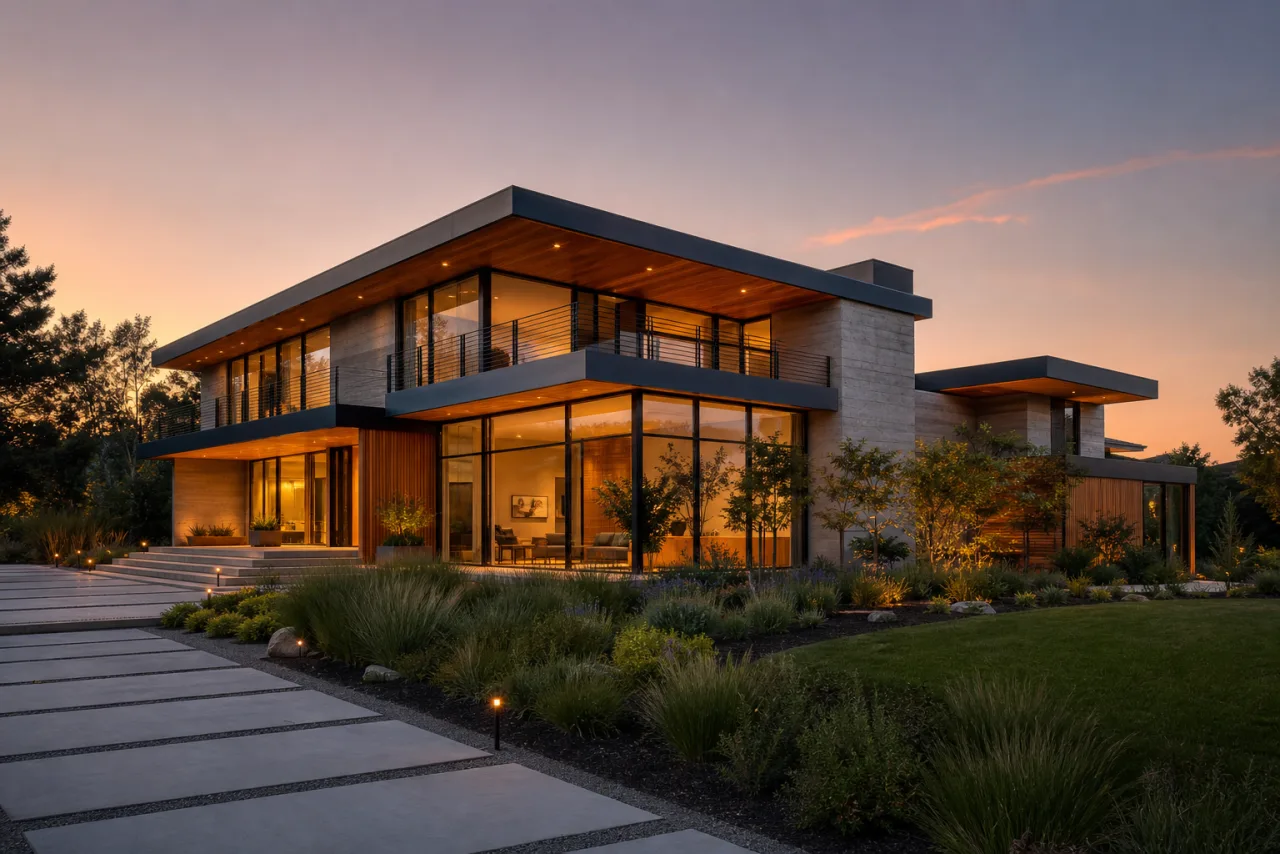
AI Home Exterior Design
Test siding, paint, and architectural styles on your real facade.
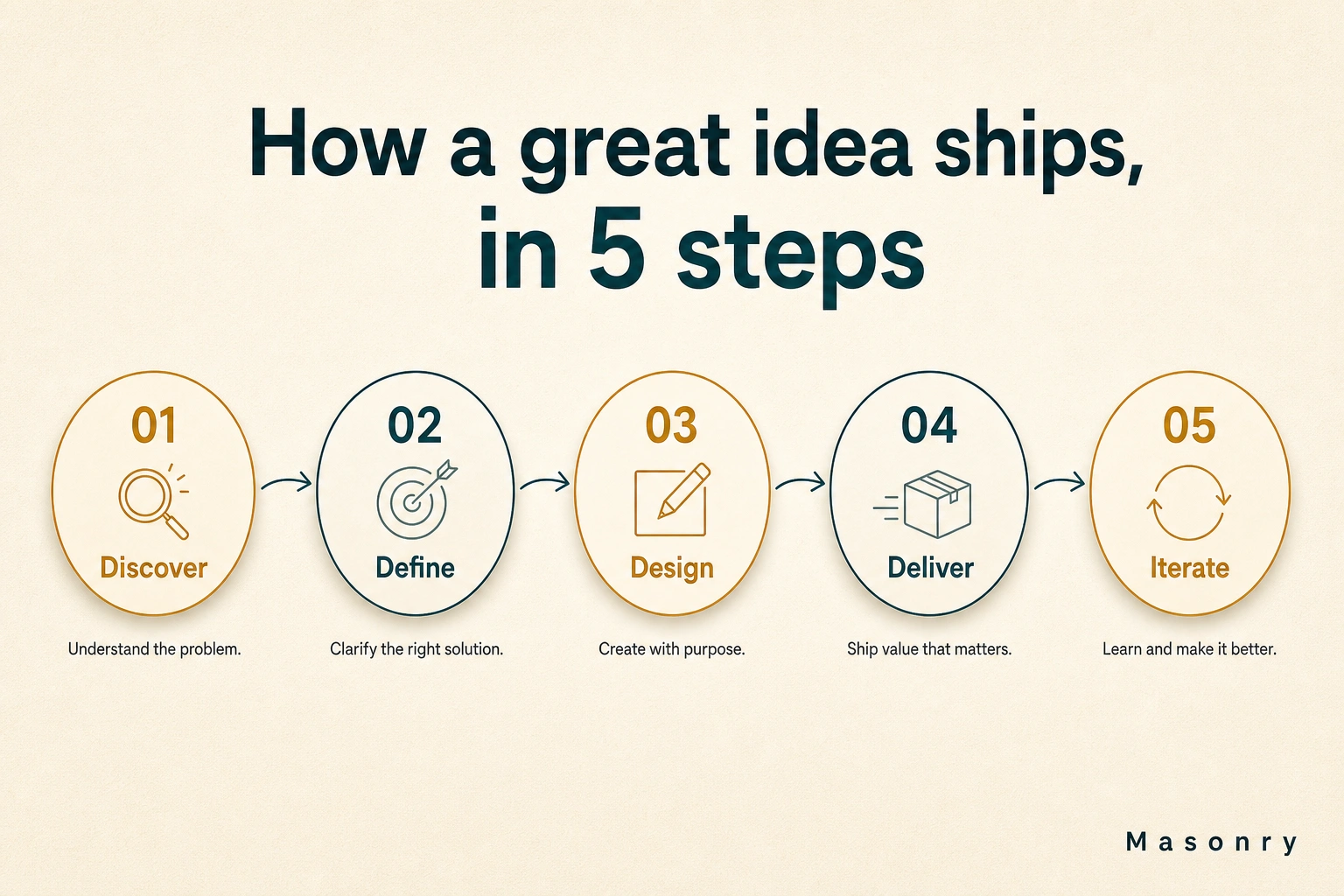
AI Infographic Generator
Turn any brief, stat, or outline into a polished infographic in seconds.