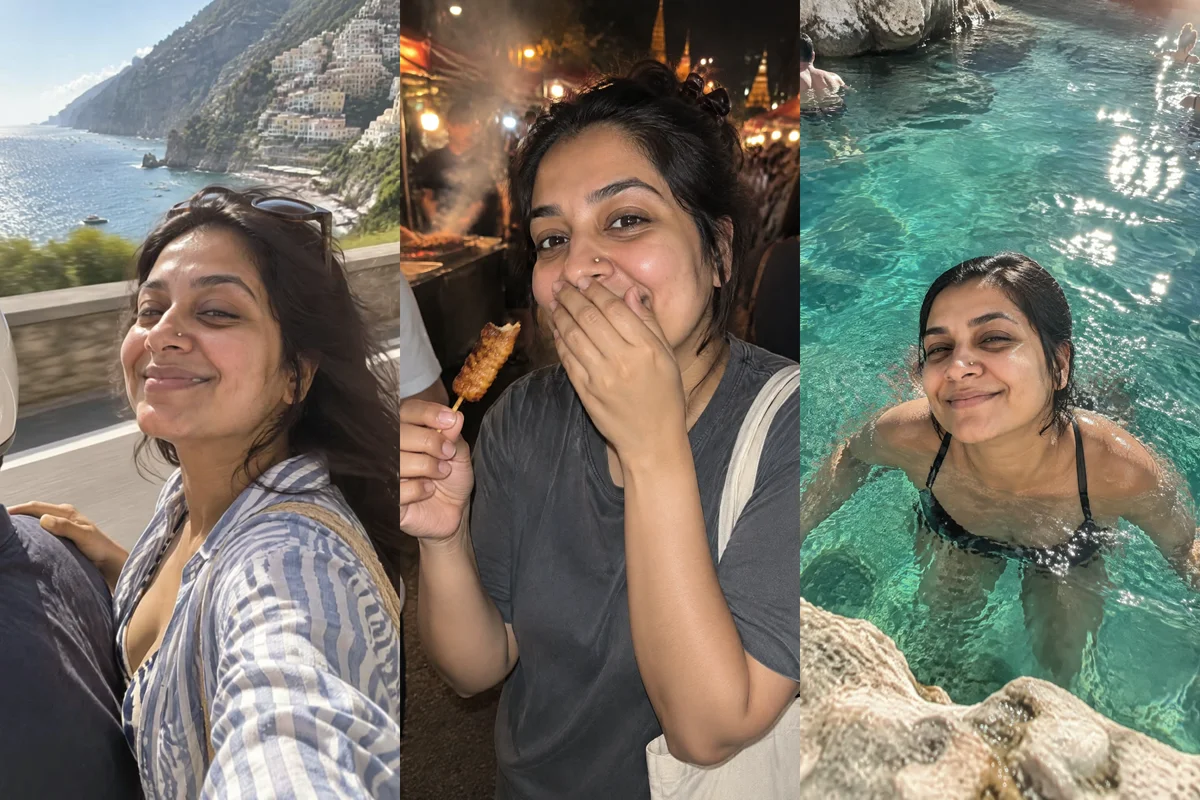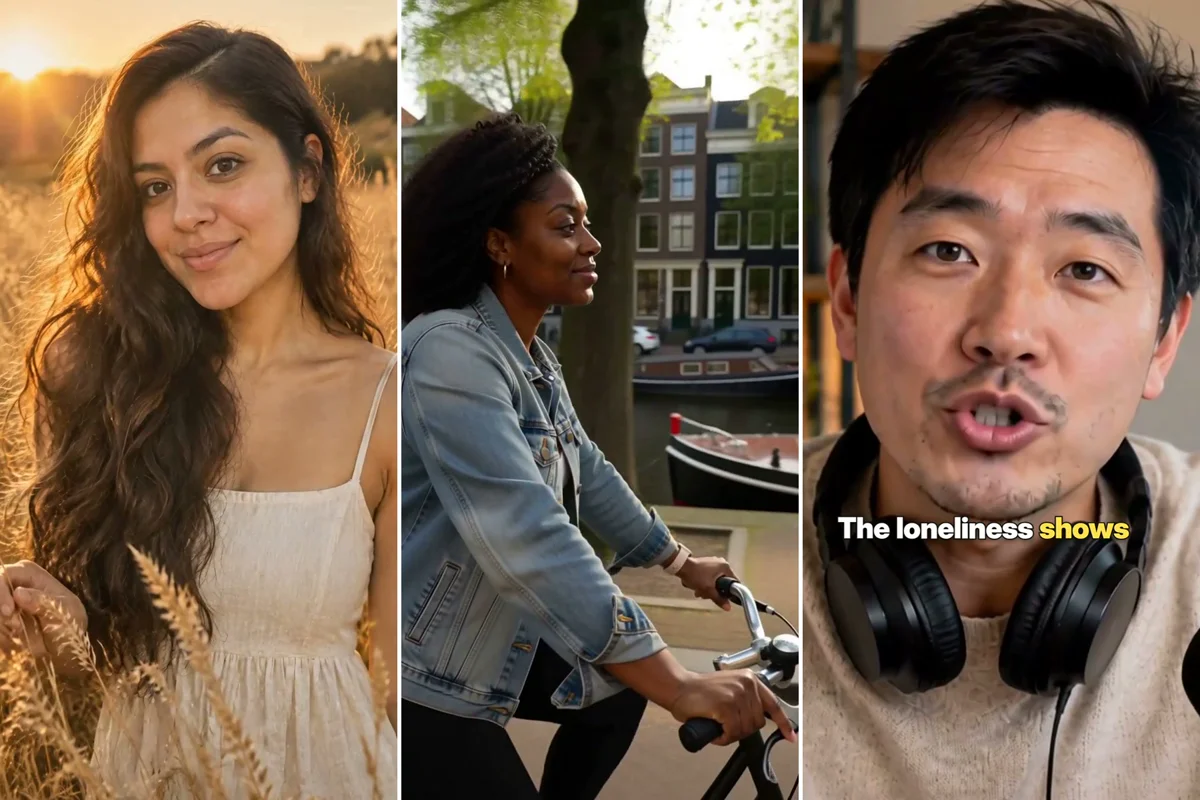
As of November 2026, ChatGPT can make images but has no video generator in chat: OpenAI shut down its Sora video app in 2026. To make videos in ChatGPT, add Masonry as a plugin (a custom MCP server at https://masonry.so/mcp), select Allow on masonry.so, then type @Masonry in a new chat and describe the clip you want.
From there you ask in plain words and ChatGPT does the rest. It can make a clip from a description, turn a photo you attach into a moving shot, edit a clip you already have, add a voiceover and music, and join several scenes into one vertical video with captions. Every result lands in the chat and in your Masonry workspace, so nothing is lost when the conversation ends.
This guide covers the setup, five asks you can copy, what ChatGPT does behind the scenes, what it costs and what to do when something goes wrong.
Set up Masonry in ChatGPT
You need a ChatGPT account and a Masonry account. If you don't have a Masonry account yet, you create one during step 3; there is no API key or code to paste.
- Open ChatGPT plugins, select Add, then Add custom MCP server.
- Name it Masonry, paste
https://masonry.so/mcpas the server URL and create it. - Select Connect. ChatGPT opens masonry.so, where you sign in (or sign up) and select Allow. You choose which workspace ChatGPT may use.
- Start a new chat, type
@Masonryand ask for something small first, like one image, to check the connection.
These menu names come from ChatGPT as we checked them on November 5, 2026. Menus move, so the ChatGPT setup page is kept current. Masonry is also in review for the ChatGPT plugin directory; once it is listed, you can search plugins for Masonry and connect without pasting the URL.
You sign in on masonry.so, never inside ChatGPT, so ChatGPT never sees your password. It gets access to the workspace you picked and nothing else, and none of the tools can delete anything.
Five asks to copy
Start each one with @Masonry so ChatGPT knows to use it. Square brackets are blanks to fill in.
1. A clip from a description. One subject, one action, one camera move. Asking for the brief and the price first is a good habit for video.
@Masonry make a 5 second vertical video: a woman in a yellow raincoat runs across a wet city crosswalk at night, neon signs reflecting in the puddles, handheld camera following just behind her. Show me the brief and the credit cost before you start
2. Your photo, moving. Attach the photo to the message.
@Masonry animate the photo I attached into a 5 second vertical clip. Slow dolly in, a light breeze moves her hair, and she smiles at the end. Keep her face, hair and outfit exactly as they are
3. A short story with a voiceover. Several scenes, joined into one video.
@Masonry make a 20 second vertical video about a slow morning coffee ritual, in four scenes: beans in a hand grinder, water pouring over a paper filter, steam rising from a cup, a woman at a sunny window holding the mug. Add a calm female voiceover that says "Five minutes that are only mine. Every single morning." Soft lofi music under it and captions
4. An edit to a clip you already made.
@Masonry take the raincoat clip you just made and turn the rain into falling snow. Keep the woman, the crosswalk and the camera move the same
5. A character you saved earlier.
@Masonry use my saved character [Maya]. Make a 5 second vertical clip of her opening a parcel at her kitchen table, surprised, then laughing. Morning light from the window
If you want a recurring face for a series of posts, the AI character guide shows how to create and save one.
What happens behind the scenes
Masonry gives ChatGPT a set of tools, and ChatGPT picks which ones to call from your words. For the five asks above, the calls usually go like this:
| Your ask | Tools ChatGPT calls, in order |
|---|---|
| Clip from a description | generate_video |
| Your photo, moving | add_reference_image (stores the photo you attached), then animate_image with a camera move such as dolly_in |
| Story with a voiceover | generate_image for the four stills, animate_image once per still, generate_audio for the voiceover and again for the music, then combine_clips with captions |
| Edit a clip | edit_video, pointed at the earlier clip's job id |
| Saved character | generate_image with the character, then animate_image, or generate_video with the character's sheet as a reference |
A few details are worth knowing:
- Long videos are made from short clips. For anything over 10 seconds, Masonry makes each scene as its own clip and then joins them with
combine_clips. That tool takes 1 to 60 clips, up to 180 seconds in total, and does the whole edit in one call: trims, transitions, voiceover with the music lowered under it, sound effects, on-screen text and captions timed to the spoken words. - The model is picked for you. Unless you name a model, Masonry uses your workspace's default video model, which as of November 2026 is MiniMax H3 Max. If you want a different one, ask ChatGPT to list the models and their prices.
- Slow renders don't restart. A clip takes about 1 to 5 minutes. If it is still rendering after 5 minutes, the reply carries a job id and ChatGPT collects the finished clip later with
check_generation. - Speech needs the right model. Only some video models can speak, so for dialogue ChatGPT reads Masonry's model advice (
generation_guidance) before it starts.
Tips for good results
Write one shot per clip. Name the subject, what they do, where they are, the light and one camera move. A clip asked to show a walk, a turn, a wave and a zoom at once tends to blur all four.
Say the shape. Ask for vertical (9:16) for Reels, TikTok and Shorts, or 16:9 for YouTube. If you leave it out you get the model's default.
Keep scenes around 5 seconds. Build longer videos from short scenes and let combine_clips join them. It is cheaper to redo one weak scene than a whole video.
Attach the real thing. When a real person, product or logo matters, attach a photo. Without one the model invents a look-alike.
Confirm before spending. Masonry tells ChatGPT to confirm the brief before it starts a video, because a clip costs far more than an image. Read the brief it shows you and fix anything wrong before you say go.
Reuse job ids. Every result has a job id, and ChatGPT can pass it straight to the next step: animate the image you liked, edit the clip you just made, or join three clips into one. Say "use that one" and it knows which.
For a deeper method on keeping a face the same across a moving shot, see the consistent character video tutorial.
What it costs
Connecting Masonry to ChatGPT is free. Each generation spends credits from your Masonry workspace, the same as using Masonry directly, and 1 credit is 1 US cent. As of November 2026:
| What you make | Typical credits |
|---|---|
| One 5-second clip on the default model (MiniMax H3 Max) | about 48 |
| A 5-second clip on other video models | about 27 (PixVerse V6) to 384 (Veo 3.1) |
| One image | under 1 on the default model, about 16 on Nano Banana Pro |
Joining clips with combine_clips | at least 1, based on render time, plus a few for captions |
So a 20-second video built from four 5-second clips on the default model comes to about 192 credits ($1.92) for the clips, before the stills, voiceover, music and the final render.
New accounts get 50 free credits for 30 days. They cover images on GPT Image 2.5 Flare at Standard quality; video models need a paid plan. When a request needs more credits or a plan, Masonry's reply in ChatGPT says what ran out and how many credits are left, and links to the Masonry plans page. You manage plans and credits in your Masonry account, not in ChatGPT. Once your workspace has credits again, tell ChatGPT to carry on: it runs the same request again, and nothing needs reconnecting.
Limits and troubleshooting
@Masonry doesn't appear. Start a new chat after connecting. If it still isn't there, open ChatGPT plugins and check that Masonry shows as connected.
You can't find Add custom MCP server. ChatGPT moves its menus from time to time. The ChatGPT setup page has the current path.
The clip came back still rendering. That is normal for video. Wait a minute or two and ask ChatGPT to check on it. Don't ask it to start the video again, or you pay twice.
An edit was refused. edit_video needs a source clip of 3 to 30 seconds that is at least 700 pixels on each side.
The face drifted between scenes. Save the person as a character, then name them in each ask. Characters keep the same face across images and clips far better than a long description does.
Something needs a plan or more credits. The reply says what ran out and links to the Masonry plans page; add credits or a plan in your Masonry account, then ask again. Nothing else is wrong with the connection.
You want to disconnect. In Masonry, open Settings, then Connected apps, and disconnect ChatGPT. An app that goes unused for 90 days is signed out on its own.
Where to go next
The Masonry MCP page lists every tool and the 20-plus apps that can use them, including Claude. For ready-made video ideas, browse Masonry templates; the AI character account template is a good start if you want to post a recurring character. And if you are pricing a whole series, the MiniMax H3 Max notes cover how the default model behaves.