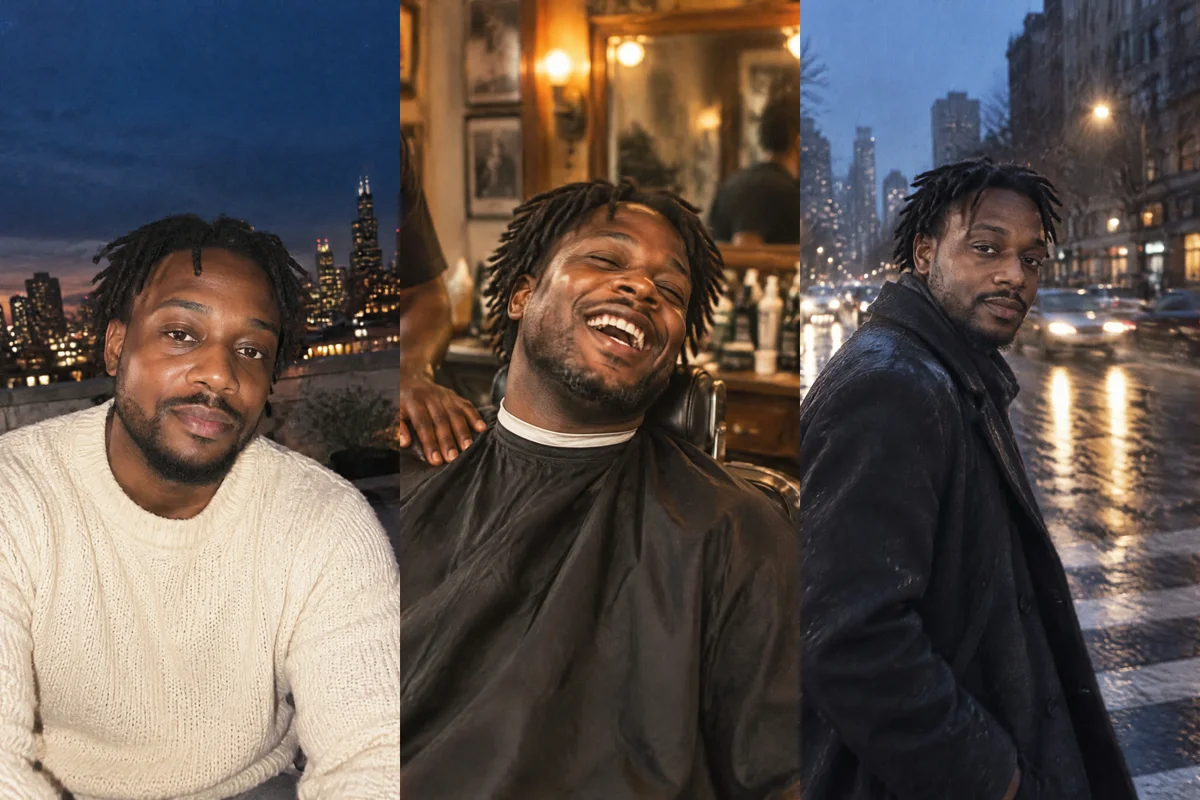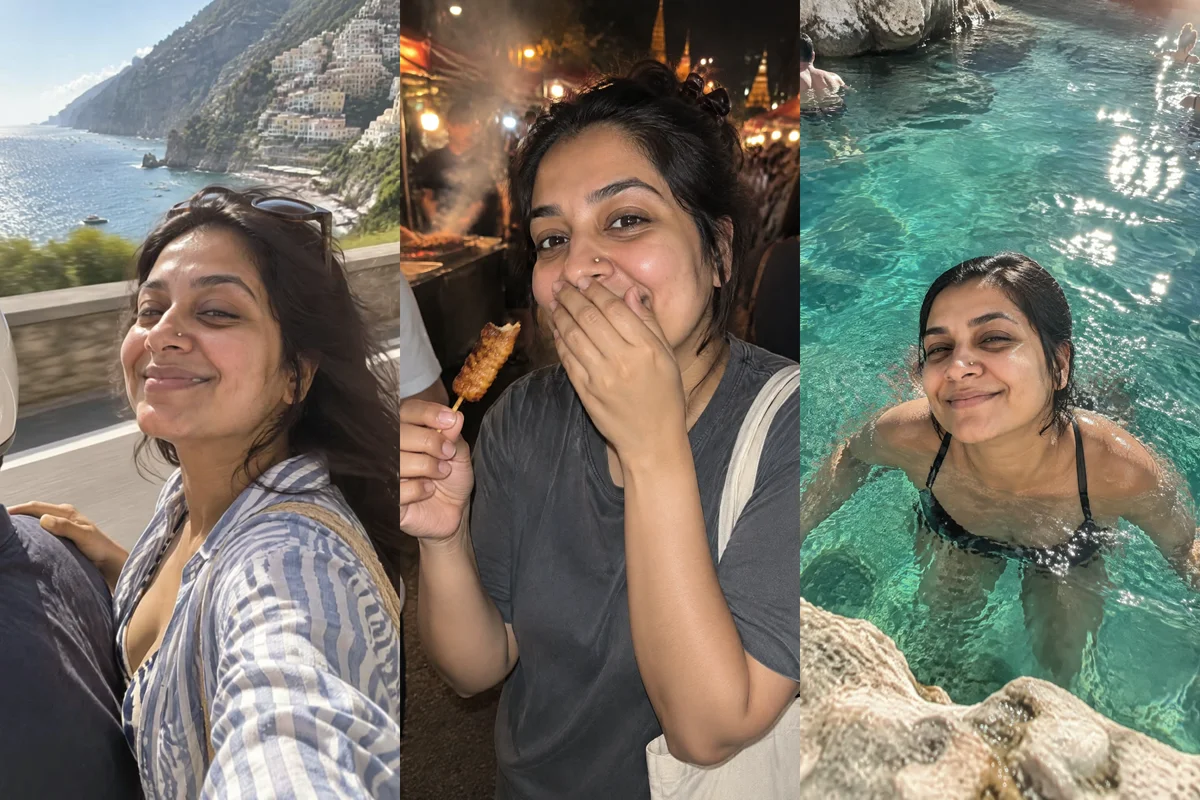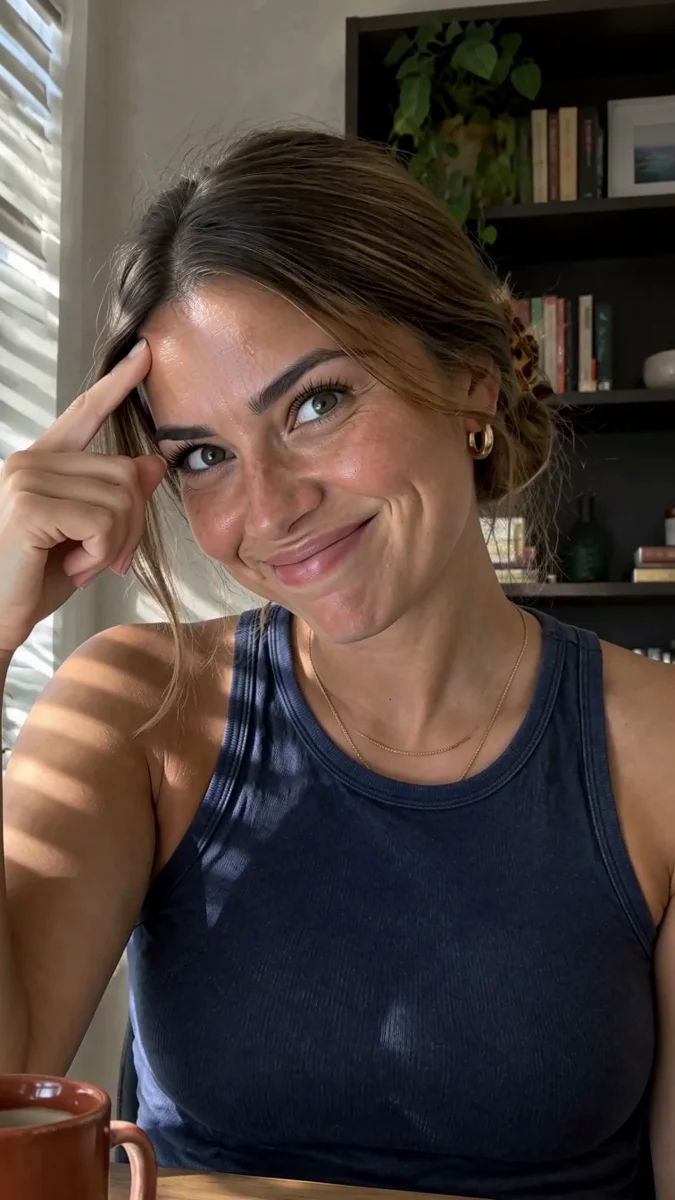
To make a UGC video ad in Claude or ChatGPT, connect Masonry, share your product photo or product page link, and ask for a vertical creator-style ad: a hook, the product in use, the result and a call to action, with a talking presenter and captions. Masonry keeps your real product from the photo, makes each shot as a short clip, and edits them into one 15 to 35 second ad you can download from the chat.
Claude and ChatGPT are good at the parts of a UGC ad that are writing: the hook, the problem in one line, the script that sounds like a person and not a brochure. Masonry does the parts that are production: the presenter, the shots, the voice, the lip-sync, the captions and the edit. You review in between.
This guide covers the setup, a six-step workflow with asks to copy, the tools behind each step, costs, and the rules that keep an AI ad honest. If you sell physical products and need strict control over SKU fidelity, read the real-product AI UGC workflow alongside this one.
Connect Masonry
Claude (claude.ai or Claude Desktop): open the Claude setup page, select Add to Claude, check that the URL reads https://masonry.so/mcp, select Continue, then Connect and Allow on masonry.so.
ChatGPT: in ChatGPT plugins, select Add, then Add custom MCP server, name it Masonry and paste https://masonry.so/mcp. Select Connect, then Allow on masonry.so, and type @Masonry in a new chat. Full ChatGPT steps.
Both work the same way once connected. The one difference: ChatGPT can pass a photo you attach straight to Masonry; in Claude, share a product page link or a direct link to the image file.
Step 1: Bring the real product
Use Masonry with my product page: [product page link]. Pull the main product photo and show it to me so I can confirm it's the right one
Masonry takes the main product photo from the page (or the photo you attach in ChatGPT) and stores it in your workspace. Every shot after this uses it as a reference, which is how the label, shape and color stay yours.
Step 2: Cast the presenter
You can be the presenter (with your own photos), use someone who has agreed in writing, or create a fictional one. A fictional presenter you save once stays consistent across every ad you make.
Use Masonry to create a presenter for my skincare ads: a woman in her early 30s, warm and direct, light freckles, dark curly hair in a low bun, oversized cream sweater, filmed at home on a phone. Make 3 options, alone, plain background. I'll pick one, then save her as a character called Nina with a friendly, slightly fast speaking style
Pick one and the assistant saves her with save_character. Then give her a voice: ask to hear a few voices and save the one you like.
Step 3: Write the script with the assistant
Write a 15 second UGC script for Nina about [product], for [audience]. Structure: a hook in the first 2 seconds, the problem in one line, Nina using the product, the visible result, then "[call to action]". Use only this claim, which is true: [one true claim]. Give me three different hooks. Don't write anything that sounds like a personal testimonial of results
Approve the script before anything renders. Text is free to change; clips are not.
Step 4: Make the shots
Make the ad with Masonry from the approved script: three vertical shots of Nina at her bathroom mirror with the real product. Shot 1 she says the hook to camera, shot 2 she applies the product, shot 3 she shows the result and says the call to action. Keep the product exactly as in the photo
Step 5: Edit it into one ad
Join the three shots into one 15 second vertical ad. Captions in the lower third, pop style, 3 words at a time. Put the hook as a bold card for the first 2 seconds and "[call to action]" as a button-style card at the end. A quiet upbeat track under her voice
Step 6: Test three hooks
Make two more opening shots for the other two hooks, same setting, same Nina. Then give me three versions of the ad that only differ in the opening shot
What happens behind the scenes
| Step | Tools, in order |
|---|---|
| Product | add_reference_image with the product page link or attached photo (free) |
| Presenter | generate_image for three options, then save_character (free), then update_character for her voice |
| Script | No tools: Claude or ChatGPT writes it |
| Shots | generate_image with Nina's image and the product photo passed together as references (reference_image_urls), for a still of each shot; generate_audio for each spoken line in Nina's voice; animate_image with that speech for a lip-synced clip, or with a motion description for silent shots |
| Edit | generate_audio for the music, then combine_clips with captions from the clips, the hook and call to action as on-screen text, and the music under the voice |
| Hooks | Two more stills and clips for the openings, then combine_clips once per version with the same middle and end |
Two details make the ad hold together:
- Stills first, then motion. Masonry's notes say the closest likeness comes from making a still with the character and animating it. The still carries both Nina's face and the real product into the first frame.
- Lines drive the length. A lip-synced clip lasts as long as its line, and lines of at least 5 seconds sync best. At about 2.5 spoken words a second, a 5-second line is around 12 words.
For products that must stay identical from every side, some video models take "elements": a front photo plus one to three other angles of the same product or person. As of November 2026, Kling 4.0 is one; ask the assistant to list models with elements.
Tips for UGC ads that work
Hook in two seconds. Open on the problem or a bold, true line, not on "Hi guys". The text hook card covers people watching without sound.
One claim, true and specific. "Lasts all day on oily skin" invites questions; a specific line you can back up, such as the result of your own wear test, holds up. Put claims in captions and voice, never in a fabricated before-and-after.
Film it like a phone. "Filmed on a phone propped on the counter", "slightly off-center", "natural window light" gets you UGC. "Cinematic, 4K, studio" gets you a TV ad.
Keep the product in the frame. In every shot, say where the product is: in her hand, on the counter by the sink, on the shelf behind her.
Change one thing per variant. Swap the hook, keep the rest. Then you know which hook worked.
For brief structure and approvals, the AI UGC creative brief template is a good companion, and the AI UGC photo guide covers stills for the same presenter.
What it costs
Connecting Masonry is free; generations spend workspace credits, and 1 credit is 1 US cent. As of November 2026, the default video model, MiniMax H3 Max, costs about 48 credits per 5-second clip.
| Ad | Clips | Clip credits |
|---|---|---|
| 15 seconds, three shots | 3 | about 144 |
| 35 seconds, seven shots | 7 | about 336 |
| Two extra hooks for testing | 2 | about 96 |
On top of the clips: the stills (under 1 credit on the default model, about 6 on Nano Banana 2.1 and about 16 on Nano Banana Pro), the voice lines and music, and the final render, which is at least 1 credit plus a few for caption timing. Lip-synced shots are priced by the model that does the sync; ask the assistant to list models to see the exact prices.
New accounts get 50 free credits for 30 days, covering images on GPT Image 2.5 Flare at Standard quality; video models need a paid plan. When a request needs more credits or a plan, Masonry says so in the chat: in Claude with the prices and a link, in ChatGPT with a link to the Masonry plans page, and you add credits in your Masonry account.
Keep it honest
- No fake testimonials. A synthetic presenter hasn't used your product. Don't script "this changed my skin" as a personal experience.
- Real faces need permission. Only use yourself or people who agreed. Masonry's tools are told to animate or change a real person's words only when the user is that person or has their permission, and never to pass the result off as real footage.
- Label AI where it's required. Ad platforms and some places have rules on synthetic people and AI content. Check the ones you run on.
Limits and troubleshooting
The label changed in one shot. Redo that still with the product photo as the reference and say "keep the label exactly as in the photo". Check before animating, not after.
Nina looks different in shot 3. Make sure each ask names the saved character. Redo the still, not the clip.
The lip-sync drifts. Lengthen the line to about 5 seconds, or split a long line across two shots.
The ad is longer than planned. Lines set the length of speaking shots. Trim the script, or ask combine_clips to trim the start and end of a clip.
A clip is still rendering. Video takes about 1 to 5 minutes per clip. Ask the assistant to check on the job id rather than making the clip again.
Where to go next
Every tool used here is listed on the Masonry MCP page. Start from a finished format with the beauty UGC ad or the mascot video ad, or browse all templates. For the Claude setup in more depth, see how to make videos in Claude. And for people-first content beyond ads, put yourself on holiday anywhere from one selfie.