


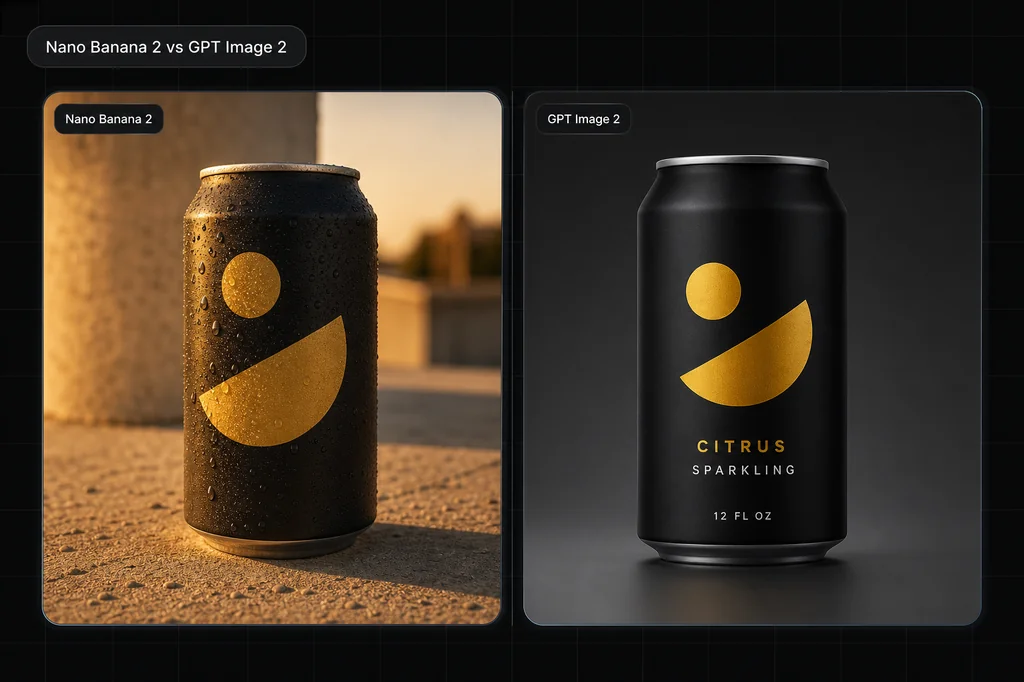
Nano Banana 2 and GPT Image 2 both rendered the three required strings correctly in this first-hand product-poster test. They also invented noticeably different bottles from the same text-only brief.
That is the useful comparison. Text accuracy, layout, photoreal cues, product identity, route controls, latency, and cost are separate questions. A model can pass one and fail another, and one output cannot establish a universal winner.
Evidence boundary: this article shows one text-only output from each current Masonry route, generated August 4, 2026 with the same prompt and 3:2 aspect ratio. There were no reference images, repeated seeds, standardized latency trial, human preference panel, product source, color target, price study, or reliability sample. Observations describe these pixels and the checked route contracts—not general win rates.
Quick answer
- Exact copy in this run: both models passed all three required strings once and added no visible copy.
- Layout in this run: both kept the headline and supporting copy on the left with the bottle on the right.
- Product appearance: both made plausible cobalt serum concepts, but bottle scale, closure, pipette visibility, lighting, surface, and shadow differed.
- Product fidelity: untested. No real product reference was supplied.
- Current control difference: Nano Banana 2 exposes a seed, up to 14 references, and a broader size matrix; GPT Image 2 exposes six fixed sizes and up to 10 references.
- Speed and cost: Nano Banana 2 completed first in this run; no general latency or accepted-output cost conclusion is supported.
The exact head-to-head brief
Both routes received:
3:2 premium ecommerce product poster. Fictional cobalt-blue glass serum bottle centered on the right on pale limestone. Exact headline “NIGHT BLOOM” at the upper left. Exact subheading “Barrier Serum” directly beneath it. Exact small line “30 mL” at the lower left. Render those three strings exactly once. No other words, logos, badges, prices, or claims. Cool window light from camera-left, one natural contact shadow, warm-gray background. Keep the left-side hierarchy clear and the bottle geometry coherent.
The acceptance sheet required the three strings exactly once, no extra copy, a legible left hierarchy, one coherent cobalt bottle on the right, pale limestone, camera-left light, and one grounded shadow. Because the bottle was fictional and text-only, its exact shape and closure were unconstrained.
First-hand outputs
Nano Banana 2 passed the displayed-copy check in this run: “NIGHT BLOOM,” “Barrier Serum,” and “30 mL” are spelled correctly, each appears once, and no extra copy is visible. It placed a relatively small bottle far right, used a cobalt ribbed collar and bulb, and cast a long shadow across pale stone. The background reads as a simple warm-gray studio wall.
GPT Image 2 also passed the displayed-copy check: the same three strings are correct, each appears once, and no extra copy is visible. It made the bottle larger, changed the closure to black, revealed an internal pipette, used a serif hierarchy, added a brighter patch of window light, and rendered a more porous limestone slab.
What the result supports
| Check | Nano Banana 2 shown output | GPT Image 2 shown output |
|---|---|---|
| Exact headline | Pass: “NIGHT BLOOM” once | Pass: “NIGHT BLOOM” once |
| Exact subheading | Pass: “Barrier Serum” once | Pass: “Barrier Serum” once |
| Exact small line | Pass: “30 mL” once | Pass: “30 mL” once |
| Extra visible copy | None observed | None observed |
| Left-copy/right-product layout | Pass | Pass |
| Product concept | Smaller cobalt bottle, cobalt closure | Larger cobalt bottle, black closure, visible pipette |
| Scene cues | Simpler wall, long shadow, cleaner slab | Brighter window patch, softer shadow, porous slab |
| Real-SKU fidelity | Not tested | Not tested |
The old version said GPT Image 2 wins text and Nano Banana 2 wins photorealism. This run does not support that binary. Both passed the bounded copy-and-layout brief once, while both invented different product identities. A harder brief, longer copy, another script, a UI layout, repeated seeds, or a real reference could produce a different result.
Current Masonry route controls
Run masonry models params <model> before building a batch. The contracts checked August 4, 2026 differ materially:
| Control | Nano Banana 2 (gemini-3.1-flash-image-preview) | GPT Image 2 (gpt-image-2) |
|---|---|---|
| Prompt | Text generation or mixing instruction | Required text prompt, up to 32,000 characters |
| References | 0–14; route description says provide 2–14 when mixing | 0–10; any reference switches to edit mode |
| Seed | Exposed, integer 0–2,147,483,647 | Not exposed |
| Sizes | Broad aspect matrix at listed 1K, 2K, and 4K dimensions | Six fixed sizes from 1024×1024 through 3840×2160 |
| 3:2 alias used here | 1264×848 | 1536×1024 |
| Mask | Not exposed | Not exposed |
| Quality tier | Not exposed | Not exposed |
| Negative prompt | Not exposed | Not exposed |
More inputs do not guarantee better product or character consistency. A seed can aid reruns without making an image deterministic across route changes. A provider’s mask, quality, or pricing documentation does not create a field in the Masonry route when the live contract does not expose it.
How to choose for a real job
Exact displayed copy
Test the final strings, hierarchy, and output size on both routes. Quote every required string, require each exactly once, prohibit other copy, and reject one wrong character. This run is evidence that both can pass a three-string English poster—not that either always does.
For prices, ingredients, warnings, legal lines, regulated claims, and brand-critical typography, generate the visual and typeset approved copy deterministically after generation.
Product photography
Use approved references. Compare silhouette, dimensions, color, materials, parts, closure, hardware, label, every character, packaging, quantity, and included items. The two cobalt bottles above demonstrate why text-only generation cannot preserve a SKU: both satisfy the brief while depicting different products.
Repeatable exploration
The current Nano Banana 2 route exposes a seed and a wider resolution matrix. That can be useful when a batch design requires explicit seed capture or listed 2K/4K aspect variants. Record the model route, seed, prompt, size, references, date, and accepted output; still expect route behavior to change over time.
Reference editing
Both checked routes accept references. Neither exposes a mask in the current Masonry contract. Write the change and invariants explicitly, compare with the sources at full size, and composite the approved product when exact geometry or artwork matters.
Latency and cost
Measure time and cost per accepted deliverable, not one provider’s headline seconds or per-image price. Include retries, rejected copy, manual cleanup, upscaling, and downstream retouching. Nano Banana 2 completed before GPT Image 2 in this article run, but two queue events are not a benchmark.
Reproduce the test from the CLI
First inspect the current contracts:
masonry models params gemini-3.1-flash-image-preview
masonry models params gpt-image-2
Then run the same acceptance brief:
masonry image "3:2 premium ecommerce product poster. Fictional cobalt-blue glass serum bottle centered on the right on pale limestone. Exact headline 'NIGHT BLOOM' at the upper left. Exact subheading 'Barrier Serum' directly beneath it. Exact small line '30 mL' at the lower left. Render those three strings exactly once. No other words, logos, badges, prices, or claims. Cool window light from camera-left, one natural contact shadow, warm-gray background. Keep the left-side hierarchy clear and the bottle geometry coherent." \ --model gemini-3.1-flash-image-preview \ --aspect 3:2 \ --output nano-banana-2-poster.png masonry image "3:2 premium ecommerce product poster. Fictional cobalt-blue glass serum bottle centered on the right on pale limestone. Exact headline 'NIGHT BLOOM' at the upper left. Exact subheading 'Barrier Serum' directly beneath it. Exact small line '30 mL' at the lower left. Render those three strings exactly once. No other words, logos, badges, prices, or claims. Cool window light from camera-left, one natural contact shadow, warm-gray background. Keep the left-side hierarchy clear and the bottle geometry coherent." \ --model gpt-image-2 \ --aspect 3:2 \ --output gpt-image-2-poster.png
The CLI returns job IDs. Wait for each job, download the files, and score them before choosing:
masonry job wait <job-id>
masonry job download <job-id> --out ./candidate.png
Comparison acceptance sheet
| Area | Pass condition |
|---|---|
| Controlled input | Prompt, reference set, aspect, output tier, and prohibited elements are held constant where route contracts allow. |
| Exact copy | Every required character and line appears exactly as specified and exactly the required number of times. |
| Layout | Required hierarchy, placement, spacing, crop, negative space, and element count match the brief. |
| Product | Candidate matches approved geometry, color, material, parts, label, packaging, quantity, and included items; a text-only concept cannot pass SKU fidelity. |
| Scene | Light direction, contact, shadow, reflection, surface, props, and background support the intended use without hiding or changing the product. |
| Operations | Record route, controls, latency, credits, retries, cleanup, reviewer, and rejection reason; compare cost and time per accepted output. |
Bottom line
This first-hand run produced a tie on its narrowest question: both Nano Banana 2 and GPT Image 2 rendered the exact three strings and requested layout once. It produced a clear warning on product identity: the same text-only brief yielded two different bottles.
Choose with the actual deliverable. Use the current route contract to decide which controls fit, test the hardest requirement directly, and score accepted outputs rather than repeating a permanent winner claim. For deeper single-route workflows, read the Nano Banana 2 guide and GPT Image 2 guide, or compare both on Masonry’s model canvas.


