




- Text-to-image and edit
Modes
- Up to 5 for edits
Input images
- 1K or 2K
Resolution
- 15, from 5:2 to 9:20
Aspect ratios
- #5 on Artificial Analysis, Nov 2026
Text-to-image rank
About Grok Imagine Image 2.0
Grok Imagine Image 2.0 is the second generation of xAI's Grok Imagine image model, and Masonry runs it through two fal endpoints. Text-to-image creates a new image from a prompt. Edit takes one to five images you supply plus a written instruction and returns the changed image, so the same model handles a concept and its revisions. Both endpoints render at 1K or 2K, with a quality setting of low or medium, and export JPEG, PNG, or WebP.
The frame range is unusually wide. Grok Imagine Image 2.0 offers 15 aspect ratios, from 5:2, 21:9, and 2:1 banners through the standard 16:9, 4:3, 3:2, and 1:1 to the very tall 9:19.5 and 9:20 phone-screen shapes, and edits default to the nearest supported ratio of your first image so a revision drops back into its original placement. Quality is the reason to look at it: on the Artificial Analysis text-to-image leaderboard in November 2026 it ranked fifth with an Elo of 1168, statistically level with Nano Banana 2.1 just above it, and ahead of Nano Banana 2 and FLUX 3 Image. For business teams that means striking social, ad, and concept visuals in shapes many models don't offer, with editing in the same family.
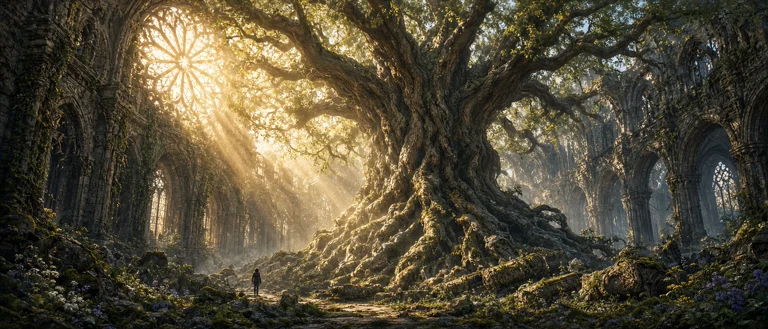
Prompts behind these Grok Imagine Image 2.0 images
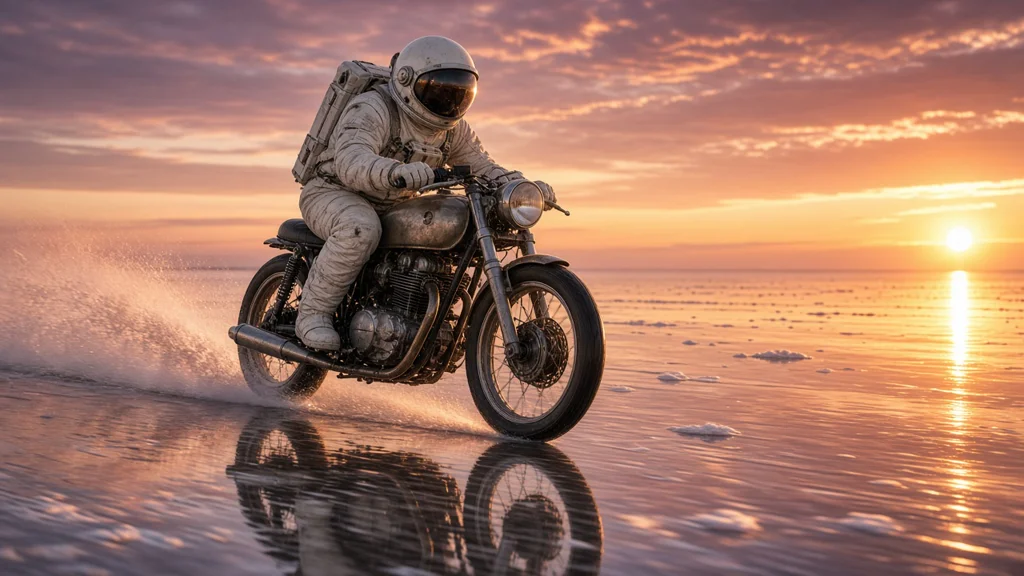
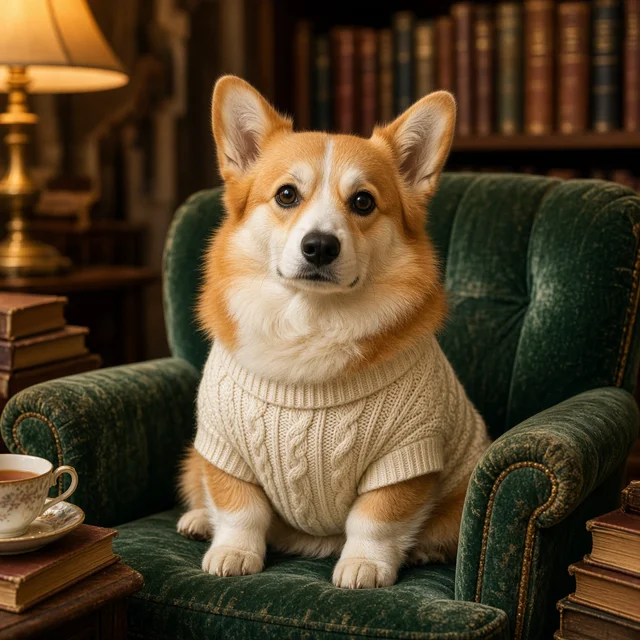
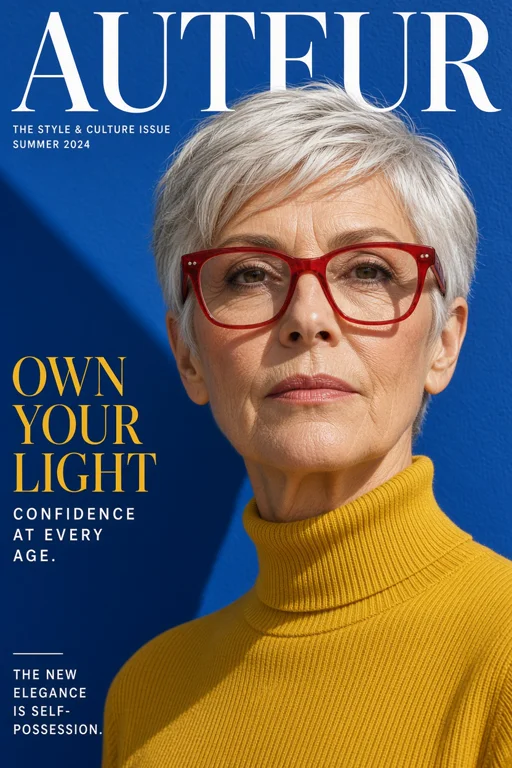
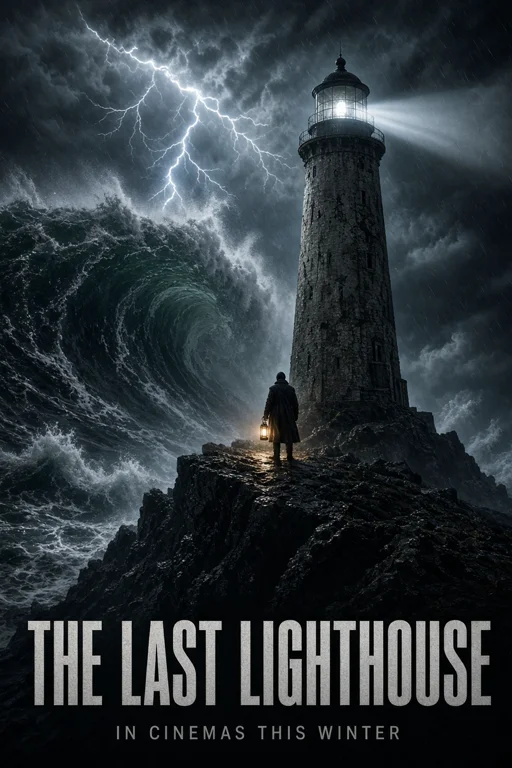
Actual prompts from Grok Imagine Image 2.0 renders by the Masonry community. Copy any prompt, then remix it into your own creation.



Why teams choose Grok Imagine Image 2.0
Choose Grok Imagine Image 2.0 when the look of the image matters most and you want a frame other models don't offer, from a 5:2 banner to a 9:20 phone screen, with editing in the same model. It ranked fifth on the Artificial Analysis text-to-image leaderboard, level with Nano Banana 2.1 within the confidence range, so compare the two on your brief. For editing it scored lower, 1118 on the Artificial Analysis editing board, so for exact product edits where a label and shape must stay untouched, compare it with GPT Image 2.5 Sunburst or Nano Banana 2.1 on the same source. For 4K output, use Nano Banana 2.1 or FLUX 3 Image.
What Grok Imagine Image 2.0 can do
The capabilities that set Grok Imagine Image 2.0 apart and earn its place in a brief
Top-Five Text-to-Image Quality
In November 2026, Grok Imagine Image 2.0 ranked fifth on the Artificial Analysis text-to-image leaderboard with an Elo of 1168, inside the same confidence range as the fourth-place model.
Edit With Up to Five Images
The edit endpoint takes one to five input images. Use the first as the image to change and the others as references for a product, a style, or a scene, and describe the change in plain language.
15 Aspect Ratios
Choose from 5:2, 21:9, 2:1, 20:9, 19.5:9, 16:9, 4:3, 3:2, 1:1, 2:3, 3:4, 9:16, 9:19.5, 9:20, and 1:2, covering ultrawide headers, standard placements, and full-screen phone stories.
1K or 2K Resolution
Explore at 1K and render finals at 2K, which gives more room for crops and larger placements.
Low or Medium Quality
A quality setting trades detail for cost. Use low for fast exploration and medium, fal's default, for the images you keep.
Keeps Your Source Frame When Editing
Edits default to the nearest supported aspect ratio of the first input image, so a square product shot stays square and a 9:16 story stays vertical unless you pick a new frame.
Where teams reach for Grok Imagine Image 2.0
- Eye-catching social posts and paid-social concepts
- Full-screen story and wallpaper visuals in 9:19.5 or 9:20
- Ultrawide 5:2, 21:9, and 2:1 website headers and banners
- Background swaps and lighting changes on product photos
- Combining a product photo with a reference scene or style
- Mood images and concept frames for pitches
- Fast low-quality exploration before a medium-quality 2K final
Frequently asked questions
What teams need to know about creating with Grok Imagine Image 2.0 in Masonry
What is Grok Imagine Image 2.0?
Grok Imagine Image 2.0 is the second generation of xAI's Grok Imagine image model. In Masonry it creates images from a text prompt and edits one to five images you supply, at 1K or 2K.
How is Grok Imagine Image 2.0 different from the first Grok Imagine Image?
In Masonry, 2.0 brings generation and editing into one model, raises the edit input limit from three images to five, adds 5:2 and 21:9 frames for 15 ratios in total, and adds a low or medium quality setting. Masonry retired the first Grok Imagine Image and Grok Imagine Image Edit in November 2026, and their pages now redirect here.
How many images can Grok Imagine Image 2.0 edit at once?
The edit endpoint takes up to five input images. The first is usually the image to change, and the others act as references for a product, a style, or a scene.
What resolutions does Grok Imagine Image 2.0 support?
1K for fast, lower-cost images and 2K for higher-resolution finals, in JPEG, PNG, or WebP.
Which aspect ratios does Grok Imagine Image 2.0 support?
5:2, 21:9, 2:1, 20:9, 19.5:9, 16:9, 4:3, 3:2, 1:1, 2:3, 3:4, 9:16, 9:19.5, 9:20, and 1:2. Edits default to the nearest of these to your first image's shape.
What does the quality setting do?
Grok Imagine Image 2.0 renders at low or medium quality, with medium as fal's default. Low is cheaper and suits exploration; medium gives more detail for images you plan to keep. Both are available at 1K and 2K.
How did Grok Imagine Image 2.0 rank on Artificial Analysis?
In November 2026 it was fifth on the Artificial Analysis text-to-image leaderboard with an Elo of 1168, within the confidence range of Nano Banana 2.1 in fourth. On the image editing leaderboard it scored 1118, behind models such as Nano Banana 2.1 and GPT Image 2.5.
Will an edit keep my image's size and shape?
By default the edit uses the supported aspect ratio closest to your first image, so it fits back into the same placement. Pick a different ratio when the edit is for a new placement.
How much does Grok Imagine Image 2.0 cost in Masonry?
Masonry bills each image in credits, and the cost depends on the resolution and quality you choose. The editor shows the exact credit cost before you generate.
Can Grok Imagine Image 2.0 output be used commercially?
fal marks both Grok Imagine Image 2.0 endpoints for commercial use. Review the current fal and xAI terms for your project, especially for trademarks and real people's likenesses.
How does my team use Grok Imagine Image 2.0 in Masonry?
Open a Masonry canvas, pick Grok Imagine Image 2.0 from the model selector, and describe the image you need: a product shot, an ad creative, a social post. Masonry generates it, then you refine, edit, and combine Grok Imagine Image 2.0 with other models in one workspace.
Is Grok Imagine Image 2.0 free to try?
New Masonry accounts get 50 free credits to try GPT Image 2.5 Flare. Grok Imagine Image 2.0 is included in every paid plan, and the editor shows the exact credit cost before you generate.
How do I write good prompts for Grok Imagine Image 2.0?
Describe the subject, setting, lighting, and style in a few concrete sentences, and pick the frame before you write so the composition fits it. For tall 9:19.5 or 9:20 stories, leave clear space at the top or bottom for text you add later. When editing, say what to change and what must stay the same, put the image you want changed first, and say what each extra image is for, such as "use the second image only for the lighting". See the prompt gallery on this page for real Grok Imagine Image 2.0 prompts you can copy and adapt.
Who makes Grok Imagine Image 2.0?
Grok Imagine Image 2.0 is built by xAI. Inside Masonry it runs alongside 50+ image and video models, so your team can pick the right one for each brief without switching tools.
Can I see examples made with Grok Imagine Image 2.0?
Yes, the prompt gallery on this page shows real images teams have generated with Grok Imagine Image 2.0 in Masonry, each paired with the exact prompt you can copy and adapt for your own brand.
Start creating with Grok Imagine Image 2.0
Generate, edit, and compare across 50+ models in one workspace.
Explore more AI models
Compare Grok Imagine Image 2.0 with other models teams run in Masonry