



- Native 4K
Max output
- Up to 10
Reference images
- 14, from 21:9 to 1:2
Aspect ratios
- Text-to-image and edit
Modes
- Black Forest Labs
Developer
About FLUX 3 Image
FLUX 3 Image is Black Forest Labs' newest image model, the still-image member of the FLUX 3 family whose video side Masonry offers as FLUX 3 Max. Masonry runs it through two fal endpoints. Text-to-image builds a new image from a prompt, and fal describes it as generating detailed, well-composed images in native 2K and 4K with precise layout control and improved text rendering. Edit takes up to 10 reference images and an instruction, and fal says it makes precise local edits without changing the rest of the image, or combines several references into one balanced composition.
The endpoints offer five resolution tiers, from a 768-pixel square through 1K, 1.5K, and 2K up to 4K, and 14 aspect ratios from 21:9 to 1:2, including in-between print shapes such as 7:5 and 5:7. For business teams that makes FLUX 3 Image a model for finals as much as drafts: a 4K render leaves room to crop a landscape master into banners and social cuts, and a local edit can change one element of an approved image while leaving the rest alone. On the Artificial Analysis leaderboards in November 2026 it scored 1119 for text-to-image, eleventh overall, and 1123 for image editing.
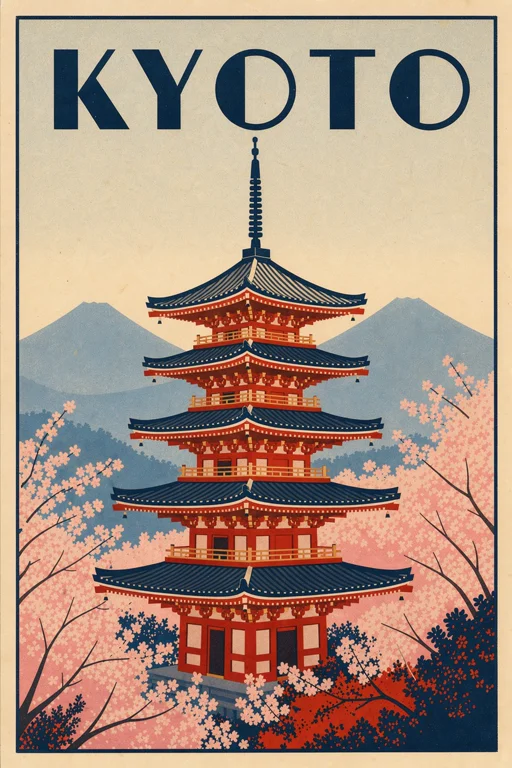
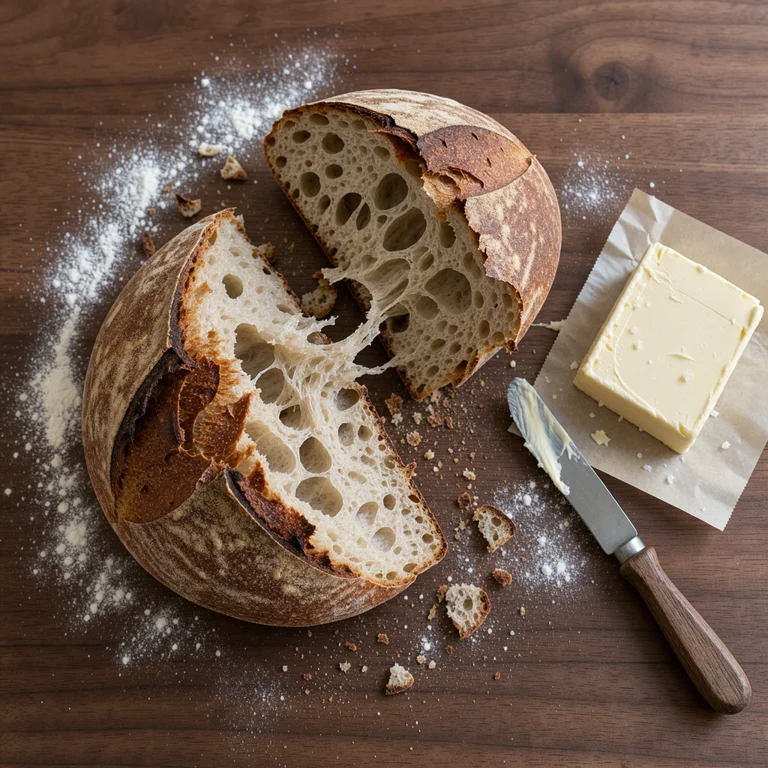
Prompts behind these FLUX 3 Image images
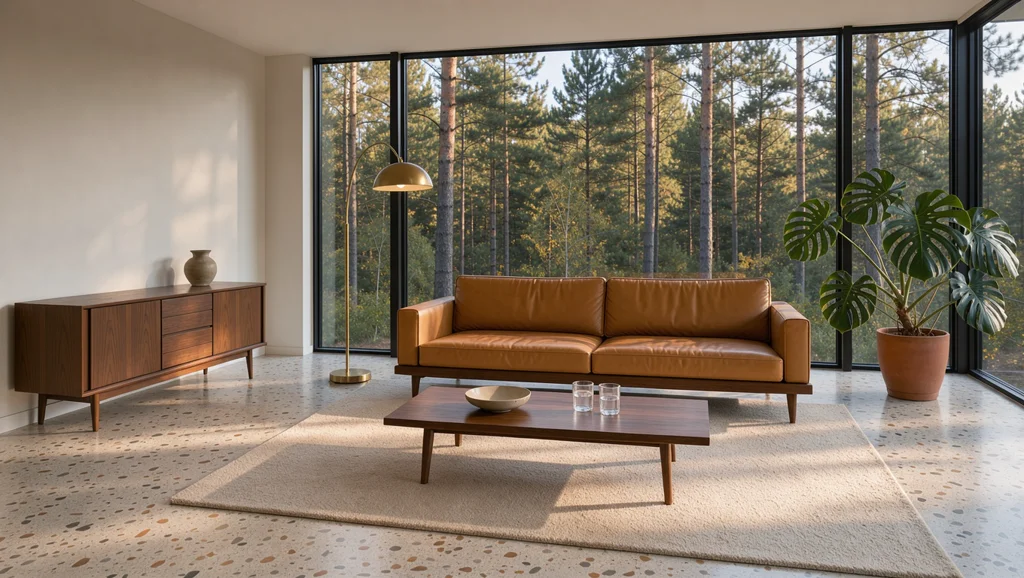
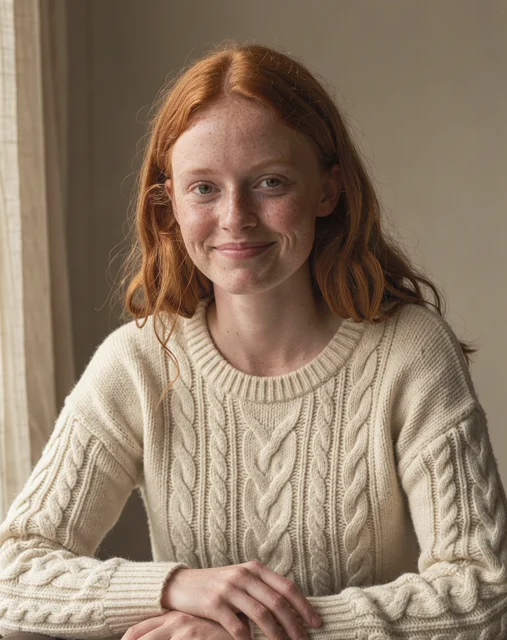
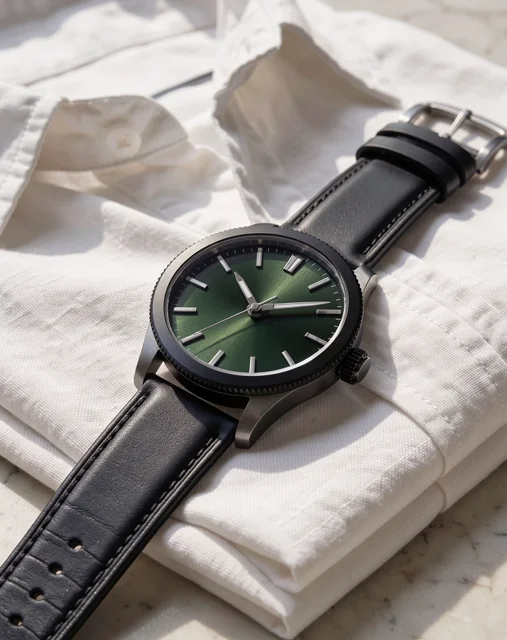
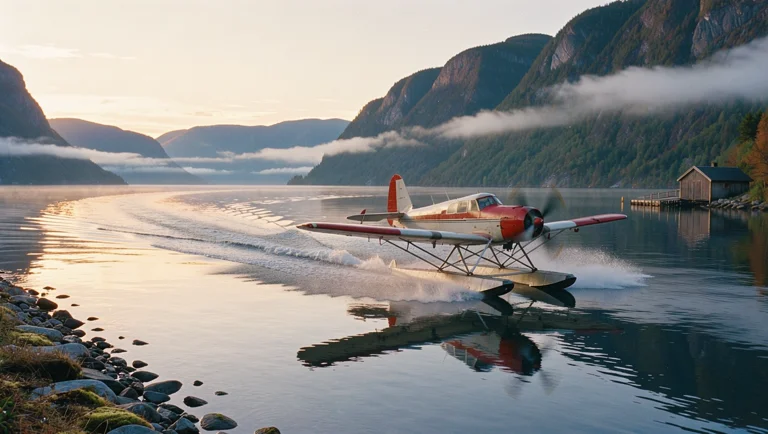
Actual prompts from FLUX 3 Image renders by the Masonry community. Copy any prompt, then remix it into your own creation.



Why teams choose FLUX 3 Image
Choose FLUX 3 Image when the final needs resolution and the edit needs restraint: native 2K and 4K output, local edits that leave approved areas alone, and up to 10 references in one request. On the Artificial Analysis text-to-image leaderboard it sat in a tight group of models between 1114 and 1127, behind Nano Banana 2.1 and Grok Imagine Image 2.0, so compare those on the same brief when raw image quality is the deciding factor. GPT Image 2.5 Sunburst led both Artificial Analysis boards and is the comparison for the hardest text and editing work. For open-weight FLUX models you can run on your own hardware, look at FLUX.2 Dev or FLUX.2 Klein. FLUX 3 Image's clearest fit in Masonry is high-resolution production imagery and controlled revisions.
What FLUX 3 Image can do
The capabilities that set FLUX 3 Image apart and earn its place in a brief
Native 2K and 4K
fal describes FLUX 3 Image as generating in native 2K and 4K. The endpoints also offer 768-pixel square, 1K, and 1.5K tiers, so you can draft small and render the final large. fal notes that 4K can take several minutes.
Local Edits That Leave the Rest Alone
The edit endpoint is built for precise local changes, such as swapping a prop, recoloring a product, or changing a sign, without regenerating the parts of the image you already approved.
Combine Up to 10 References
Supply up to 10 reference images in order, and refer to them as image 1 through image 10. fal says the model combines them into one balanced, well-composed result, useful for placing several products in a single scene.
Layout Control and Better Text
Black Forest Labs positions FLUX 3 Image around precise layout control and improved text rendering, which suits headers, packaging concepts, and compositions that need elements in specific places. Proof every character before publishing.
14 Aspect Ratios
Choose 21:9, 2:1, 16:9, 3:2, 7:5, 4:3, 5:4, 1:1, 4:5, 3:4, 5:7, 2:3, 9:16, or 1:2. When editing, auto matches the first reference image's shape.
Optional Prompt Expansion
The endpoints can expand a short prompt while keeping its intent and the roles of your references. It is off by default on fal, so a detailed brief is used as written.
Where teams reach for FLUX 3 Image
- High-resolution campaign finalsRender a 4K master for a hero banner, then crop it into landscape, square, and vertical placements without upscaling.
- Precise edits to approved imagesChange one element, such as a background prop, a color, or a seasonal detail, while the rest of an approved image stays as it was.
- Multi-product scenesCombine several approved packshots into one bundle, flat lay, or shelf scene, then check every label against its source.
- Print and poster draftsUse 4:5, 5:7, or 2:3 at 2K or 4K for posters, flyers, and point-of-sale drafts that need resolution.
- Layout-led web visualsBrief hero images with room for a headline in a specific place, in 21:9 or 2:1 for website headers.
- Packaging and label conceptsExplore label directions with legible copy before a designer builds the production artwork.
Frequently asked questions
What teams need to know about creating with FLUX 3 Image in Masonry
What is FLUX 3 Image?
FLUX 3 Image is Black Forest Labs' newest image model, part of the FLUX 3 family. In Masonry it generates images from a prompt and edits images you supply, with native 2K and 4K output and up to 10 reference images.
How is FLUX 3 Image related to FLUX 3 Max?
Both come from Black Forest Labs' FLUX 3 family. FLUX 3 Image makes still images, while FLUX 3 Max is the FLUX 3 video model in Masonry.
What resolutions does FLUX 3 Image support?
The endpoints offer a 768-pixel square, 1K, 1.5K, 2K, and 4K. fal describes 2K and 4K as native output, and notes that 4K can take several minutes. Draft at 1K and render the final at the size the placement needs.
How many reference images can FLUX 3 Image use?
The edit endpoint accepts up to 10 reference images, each at least 256 pixels on both sides. Larger images are downscaled to at most 4 megapixels while keeping their shape.
Can FLUX 3 Image edit part of an image without changing the rest?
Yes. fal describes the edit endpoint as making precise local edits without changing the rest of the image. Name the change and what must stay the same, and still compare the result with the original before you use it.
Which aspect ratios does FLUX 3 Image support?
21:9, 2:1, 16:9, 3:2, 7:5, 4:3, 5:4, 1:1, 4:5, 3:4, 5:7, 2:3, 9:16, and 1:2. The auto setting follows the first reference image when you edit.
Is FLUX 3 Image good at text?
Black Forest Labs lists improved text rendering as one of its strengths. Quote the exact words in the prompt and proof every character at full size, and keep prices, claims, and legal copy as editable overlays.
How did FLUX 3 Image rank on Artificial Analysis?
In November 2026 it scored 1119 on the Artificial Analysis text-to-image leaderboard, eleventh in a group of models within a few points of each other, and 1123 on the image editing leaderboard.
How is FLUX 3 Image different from FLUX.2 Pro?
Masonry retired FLUX.2 Pro in November 2026, and its page now redirects here. The FLUX.2 Pro route output up to 4 megapixels and accepted up to 8 input images, while FLUX 3 Image renders natively at up to 4K and accepts up to 10 references. FLUX.2 Pro also exported WebP; FLUX 3 Image exports JPEG or PNG.
Is FLUX 3 Image open source?
No. FLUX 3 Image is a hosted model available through an API. The open-weight FLUX.2 Dev and FLUX.2 Klein models are separate, and Masonry offers both.
What output formats does FLUX 3 Image support?
JPEG, the default on fal, or PNG.
How much does FLUX 3 Image cost in Masonry?
Masonry bills each image in credits, and larger resolutions cost more. The editor shows the exact credit cost before you generate.
Can FLUX 3 Image output be used commercially?
fal marks both FLUX 3 Image endpoints for commercial use. Review the current fal and Black Forest Labs terms for your project, particularly for trademarks and real people's likenesses.
How does my team use FLUX 3 Image in Masonry?
Open a Masonry canvas, pick FLUX 3 Image from the model selector, and describe the image you need: a product shot, an ad creative, a social post. Masonry generates it, then you refine, edit, and combine FLUX 3 Image with other models in one workspace.
Is FLUX 3 Image free to try?
New Masonry accounts get 50 free credits to try GPT Image 2.5 Flare. FLUX 3 Image is included in every paid plan, and the editor shows the exact credit cost before you generate.
How do I write good prompts for FLUX 3 Image?
Describe the subject, the composition, and where things sit in the frame, since layout control is one of the model's strengths. Quote any text that must appear. For an edit, name the one change and list what must stay as it is. With several references, refer to them by position, for example "the bottle from image 1 on the left, the jar from image 2 on the right", and put the image whose shape you want first, because auto aspect ratio follows it. Pick the resolution for the final use: 1K for exploring, 2K for web, 4K for print or heavy cropping. See the prompt gallery on this page for real FLUX 3 Image prompts you can copy and adapt.
Who makes FLUX 3 Image?
FLUX 3 Image is built by Black Forest Labs. Inside Masonry it runs alongside 50+ image and video models, so your team can pick the right one for each brief without switching tools.
Can I see examples made with FLUX 3 Image?
Yes, the prompt gallery on this page shows real images teams have generated with FLUX 3 Image in Masonry, each paired with the exact prompt you can copy and adapt for your own brand.
Start creating with FLUX 3 Image
Generate, edit, and compare across 50+ models in one workspace.
Guides for FLUX 3 Image
Prompt walkthroughs and examples from the Masonry blog
Explore more AI models
Compare FLUX 3 Image with other models teams run in Masonry