



- 1K, 2K or 4K
Resolution
- Up to 14
Reference images
- 21:9 to 9:16, plus 4:1 to 1:8
Aspect ratios
- #4 on Artificial Analysis, Nov 2026
Text-to-image rank
- Google Vertex AI
Runs on
About Nano Banana 2.1
Nano Banana 2.1 is Google's update to Nano Banana 2 (Gemini 3.1 Flash Image), released as a stable model in October 2026. Google describes it as a high-efficiency model for image generation and conversational editing that keeps Flash-level speed and cost while improving visual quality, prompt adherence, multi-turn character consistency, and text rendering. Masonry runs it on Google's Vertex AI rather than through fal. It creates images from a prompt and edits images you supply, at 1K, 2K, or 4K, and it can reason through a brief before it renders: Google exposes minimal, medium, and high thinking levels, with medium as the default.
For business teams the useful changes are concrete. Google lists enhanced text rendering and infographic layout accuracy, so headlines, labels, and simple data layouts need fewer rerolls. Multi-image fusion takes up to 14 reference images, with character consistency for up to four people and object fidelity for up to ten objects, which is how a campaign keeps the same spokesperson and the same products across a set. It also covers extreme frames, 4:1, 1:4, 8:1, and 1:8, alongside the usual ratios from 21:9 to 9:16, and Google says 2.1 fixed the tiling artifacts those wide and tall frames showed at 2K and 4K. On the Artificial Analysis leaderboards in November 2026 it ranked fourth for text-to-image with an Elo of 1176 and fifth for image editing at 1151, against 1140 and 1124 for Nano Banana 2.
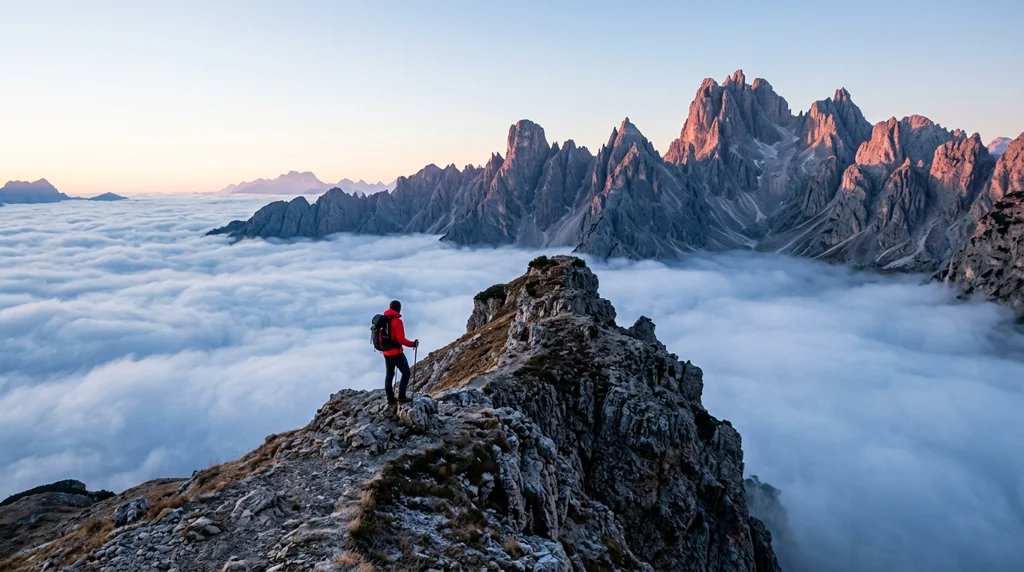
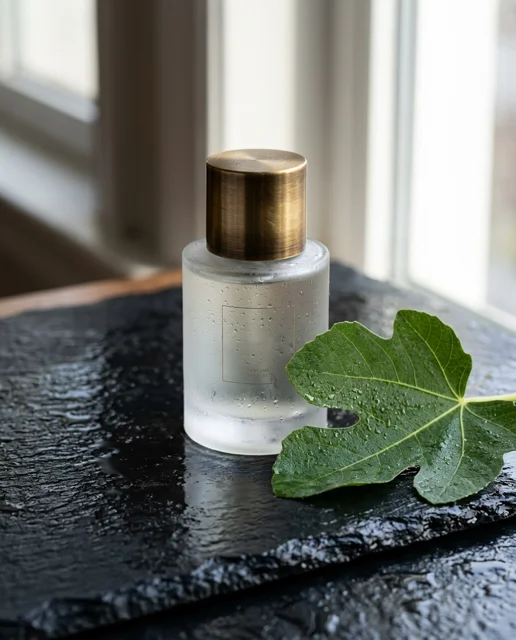
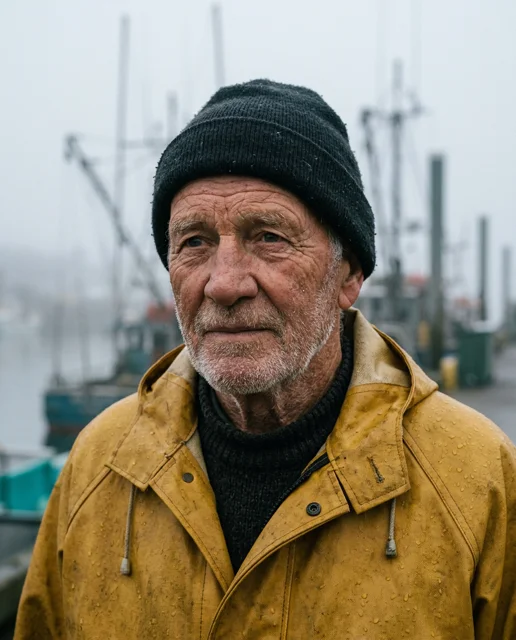
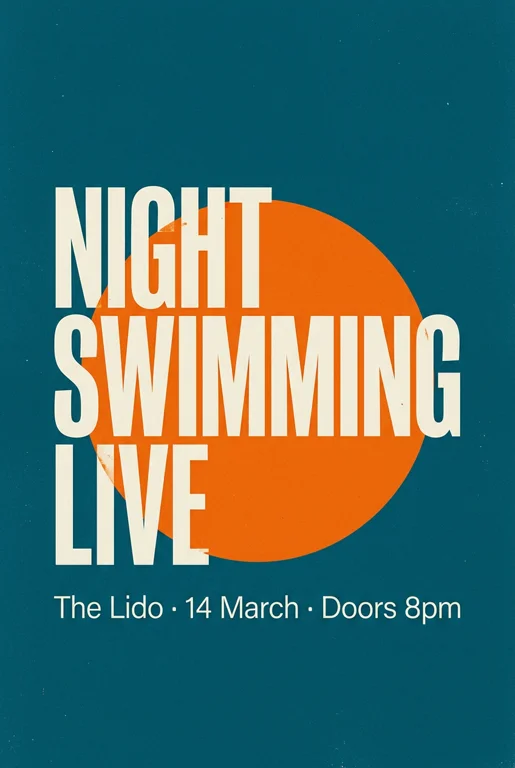
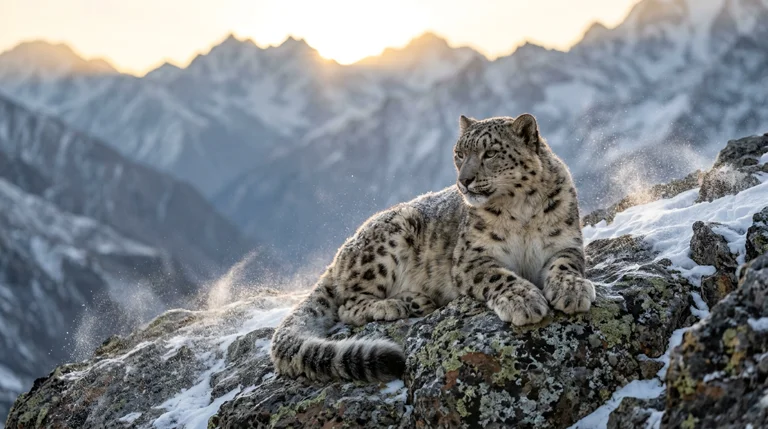
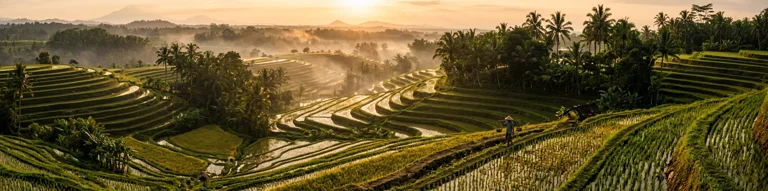
Prompts behind these Nano Banana 2.1 images
Actual prompts from Nano Banana 2.1 renders by the Masonry community. Copy any prompt, then remix it into your own creation.



Why teams choose Nano Banana 2.1
Choose Nano Banana 2.1 when a brief needs legible copy, several references held consistent, or an unusual frame, and you still want Flash-tier speed and cost. On the Artificial Analysis text-to-image board it ranked above Nano Banana Pro, so try it first before reaching for the Pro model, and keep Pro for the cases where it wins on your own briefs. GPT Image 2.5 Sunburst and GPT Image 2.5 Flare ranked higher on both Artificial Analysis boards and are the comparison for the most demanding text and edit work. Imagen 4 suits standalone photoreal imagery that does not need references. Nano Banana 2 Lite is the faster, lower-cost choice when 1K is enough. Nano Banana 2.1's clearest fit in Masonry is reference-driven brand creative at volume, from social posts to 8:1 banners.
What Nano Banana 2.1 can do
The capabilities that set Nano Banana 2.1 apart and earn its place in a brief
Sharper Text and Infographic Layouts
Google lists enhanced text rendering and infographic layout accuracy as a headline change in 2.1. Put the exact words in quotes and describe the layout, then proof every character at full size before it ships.
Up to 14 Reference Images
Fuse up to 14 references in one request. Google states character consistency for up to four characters and object fidelity for up to ten objects, enough to stage a product range with a recurring presenter.
1K, 2K or 4K Output
Render quick drafts at 1K, Google's default, then deliver at 2K for web and social or 4K for print drafts and large placements. Higher resolutions cost more credits.
Panoramic and Tall Frames
Beyond 21:9 to 9:16, Nano Banana 2.1 supports 4:1, 1:4, 8:1, and 1:8. Google says 2.1 fixed tiling artifacts on those wide and tall frames at 2K and 4K, which matters for banners, skyscraper ads, and shelf strips.
Thinks Before It Renders
The model reasons over the brief before generating, with Google's thinking levels set at minimal, medium, or high. More thinking can help dense compositions and multi-element layouts, at the cost of time.
Conversational Editing
Edit an image you supply with a written instruction, then keep refining it. Google highlights improved multi-turn character consistency, so a person or product holds steady across several rounds of changes.
Where teams reach for Nano Banana 2.1
- Campaign sets with one recurring castFeed the same presenter and product references into every shot so a social series or a product launch reads as one campaign.
- Social posts and ads with copy in the imageGenerate posts, stories, and promo tiles where a headline or offer line is part of the design, then check spelling before publishing.
- Infographics and comparison visualsLay out feature callouts, simple charts, and before-and-after panels for product pages and decks, with the numbers supplied in the prompt.
- Web banners and skyscraper adsUse 4:1 and 8:1 for site headers and display banners, and 1:4 or 1:8 for tall placements, without stitching images together.
- Product scenes from real product photosUpload approved packshots as references and restage them in lifestyle or studio scenes, keeping labels and shapes under review.
- High-volume variation workProduce many on-brand variants of one concept for testing, then upscale the winners at 2K or 4K.
- Packaging and label conceptsExplore label and packaging directions with legible copy before a designer builds the final artwork.
- Localized creative draftsRework an approved visual with on-image copy for another market, then have a native speaker review the text.
Frequently asked questions
What teams need to know about creating with Nano Banana 2.1 in Masonry
What is Nano Banana 2.1?
Nano Banana 2.1 is Google's update to Nano Banana 2 (Gemini 3.1 Flash Image), a Flash-tier model for image generation and conversational editing. Google says it keeps Flash-level speed and cost while improving visual quality, prompt adherence, multi-turn character consistency, and text rendering. Google released it as a stable model in October 2026, and in Masonry it runs on Google's Vertex AI.
How is Nano Banana 2.1 different from Nano Banana 2?
Google lists improved visual quality and realism at 1K, 2K, and 4K, enhanced text rendering and infographic layout accuracy, better multi-turn character consistency, and fixed tiling artifacts on 4:1, 1:4, 8:1, and 1:8 frames at 2K and 4K. On the Artificial Analysis leaderboards in November 2026, Nano Banana 2.1 scored 1176 for text-to-image and 1151 for editing, against 1140 and 1124 for Nano Banana 2.
How many reference images can Nano Banana 2.1 use?
Up to 14 reference images in one request. Google states character consistency for up to four characters and object fidelity for up to ten objects, so a set can carry a small cast and a product range at the same time.
What resolutions does Nano Banana 2.1 support?
1K, 2K, and 4K, with 1K as Google's default. Draft at 1K, then render the image you keep at 2K or 4K. Larger sizes cost more credits.
Which aspect ratios does Nano Banana 2.1 support?
The usual frames from 21:9 through 16:9, 3:2, 4:3, 5:4, 1:1, 4:5, 3:4, and 2:3 to 9:16, plus the extreme frames 4:1, 1:4, 8:1, and 1:8 for banners and tall placements.
Can Nano Banana 2.1 edit an existing image?
Yes. Supply the image with a written instruction describing the change, and keep refining it over several turns. Say what must stay the same, such as the product label, the person's face, or the composition, as well as what should change.
Does Nano Banana 2.1 think before generating?
Yes. Google's API offers minimal, medium, and high thinking levels, with medium as the default. Reasoning before rendering helps with dense layouts and many-element briefs, and higher levels take longer.
How did Nano Banana 2.1 rank on Artificial Analysis?
In November 2026 it was fourth on the Artificial Analysis text-to-image leaderboard with an Elo of 1176 and fifth on the image editing leaderboard with 1151. Neighboring models sat within the boards' confidence ranges, so treat close scores as ties and test on your own briefs.
How does Nano Banana 2.1 compare with Nano Banana Pro?
On the Artificial Analysis text-to-image board, Nano Banana 2.1 scored 1176 against 1118 for Nano Banana Pro, and Google positions the Flash model as the more efficient counterpart to the Pro model. Start with 2.1 for most work, and compare Pro on the briefs where your own results favor it.
Does Nano Banana 2.1 use Google Search grounding in Masonry?
Google's API supports grounding with Google Web and Image Search, but this page doesn't promise it on Masonry's route. To show a specific real product, place, or brand look, upload it as a reference image, which also keeps you in control of exactly what the model sees.
Is Nano Banana 2.1 good for text inside images?
Text is one of Google's listed improvements, along with infographic layout accuracy. It is a strong first pick for headlines, labels, and callouts, but no image model guarantees spelling, so proof every line and keep legal or pricing copy as an editable overlay.
What happened to Nano Banana 2 in Masonry?
Masonry retired Nano Banana 2 in November 2026, and its page now redirects here. Nano Banana 2.1 is Google's update to the same Flash model, with the same limit of 14 references and 1K to 4K output. Results from tests run on Nano Banana 2 don't automatically carry over, so rerun your own text and product checks on 2.1.
How does Nano Banana 2.1 compare with Imagen 4 for marketing creative?
They suit different jobs. Nano Banana 2.1 is built around reference images, text in the image, and conversational editing, which fits brand and campaign work that has to reuse real products and people. Imagen 4 is a text-to-image model for standalone photoreal imagery where references matter less. Many teams use both, depending on the brief.
How much does Nano Banana 2.1 cost in Masonry?
Masonry bills each image in credits, and higher resolutions cost more. The editor shows the exact credit cost before you generate.
Can Nano Banana 2.1 images be used commercially?
Google's API terms allow generated images to be used commercially, including in advertising, product imagery, and client deliverables. Confirm the current Google terms for your project, particularly for regulated categories, trademarks, and real people's likenesses.
How does my team use Nano Banana 2.1 in Masonry?
Open a Masonry canvas, pick Nano Banana 2.1 from the model selector, and describe the image you need: a product shot, an ad creative, a social post. Masonry generates it, then you refine, edit, and combine Nano Banana 2.1 with other models in one workspace.
Is Nano Banana 2.1 free to try?
New Masonry accounts get 50 free credits to try GPT Image 2.5 Flare. Nano Banana 2.1 is included in every paid plan, and the editor shows the exact credit cost before you generate.
How do I write good prompts for Nano Banana 2.1?
Describe the scene the way you would brief a designer: subject, setting, light, composition, and the exact copy in quotes. When you use references, say what each one is for, for example "use the first image for the person, the second for the bottle, the third only for the color palette". For infographics, give the real numbers and labels in the prompt rather than asking the model to invent them. For extreme frames such as 8:1, describe what should sit at each end and in the middle so the width has a structure. To edit, state the one change you want and everything that must stay the same. See the prompt gallery on this page for real Nano Banana 2.1 prompts you can copy and adapt.
Who makes Nano Banana 2.1?
Nano Banana 2.1 is built by Google. Inside Masonry it runs alongside 50+ image and video models, so your team can pick the right one for each brief without switching tools.
Can I see examples made with Nano Banana 2.1?
Yes, the prompt gallery on this page shows real images teams have generated with Nano Banana 2.1 in Masonry, each paired with the exact prompt you can copy and adapt for your own brand.
Start creating with Nano Banana 2.1
Generate, edit, and compare across 50+ models in one workspace.
Guides for Nano Banana 2.1
Prompt walkthroughs and examples from the Masonry blog
Explore more AI models
Compare Nano Banana 2.1 with other models teams run in Masonry