

- Up to 1080p
Resolution
- Up to 12s
Clip length
- 24 fps
Frame rate
- Native, synced
Audio
About Seedance 1.5 Pro
Seedance 1.5 Pro is the version of ByteDance's Seedance line that brought native audio to the model. Dialogue, sound effects, and ambient sound are generated together with the video in the same pass, with lip-sync that tracks a character's mouth to the spoken line, rather than producing a silent clip you score afterward. It generates both text-to-video and image-to-video at up to 1080p and 24 fps, with clips from 4 to 12 seconds across six aspect ratios plus an automatic mode, and it holds character and scene consistency well as the camera moves through a shot.
What makes Seedance 1.5 Pro practical for business creative is the combination of sound-on output and a genuinely low cost. A 720p five-second clip with audio runs around twenty-six cents on fal, which keeps iteration cheap when you are exploring a dialogue line, a sound design idea, or a spokesperson read. That suits talking-character ads, product demos that need real ambient sound, and vertical social clips where audio is half the message. It keeps faces and expressions stable through camera movement, so a generated character does not drift between frames. In Masonry, Seedance 1.5 Pro sits next to image models and the rest of the video lineup, so you can animate a product still, add a synchronized voice or effect, and refine the result without leaving the workspace or bolting on a separate audio step.
Why teams choose Seedance 1.5 Pro
Choose Seedance 1.5 Pro when you want sound-on video (dialogue, effects, and ambient audio) with strong character consistency at a low per-clip cost, and you do not need the multi-shot editing or longer clips of Seedance 2.0. It is one of the most cost-efficient ways to generate lip-synced, audio-visual drafts, which makes it a workhorse for talking-character and spokesperson content. Step up to Seedance 2.0 when you want an edited multi-shot sequence or longer clips in one generation, drop to Seedance 1.0 Pro when you want the cheapest silent clips and do not need audio, and consider Veo 3.1 if you need 4K or much longer films. The 1.5 Pro sweet spot is affordable, consistent, sound-on single shots.
What Seedance 1.5 Pro can do
The capabilities that set Seedance 1.5 Pro apart and earn its place in a brief
Native Audio with Lip-Sync
Dialogue, sound effects, and ambient sound are generated in the same pass as the video, and spoken lines are lip-synced to the character's mouth, so a clip arrives sound-on rather than as a silent draft to score later.
Character and Scene Consistency
Faces, expressions, and identity stay stable as the camera moves through a shot, so a generated character does not drift or warp between frames, which matters for spokesperson and talking-character content.
Cinematic Camera Control
Camera grammar described in the prompt (pan, tilt, zoom, dolly, orbit, tracking, rack focus) carries into the motion, and a fixed-camera toggle locks the shot to a tripod when you want a still frame.
Up to 1080p at 24 fps
Three resolution tiers (480p, 720p, 1080p) let you trade speed against quality, with 1080p for client-facing delivery and 480p or 720p for fast, cheap iteration during exploration.
Start and End Frame Animation
Animate a still image as the opening frame, and optionally set an ending frame so the clip transitions from the start image to the end image, useful for putting product photography or brand stills into controlled motion.
Cost-Efficient Sound-On Video
A 720p five-second clip with audio costs roughly twenty-six cents on fal, so generating finished, sound-on drafts stays inexpensive even across many iterations of a dialogue line or sound idea.
Where teams reach for Seedance 1.5 Pro
- Talking-character and spokesperson social ads where dialogue and lip-sync carry the message
- Product demos with real ambient sound and interaction effects rather than a silent screen capture
- Vertical 9:16 clips for TikTok, Instagram Reels, and YouTube Shorts with synchronized audio
- UGC-style ads where a believable voice and ambient sound sell the authenticity
- Animating product photography or brand stills into motion with a matching soundtrack
- High-volume iteration on a dialogue line or sound design idea where low per-clip cost matters
- Brand moments and short narrative beats that need a character to stay consistent across the shot
- Concept-to-spot workflows pairing an image model with Seedance 1.5 Pro inside one workspace
What sets Seedance 1.5 Pro apart
The strengths teams reach for, shown on real renders.
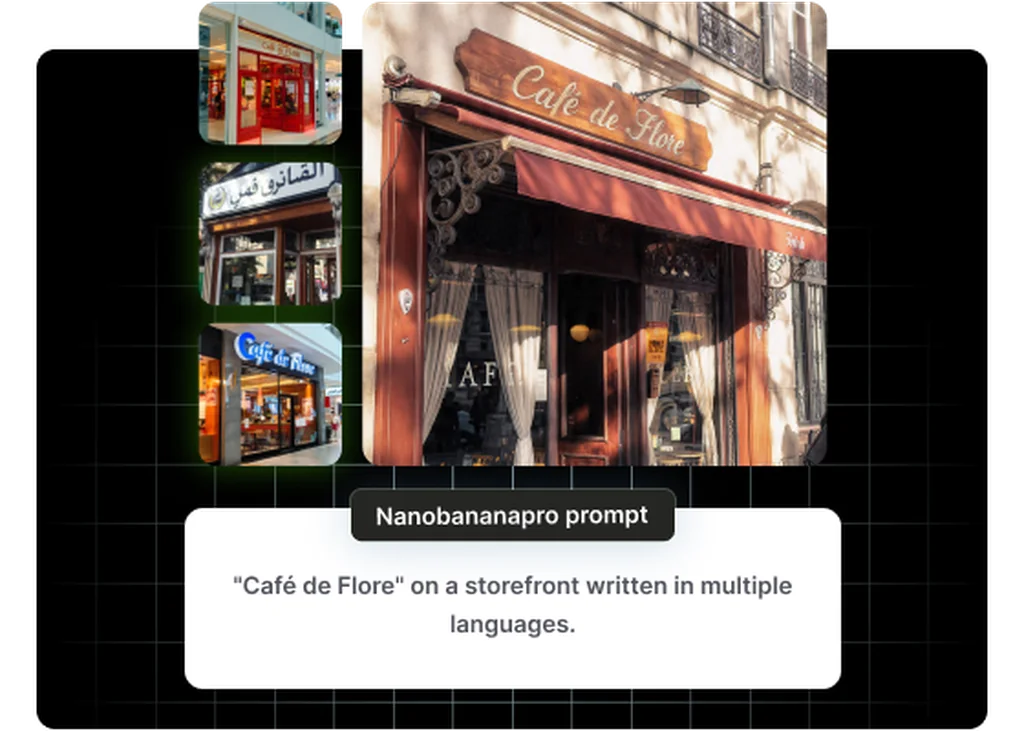
Sound-On Video in a Single Pass
Seedance 1.5 Pro generates dialogue, sound effects, and ambient audio with the video and lip-syncs spoken lines, so a social ad or demo arrives with a soundtrack already in place instead of a silent clip to score afterward.
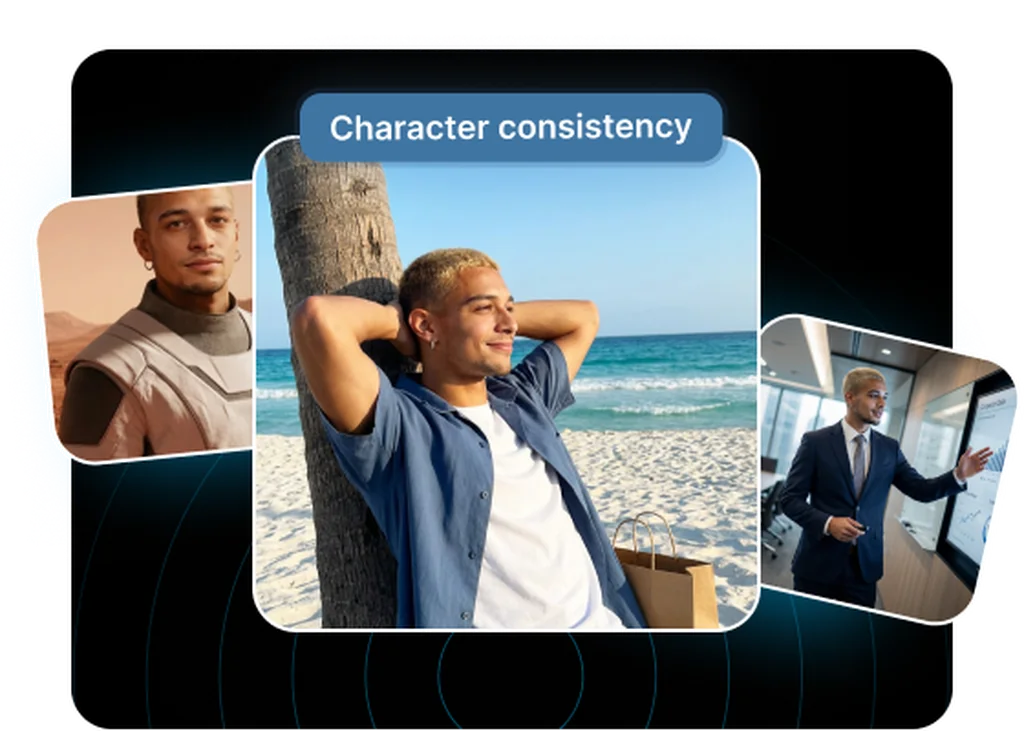
Consistent Characters Through the Shot
Faces and expressions stay stable as the camera moves, so a generated spokesperson or character holds their identity from frame to frame. That consistency is what makes talking-character content usable for client review.
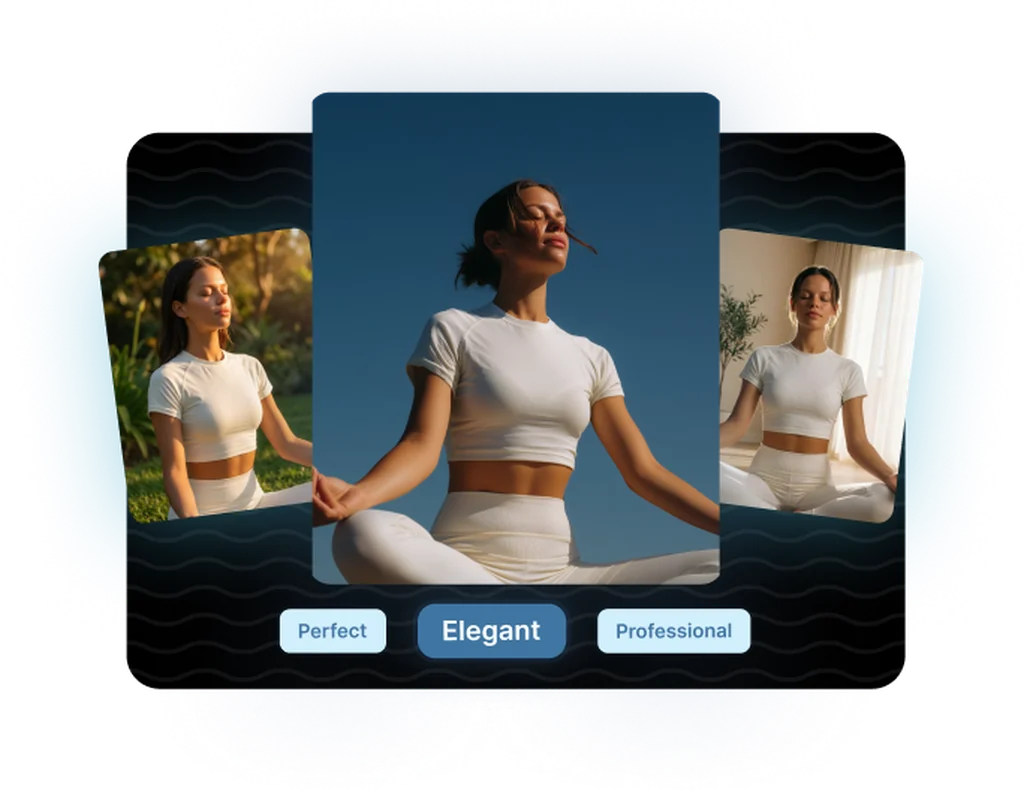
Finished Drafts at Low Cost
A 720p five-second clip with audio runs around twenty-six cents, so you can iterate on a line of dialogue or a sound idea many times over without the cost piling up, then deliver a 1080p final.
Frequently asked questions
What teams need to know about creating with Seedance 1.5 Pro in Masonry
What is new in Seedance 1.5 Pro compared to Seedance 1.0 Pro?
The headline change is native audio. Seedance 1.5 Pro generates dialogue, sound effects, and ambient sound together with the video and lip-syncs spoken lines, whereas Seedance 1.0 Pro outputs silent video. Seedance 1.5 Pro also adds an automatic aspect-ratio mode. Seedance 1.0 Pro remains the cheaper, silent option for visuals-only work, while 1.5 Pro is built for sound-on content.
Does Seedance 1.5 Pro generate audio?
Yes. Native audio is its defining feature. Dialogue, sound effects, and ambient sound are generated in the same pass as the video, with lip-sync for spoken lines. Audio is on by default and can be turned off if you want a silent clip. Generating with audio costs more per token than without, so silent generation is cheaper if you do not need sound.
How good is the lip-sync in Seedance 1.5 Pro?
Spoken dialogue is lip-synced so the character's mouth movements track the generated speech rather than looking dubbed. Because the audio and video are generated together rather than stitched after the fact, the timing stays tight, which is what makes the model viable for talking-character ads, spokesperson reads, and UGC-style content with on-camera speech.
What resolutions and aspect ratios does Seedance 1.5 Pro support?
It generates at 480p, 720p, and 1080p, with 720p as the default. Supported aspect ratios are 21:9, 16:9, 4:3, 1:1, 3:4, and 9:16, plus an automatic mode, so you can target ultrawide cinematic, standard landscape, square, and vertical social formats. Use 1080p for delivery and 480p or 720p for faster, cheaper iteration.
How long can a Seedance 1.5 Pro clip be?
A single generation runs from 4 to 12 seconds, with 5 seconds as the default. For longer content you generate additional clips and assemble them, or step up to Seedance 2.0, which generates up to 15 seconds per clip, or Veo 3.1, which chains extensions into longer films.
How much does Seedance 1.5 Pro cost?
On fal, a 720p five-second clip with audio costs roughly twenty-six cents. Pricing is token-based on the output dimensions, so cost scales with resolution and duration, and generating with audio costs more per token than without. Per-token and per-clip rates change over time, so check current fal pricing for exact figures. Inside Masonry, generation is metered through your workspace.
Can Seedance 1.5 Pro animate an existing image?
Yes. It supports image-to-video, animating a still image as the opening frame, and you can optionally supply an ending frame so the clip transitions from the start image to the end image. This makes it useful for turning product photography or brand stills into short motion clips with a synchronized soundtrack.
Does Seedance 1.5 Pro keep characters consistent?
Yes. It is built to hold character and scene consistency as the camera moves through a shot, so a face or product stays stable rather than drifting or warping between frames. That stability is important for spokesperson content and any clip where a recognizable subject needs to look the same from the first frame to the last.
Can I control the camera in Seedance 1.5 Pro?
Yes, through the prompt. It responds to cinematic camera grammar including pan, tilt, zoom, dolly, orbit, tracking shots, and rack focus, and a fixed-camera toggle locks the shot to a tripod-style static frame when you want no camera movement. Describing the camera move in the prompt is the most reliable way to direct it.
When should I use Seedance 1.5 Pro instead of Seedance 2.0?
Use Seedance 1.5 Pro when you want sound-on single-shot clips at a low cost and do not need 2.0's multi-shot editing or 15-second clips. It is the cheaper, simpler audio-visual option. Step up to Seedance 2.0 when a single generation needs to cut between shots or run a few seconds longer.
Can Seedance 1.5 Pro outputs be used commercially?
Seedance 1.5 Pro is intended for commercial creative work like ads, social content, and product video, and Masonry routes generation through fal under its API terms. As with any AI video model, review the current provider terms for your specific use case, particularly for regulated categories or content that depicts real people's likenesses or voices.
What prompt details improve Seedance 1.5 Pro results?
Describe the scene, the motion, the camera move, and the audio in one prompt, since the model generates audio natively. For dialogue, write the spoken line directly in the prompt so it can be lip-synced. Naming the ambient sound or effects you want (footsteps, room tone, music mood) produces a more complete, sound-on clip in a single pass.
What is Seedance 1.5 Pro?
Seedance 1.5 Pro is an AI video generation model from ByteDance, available inside Masonry, the AI creative agent teams use to produce marketing, product, and brand videos.
How does my team use Seedance 1.5 Pro in Masonry?
Open a Masonry canvas, pick Seedance 1.5 Pro from the model selector, and describe the video you need: a product shot, an ad creative, a social post. Masonry generates it, then you refine, edit, and combine Seedance 1.5 Pro with other models in one workspace.
Is Seedance 1.5 Pro free to try?
Yes, you can start generating videos with Seedance 1.5 Pro on Masonry's free tier, then scale up with higher limits and priority processing as your team grows.
How do I write good prompts for Seedance 1.5 Pro?
Write the spoken line directly in the prompt and name the ambient sound or effects you want. Seedance 1.5 Pro generates audio natively and lip-syncs dialogue, so stating the words and the soundscape gets you a finished, sound-on clip in one pass. See the prompt gallery on this page for real Seedance 1.5 Pro prompts you can copy and adapt.
Who makes Seedance 1.5 Pro?
Seedance 1.5 Pro is built by ByteDance. Inside Masonry it runs alongside 50+ image and video models, so your team can pick the right one for each brief without switching tools.
Can I see examples made with Seedance 1.5 Pro?
Yes, the prompt gallery on this page shows real videos teams have generated with Seedance 1.5 Pro in Masonry, each paired with the exact prompt you can copy and adapt for your own brand.
Start creating with Seedance 1.5 Pro
Generate, edit, and compare across 50+ models in one workspace.
Guides for Seedance 1.5 Pro
Prompt walkthroughs and examples from the Masonry blog
Explore more AI models
Compare Seedance 1.5 Pro with other models teams run in Masonry