




- 32B (open weight)
Parameters
- Up to 4MP
Max resolution
- Up to 10
Reference images
- Rectified flow Transformer
Architecture
About FLUX.2 Dev
FLUX.2 Dev is the open-weight flagship of Black Forest Labs' FLUX.2 generation, a 32-billion-parameter rectified-flow Transformer that ships with publicly available weights, making it the model of choice for teams that need to own their image generation stack. Unlike API-only models, FLUX.2 Dev can be downloaded, self-hosted, and fine-tuned: LoRA adapters trained on 20–50 domain images let you encode brand aesthetics, specific product appearances, or proprietary visual styles directly into the model, with the LoRA adapter typically running 50–200 MB alongside the base weights. The unified architecture handles both text-to-image generation and image editing from a single checkpoint, which simplifies deployment and eliminates the module-switching overhead common in multi-model pipelines.
Performance puts FLUX.2 Dev at the top of the open-weight class. Black Forest Labs reports a 66.6% win rate over open alternatives in text-to-image evaluation. Its multi-reference conditioning accepts up to 10 reference images natively, enabling brand consistency across campaign assets without external ControlNet modules. Running locally requires meaningful hardware: at full BF16/FP16 precision a 32B model needs roughly 80GB of VRAM (a data-center GPU like an H100, or a multi-GPU rig), while the NVIDIA-optimized FP8 build fits on a 24GB card (RTX 4090 or 3090 class), and 4-bit GGUF quantization brings it into the ~12–16GB range on mid-range consumer cards with modest quality trade-offs. For teams that need FLUX.2 Dev's quality without managing local infrastructure, Masonry provides API access with commercial-use output rights through licensed providers.
Why teams choose FLUX.2 Dev
FLUX.2 Dev is the open-weight choice for teams that need to own their stack. The publicly available 32B weights enable three things that API-only models cannot offer: fine-tuning on your own imagery (via LoRA, without modifying the base checkpoint), self-hosting for data sovereignty or cost control at scale, and deep integration into proprietary pipelines. It leads the open-weight class in quality benchmarks, and its unified architecture handles both generation and editing from a single deployment. For teams using Masonry who want the quality of FLUX.2 Dev without standing up local GPU infrastructure, the model is accessible via the Masonry platform through licensed API providers, with commercial-use output rights included.
What FLUX.2 Dev can do
The capabilities that set FLUX.2 Dev apart and earn its place in a brief
Open Weights for Full Control
Download and host the full 32B-parameter checkpoint. Fine-tune with LoRA on 20–50 domain images, quantize to fit your hardware, and integrate into proprietary pipelines without API dependency or vendor lock-in.
Multi-Reference Conditioning
Accept up to 10 reference images natively, with no external ControlNet modules required. Feed character, product, and style references simultaneously to maintain brand consistency across an entire campaign's worth of assets.
Unified Text-to-Image and Editing
One 32B checkpoint handles both generation and image editing. Eliminates the dual-model overhead common in other open-weight stacks and keeps your self-hosted deployment simpler to maintain.
Flexible Local Deployment
Run the FP8 build on a 24GB RTX 4090 or 3090, drop to 4-bit GGUF (~12–16GB) on more accessible hardware, or serve full BF16/FP16 precision (~80GB) on a data-center GPU, letting you right-size the infrastructure to your budget.
LoRA Fine-Tuning
Train compact LoRA adapters (50–200MB) on your own imagery to encode brand aesthetics, product appearances, or campaign styles. Fine-tunes typically take 2–8 hours on a consumer GPU and load alongside the base model at inference without modifying the original weights.
Leading Open-Weight Performance
FLUX.2 Dev achieves a 66.6% win rate against open-weight alternatives in text-to-image evaluations, making it the benchmark model for teams that need high creative quality without giving up the flexibility of open weights.
Where teams reach for FLUX.2 Dev
- Building custom AI image generation features inside proprietary SaaS products or internal tools
- Self-hosted creative infrastructure for agencies or enterprises with data-residency requirements
- Fine-tuning on brand visual identity for consistent campaign output across teams
- Research and experimentation with diffusion model architectures and sampling strategies
- Creating specialized LoRA variants for specific product categories or industry verticals
- High-volume batch generation pipelines where API cost at scale justifies self-hosted infrastructure
- Non-commercial AI art projects, academic research, and open-source creative tools
- Teams evaluating open-weight model quality before committing to a production architecture
What sets FLUX.2 Dev apart
The strengths teams reach for, shown on real renders.
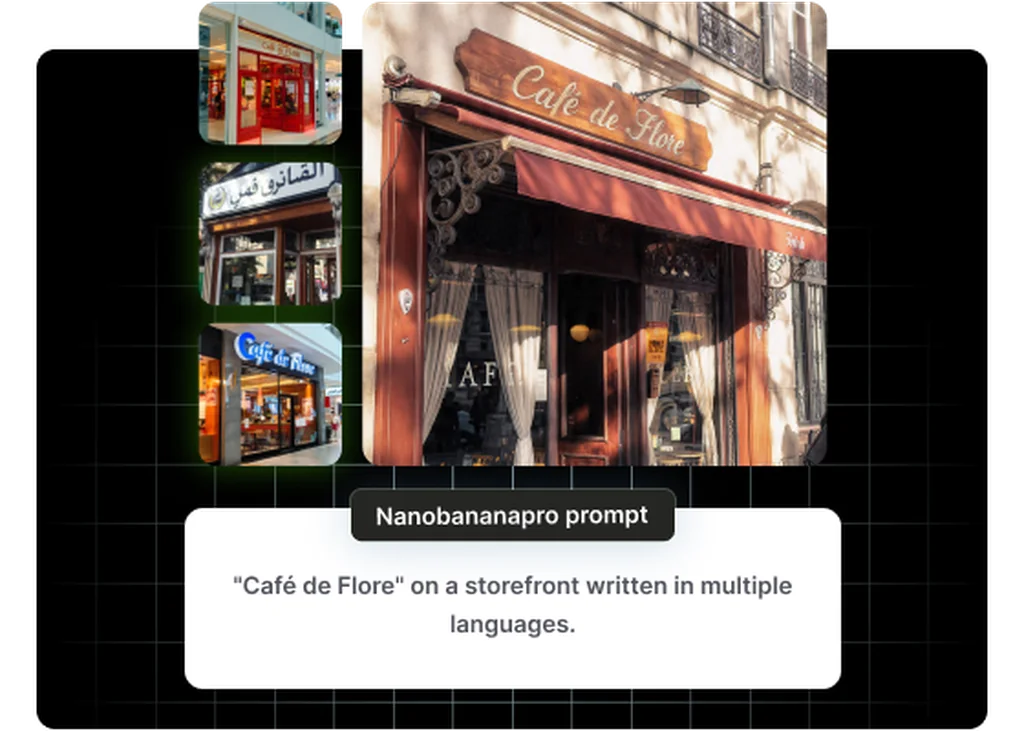
Open Weights for Full Control
Full access to model weights means your team can fine-tune for brand style, self-host for data privacy, and build proprietary pipelines without API lock-in.
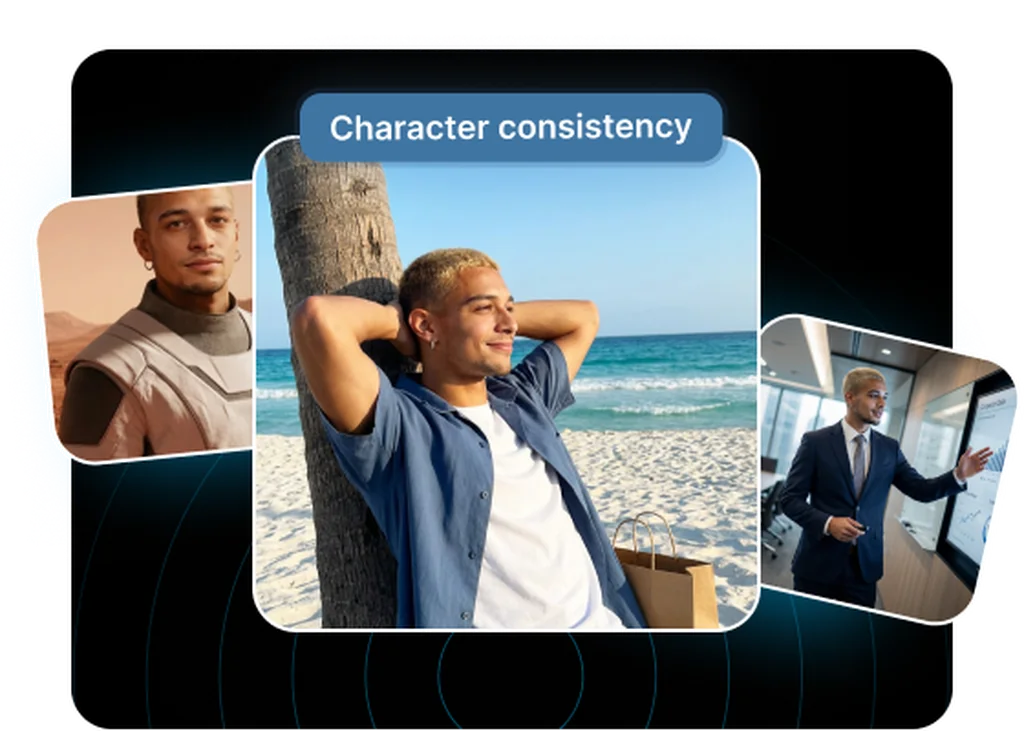
Multi-Reference Conditioning
Reference up to 10 images simultaneously (characters, products, and style references) without extra modules, keeping brand consistency across campaign assets.
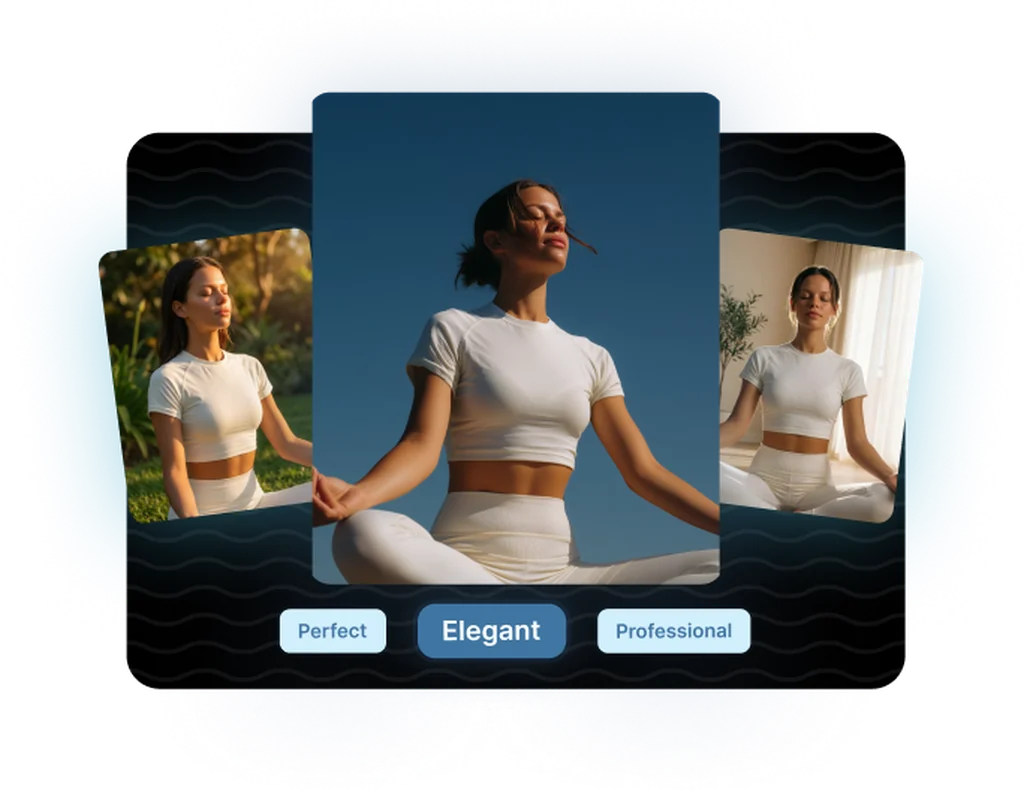
Unified Text-to-Image and Editing
One 32B-parameter checkpoint handles both generation and editing, simplifying production infrastructure and reducing the model-switching overhead in high-volume creative workflows.
Frequently asked questions
What teams need to know about creating with FLUX.2 Dev in Masonry
Can I use FLUX.2 Dev commercially?
The model weights are released under the FLUX [dev] Non-Commercial License v2.0, which restricts direct commercial deployment of the weights without a separate license. However, output images can be used commercially (you just cannot resell or redistribute the model itself without a license). For commercial deployment, BFL offers a paid Self-Hosted Commercial License. Using FLUX.2 Dev through licensed API providers (including Masonry) includes commercial-use output rights in their service terms.
What GPU and VRAM do I need to run FLUX.2 Dev locally?
At full BF16/FP16 precision the 32-billion-parameter model needs roughly 80GB of VRAM, so a data-center GPU (such as an H100 or A100) or a multi-GPU setup is required. The NVIDIA-optimized FP8 build cuts that to around 24GB, which fits an RTX 4090 or 3090, the practical minimum for comfortable single-card inference. 4-bit GGUF quantization reduces it further to roughly 12–16GB on mid-range consumer cards, with modest quality trade-offs. You also need at least 32GB of system RAM and around 60GB of storage for the weights, VAE, and text encoders.
How does FLUX.2 Dev differ from FLUX.2 Flex?
FLUX.2 Dev ships with open weights you can download, self-host, and fine-tune. FLUX.2 Flex is API-only and exposes inference parameters (steps up to 50, guidance scale) that let you tune the speed-quality trade-off at generation time. Flex also has a stronger typography specialization for text-heavy creative. The choice is architectural: Dev if you need to own the model and customize it; Flex if you want parameter-level control through an API without managing infrastructure.
Can I fine-tune FLUX.2 Dev on my brand assets?
Yes. FLUX.2 Dev supports LoRA (Low-Rank Adaptation) fine-tuning. A typical brand LoRA trains on 20–50 high-quality images representing your visual style, takes 2–8 hours on a consumer GPU, and produces a 50–200MB adapter file. The adapter loads alongside the base checkpoint at inference without modifying the original weights, so you can switch between base and fine-tuned outputs without re-deploying. This is one of the primary reasons development teams choose Dev over API-only models.
How does FLUX.2 Dev compare to FLUX.2 Pro in quality?
FLUX.2 Pro is the closed-source production API variant optimized for maximum quality and reliability. FLUX.2 Dev is a close second in output quality, close enough that for most creative briefs the difference is minor. The meaningful differences are in the deployment model (open weights vs. API-only) and fine-tuning capability (Dev supports it; Pro does not). Teams that need the absolute ceiling of FLUX.2 image quality and do not need custom weights typically choose Pro.
Does FLUX.2 Dev support image editing, not just generation?
Yes. The unified architecture means a single FLUX.2 Dev checkpoint handles both text-to-image generation and image editing without switching models or adding separate modules. You can use it for targeted edits (changing backgrounds, modifying elements, refining details), which simplifies both self-hosted deployment and the prompting workflow since you stay in one context rather than switching tools.
What is the rectified flow Transformer architecture?
Rectified flow is a training and sampling approach that learns to map noise to images along straighter trajectories than traditional diffusion, which tends to produce cleaner results with fewer inference steps. Combined with the Transformer backbone (as opposed to the U-Net used in earlier diffusion models), it gives FLUX.2 Dev strong compositional ability and efficient scaling. In practice this means fewer steps needed for quality results and better handling of complex multi-element prompts.
How many reference images can FLUX.2 Dev use?
Up to 10 reference images natively, without requiring external ControlNet modules or additional pipeline components. This makes it practical for brand consistency workflows where you need to simultaneously reference a product, a visual style, a character, and a composition, all in a single inference call rather than a multi-step pipeline.
Can I self-host FLUX.2 Dev for privacy-sensitive projects?
Yes, and this is a primary use case. Self-hosting means your prompts, reference images, and generated outputs never leave your infrastructure. With the BFL Self-Hosted Commercial License (available for purchase at bfl.ai/pricing/licensing), you can deploy FLUX.2 Dev in your own cloud or on-premises environment and integrate it into internal tools or client-facing products. You cannot, however, redistribute the model weights or expose them through a resale API without BFL's explicit authorization.
Is FLUX.2 Dev available through ComfyUI and similar tools?
Yes. Black Forest Labs provides reference inference code, and optimized FP8 implementations exist for ComfyUI and other community tooling. The community has also produced numerous GGUF quantizations for reduced-VRAM deployments. If you prefer a managed path without local setup, Masonry provides access to FLUX.2 Dev through the platform without requiring GPU infrastructure on your side.
How does FLUX.2 Dev handle in-image text?
FLUX.2 Dev handles short-form text in images well (product labels, packaging copy, brand names), which is meaningful for marketing creative. For complex typography, infographics, and dense multi-line text layouts, FLUX.2 Flex has a stronger specialization. GPT Image 2 remains the benchmark for dense text and small lettering. The right choice depends on your brief: Dev for general photorealistic creative with moderate text; Flex or GPT Image 2 when text rendering is the primary requirement.
What is FLUX.2 Dev?
FLUX.2 Dev is an AI image generation model from Black Forest Labs, available inside Masonry, the AI creative agent teams use to produce marketing, product, and brand images.
How does my team use FLUX.2 Dev in Masonry?
Open a Masonry canvas, pick FLUX.2 Dev from the model selector, and describe the image you need: a product shot, an ad creative, a social post. Masonry generates it, then you refine, edit, and combine FLUX.2 Dev with other models in one workspace.
Is FLUX.2 Dev free to try?
Yes, you can start generating images with FLUX.2 Dev on Masonry's free tier, then scale up with higher limits and priority processing as your team grows.
Who makes FLUX.2 Dev?
FLUX.2 Dev is built by Black Forest Labs. Inside Masonry it runs alongside 50+ image and video models, so your team can pick the right one for each brief without switching tools.
Can I see examples made with FLUX.2 Dev?
Yes, the prompt gallery on this page shows real images teams have generated with FLUX.2 Dev in Masonry, each paired with the exact prompt you can copy and adapt for your own brand.
Start creating with FLUX.2 Dev
Generate, edit, and compare across 50+ models in one workspace.
Guides for FLUX.2 Dev
Prompt walkthroughs and examples from the Masonry blog
Explore more AI models
Compare FLUX.2 Dev with other models teams run in Masonry