




- Up to 4MP
Max resolution
- Up to 50 (adjustable)
Max inference steps
- Up to 10
Reference images
- Typography, infographics, UI mockups
Specialization
About FLUX.2 Flex
FLUX.2 Flex is Black Forest Labs' configurable production model, an API-delivered variant of the FLUX.2 family that puts inference parameters directly in the hands of the operator. Unlike most image generation APIs that wrap the model in fixed settings, FLUX.2 Flex exposes the number of sampling steps (up to 50) and the guidance scale, letting your team tune the speed-quality trade-off for each job rather than accepting one-size-fits-all defaults. At low steps you get fast concept drafts; at high steps you get final-delivery-quality output with sharper detail, stronger text rendering, and more precise physical accuracy. The ability to dial this within a single model, rather than switching between a draft model and a quality model, reduces pipeline complexity and keeps outputs stylistically consistent across a campaign.
FLUX.2 Flex has a documented specialization in typography and structured visual content. Infographics, UI mockups, promotional banners, and creative with dense on-image copy all benefit from this: the model's handling of complex text layouts and fine typographic detail is among the strongest in the FLUX.2 family. Paired with up to 10 reference images and 4-megapixel output, FLUX.2 Flex is well-suited to the kind of high-polish, copy-heavy marketing creative that brand and performance teams need to produce repeatedly and at scale. It is an API-only model with commercial-use output rights included, so there are no separate weight files to manage or infrastructure to stand up.
Why teams choose FLUX.2 Flex
FLUX.2 Flex suits production creative teams that want parameter-level control without the overhead of self-hosted infrastructure. The adjustable steps and guidance scale mean you get a fast, cheap draft pass for concepting and a high-quality final-delivery pass from the same model, with no pipeline switching and no style drift between concept and final. Its typography specialization makes it the strongest option in the FLUX.2 family for copy-heavy creative. Because it is API-first with commercial-use output rights included, it plugs directly into Masonry workflows alongside other models. Use Flex where text precision and tunable quality matter, and switch to other models in your canvas for the parts of the project they handle better.
What FLUX.2 Flex can do
The capabilities that set FLUX.2 Flex apart and earn its place in a brief
Adjustable Steps and Guidance Scale
Dial inference steps from a handful (fast concept drafts) up to 50 (maximum quality), and tune guidance scale to balance prompt adherence against stylistic diversity, all within a single API call, without switching models.
Typography and Text Rendering Specialization
Complex multi-line text, infographic layouts, UI mockups, and promotional copy with legible fine detail. FLUX.2 Flex carries the strongest typography performance in the FLUX.2 family, making it the go-to for copy-heavy marketing assets.
4-Megapixel Photorealistic Output
Outputs at up to 4MP close the visible gap between generated and photographed imagery, suitable for print, high-DPI digital, and OOH placements without additional upscaling.
Accurate Physical Detail
Strong understanding of real-world physics (hands, faces, fabric textures, reflective surfaces, and fine product details) translates into cleaner product and lifestyle photography at high step counts.
Multi-Reference Input
Accept up to 10 reference images per generation (product shots, style boards, brand assets) to anchor composition and visual consistency across a batch of campaign deliverables.
API-First Commercial Access
Fully managed API with commercial-use output rights included. No weights to download or infrastructure to provision. Access FLUX.2 Flex directly through Masonry alongside 50+ other models in the same workflow.
Where teams reach for FLUX.2 Flex
- Promotional banners, sale ads, and retail creative where on-image text must be legible and correctly rendered
- Infographic and data-visualization creative where structured text and layout accuracy are the brief
- Brand campaign batches where consistent reference conditioning and adjustable quality tiers both matter
- Performance marketing creative iteration (low steps for quick concept rounds, high steps for final selects)
- UI and app store screenshot mockups requiring precise interface text and layout
- Fashion and apparel lifestyle photography where fabric texture and fine detail at high resolution are non-negotiable
- Product hero shots that need to be final-delivery quality without a separate upscaling pass
- Multi-SKU campaigns where the same reference-conditioned base prompt generates variants efficiently
What sets FLUX.2 Flex apart
The strengths teams reach for, shown on real renders.
Adjustable Steps for Every Budget
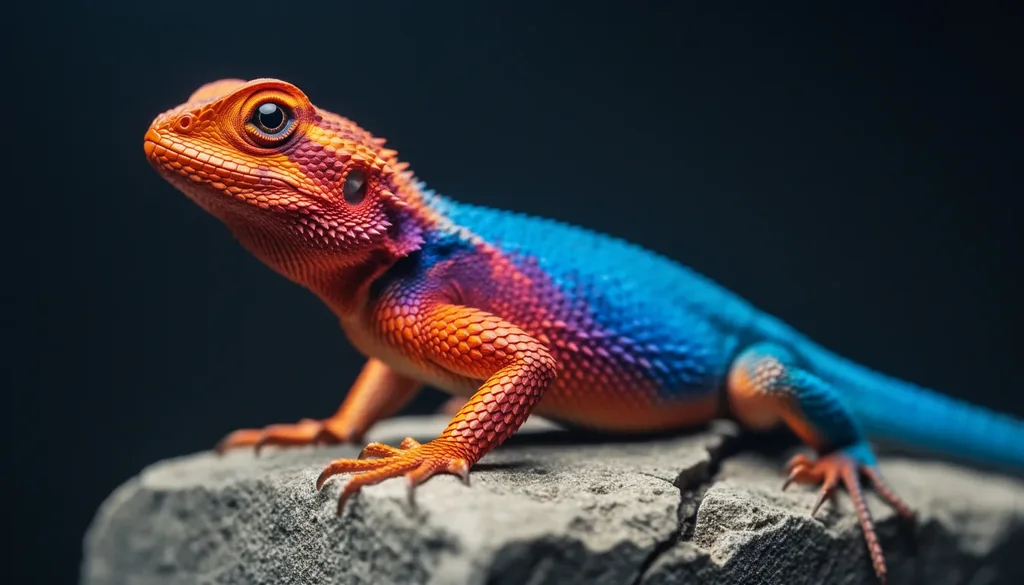
Dial steps from 6 (fast drafts) up to 50 (final-delivery quality), giving production teams direct control over the speed-quality trade-off without changing models.
Production-Grade Typography
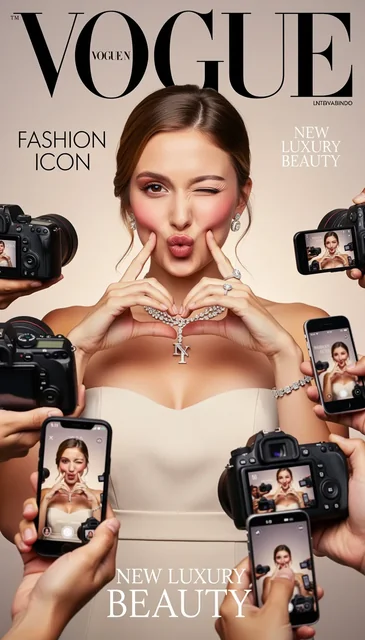
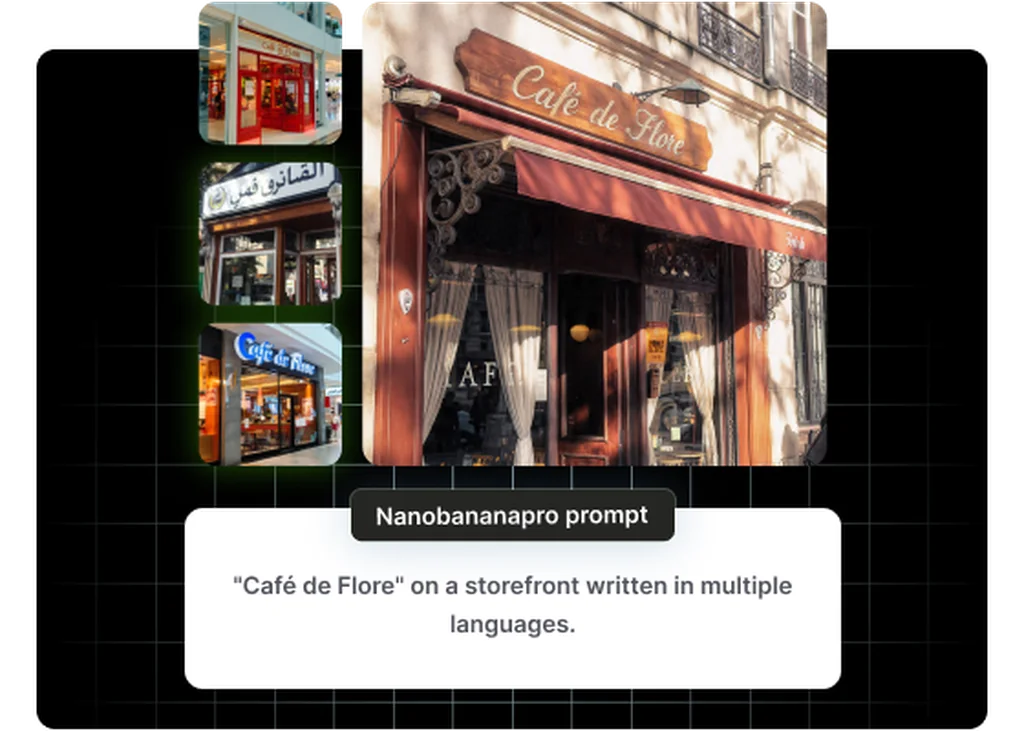
Complex typography, infographics, memes, and UI mockups with legible fine text work reliably, making it the go-to for copy-heavy promotional assets and data-driven creative.
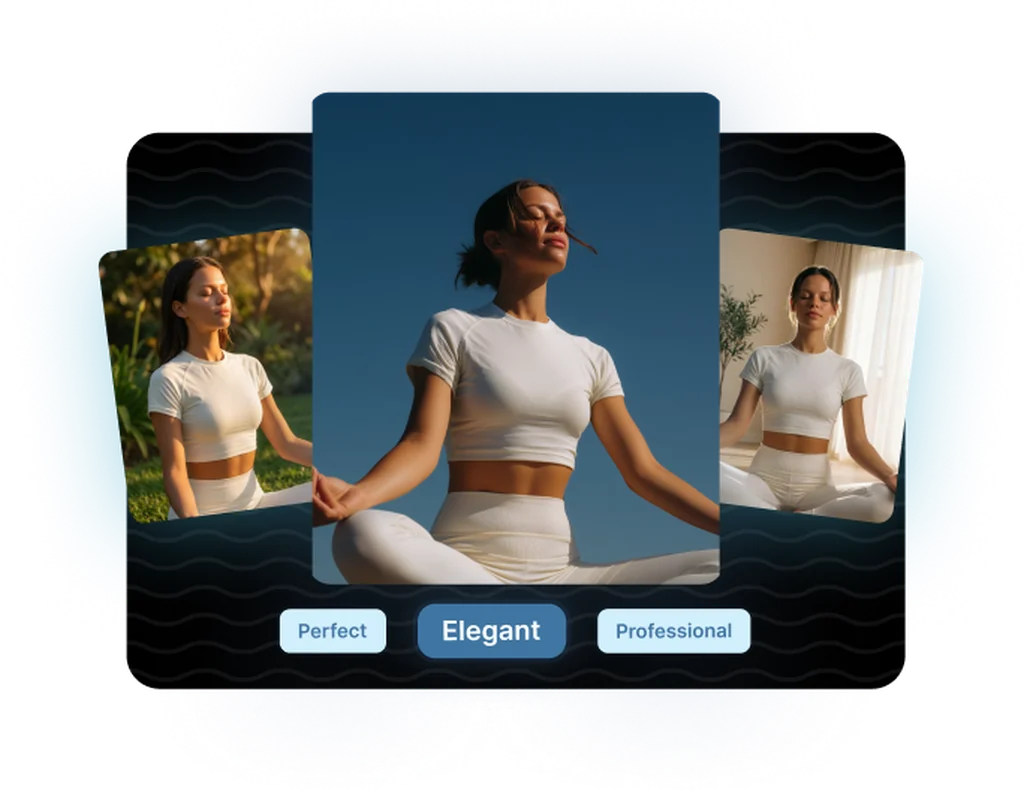
Multi-Reference Up to 4MP
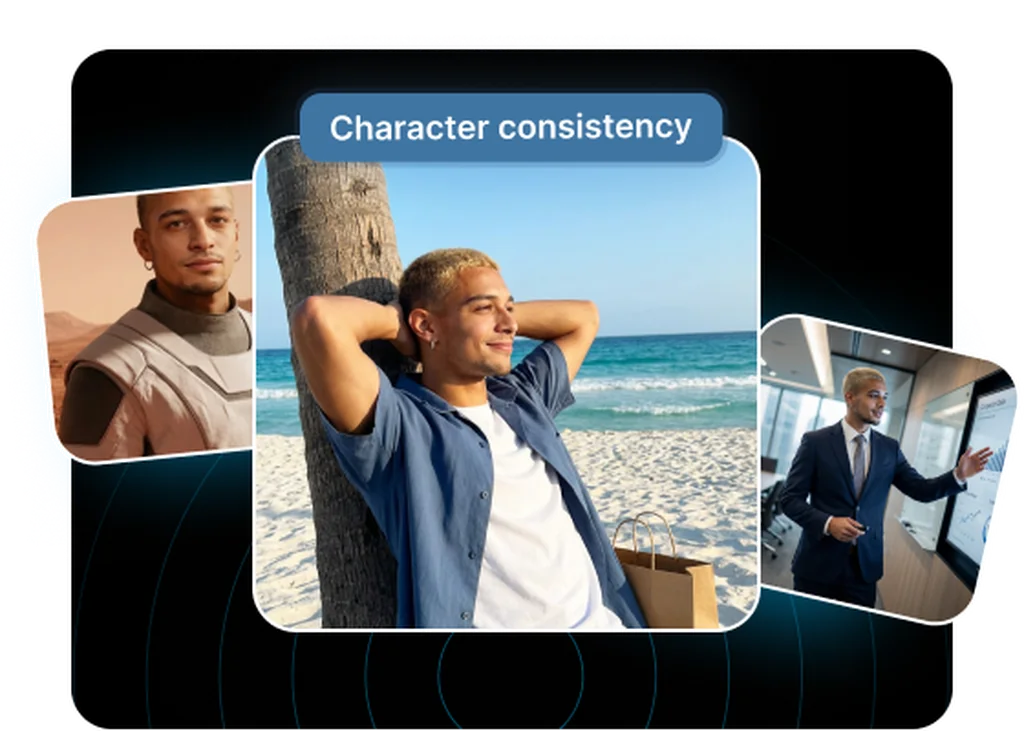
Reference up to 10 images simultaneously at up to 4-megapixel output resolution, giving brand teams the fidelity and consistency needed for print-ready and high-DPI digital assets.
Frequently asked questions
What teams need to know about creating with FLUX.2 Flex in Masonry
Can I use FLUX.2 Flex outputs commercially?
Yes. FLUX.2 Flex is an API-delivered model and commercial-use output rights are included in the service terms. There is no separate licensing process required before using generated images in advertising, marketing materials, or published digital content. This is in contrast to the FLUX.2 Dev weights, which carry a non-commercial license for direct self-hosting without a paid commercial license from Black Forest Labs.
What do the inference steps parameter actually control?
Inference steps determine how many iterative refinement passes the model makes during generation. Fewer steps (roughly 6–15) produce faster outputs suitable for concept rounds and rough ideation. The images are usable but may show less fine detail or slightly softer text. Higher steps (30–50) give the model more passes to refine textures, sharpen text, and resolve complex physical detail. The practical advice is to run low steps for concept approval and step up only for the assets going into final production.
What does the guidance scale control in FLUX.2 Flex?
Guidance scale controls how strongly the model adheres to your text prompt versus introducing stylistic variation. A higher guidance scale keeps outputs closer to the literal prompt description, useful when you need specific elements placed precisely. A lower guidance scale allows the model more interpretive latitude and can produce more aesthetically interesting results at the cost of some literal accuracy. Most production creative workflows run guidance scale in a mid-range and adjust steps for the primary quality lever.
How does FLUX.2 Flex compare to FLUX.2 Dev?
The core distinction is in the deployment model and customization options. FLUX.2 Dev ships with open weights you can download, self-host, and fine-tune with LoRA. FLUX.2 Flex is API-only, with no weights to manage and no infrastructure to provision. Flex adds the exposed parameter controls (steps, guidance scale) and a stronger typography specialization. Choose Dev if you need to own the model; choose Flex if you want per-request parameter control and managed API access.
How does FLUX.2 Flex compare to FLUX.2 Pro?
FLUX.2 Pro is the fully optimized closed API variant with fixed, tuned settings. Black Forest Labs has already dialed in the parameters for maximum quality and reliability. FLUX.2 Flex exposes those same parameters to you, so you get more control at the cost of needing to understand what you are tuning. For teams that know their creative workload well enough to optimize steps and guidance scale per job type, Flex offers a meaningful advantage. For teams that want the best output with minimal configuration, Pro is simpler.
Is FLUX.2 Flex good for typography and text in images?
Yes. It is specifically documented as having stronger typography performance than other FLUX.2 variants. Infographics, promotional banners, UI mockups, and creative with dense on-image copy all perform reliably. At high step counts, fine text, multi-line layouts, and complex typographic structures render with more precision than lower-step runs. For the most text-intensive creative (dense small lettering, complex data tables in infographics), GPT Image 2 remains the benchmark, but FLUX.2 Flex closes the gap significantly for structured, design-led typography.
What resolution does FLUX.2 Flex output?
Up to 4 megapixels (4MP), which maps to approximately 2048×2048 at 1:1 or equivalent pixel counts in other aspect ratios. This is sufficient for most digital applications (social, web, digital OOH, app store assets) at high DPI without additional upscaling. For print workflows requiring very large format output, an upscaling pass may still be needed, though 4MP is a strong starting point.
Can I use reference images with FLUX.2 Flex?
Yes, up to 10 reference images per generation. This lets you supply product shots, style references, and brand visual assets simultaneously to anchor the output's composition, color palette, and visual language. Multi-reference conditioning is built into the model natively, with no external ControlNet modules or separate pipeline steps required.
How does FLUX.2 Flex handle product photography?
FLUX.2 Flex at high step counts produces strong product photography, with accurate surface materials, reflective finishes, fine detail on product features, and clean studio lighting. The combination of physical detail accuracy and 4MP resolution makes it one of the better choices in the FLUX.2 family for e-commerce and brand product imagery. For the absolute ceiling of photorealism on complex materials (water, glass, skin), FLUX.2 Pro or Max may push slightly further; the trade-off is that Flex gives you the step control to tune the result.
Does FLUX.2 Flex support image editing or only generation?
FLUX.2 Flex is primarily a text-to-image generation model with multi-reference conditioning. It does not offer the same non-destructive targeted editing workflow as GPT Image 2, where you can change one element while the model holds the rest of the image stable. For editing and iterative refinement workflows on approved assets, GPT Image 2's editing capability is a better fit. For high-quality generation with reference anchoring and parameter control, FLUX.2 Flex excels.
How does FLUX.2 Flex fit into a team creative workflow?
FLUX.2 Flex works well as a two-phase model within a single project: use it at low step counts (6–15 steps) to generate a batch of concept options quickly and get stakeholder alignment, then re-run the approved direction at high step counts (30–50 steps) for production-quality delivery. This eliminates the need to switch between a draft model and a quality model, preserving stylistic consistency between concept and final. In Masonry, you can run both passes in the same canvas without changing models or tools.
What is FLUX.2 Flex?
FLUX.2 Flex is an AI image generation model from Black Forest Labs, available inside Masonry, the AI creative agent teams use to produce marketing, product, and brand images.
How does my team use FLUX.2 Flex in Masonry?
Open a Masonry canvas, pick FLUX.2 Flex from the model selector, and describe the image you need: a product shot, an ad creative, a social post. Masonry generates it, then you refine, edit, and combine FLUX.2 Flex with other models in one workspace.
Is FLUX.2 Flex free to try?
Yes, you can start generating images with FLUX.2 Flex on Masonry's free tier, then scale up with higher limits and priority processing as your team grows.
Who makes FLUX.2 Flex?
FLUX.2 Flex is built by Black Forest Labs. Inside Masonry it runs alongside 50+ image and video models, so your team can pick the right one for each brief without switching tools.
Can I see examples made with FLUX.2 Flex?
Yes, the prompt gallery on this page shows real images teams have generated with FLUX.2 Flex in Masonry, each paired with the exact prompt you can copy and adapt for your own brand.
Start creating with FLUX.2 Flex
Generate, edit, and compare across 50+ models in one workspace.
Guides for FLUX.2 Flex
Prompt walkthroughs and examples from the Masonry blog
Explore more AI models
Compare FLUX.2 Flex with other models teams run in Masonry