

- Up to 1080p
Resolution
- Up to 15s
Clip length
- Chinese + English
Native audio
- 16:9 / 9:16 / 1:1
Aspect ratios
About Kling 3.0 Standard
Kling 3.0 Standard is the speed- and cost-optimized tier of Kuaishou's Kling 3.0 video model, designed for the part of a production workflow where volume matters more than maximum fidelity. It outputs clean video at up to 1080p with up to 15 seconds per clip, using the same image-to-video generation architecture as the Pro tier, with natural motion physics and strong prompt adherence, but at a lower cost per second and faster turnaround. For teams producing a lot of social content, running creative concept tests, or building out a large library of A/B variations before committing to a final cut, Standard is where the bulk of the generation happens.
The practical case for Kling 3.0 Standard is economic. Producing a high-volume social video strategy (dozens of variations per campaign across multiple placements) with Pro-tier credits on every draft would be cost-prohibitive. Standard gives you the same Kling 3.0 motion quality and prompt-following that makes the model a reliable commercial tool, at a rate that supports the iteration you need before you know which creative is worth finishing. Use it to generate broadly, learn fast, and promote winners to Kling 3.0 Pro for the polished final. This is a workflow that Masonry supports natively by keeping both tiers on the same canvas.
Why teams choose Kling 3.0 Standard
Use Kling 3.0 Standard when you need a lot of video, fast, and the clip is not the final paid-media deliverable. It is the right model for the iteration, testing, and volume phases of a video workflow (social posts, draft cuts, concept proof-of-concepts, A/B variations) where the cost of generating dozens of clips needs to be manageable. The motion quality and prompt adherence are genuine Kling 3.0, so Standard output is never a throwaway; many clips will be good enough for organic social or internal use as-is. When a concept is confirmed and quality needs to scale up to the higher-fidelity Pro tier for a hero placement, Masonry lets you move it to Kling 3.0 Pro without leaving the project.
What Kling 3.0 Standard can do
The capabilities that set Kling 3.0 Standard apart and earn its place in a brief
Fast Turnaround for High-Volume Work
Optimized for throughput rather than maximum fidelity, so teams can generate and audition large batches of clips (social variations, concept tests, storyboard beats) without a bottleneck at the generation step.
Lower Cost per Clip for High Volume
Generates video at up to 1080p for a meaningfully lower credit cost than the Pro tier, making it practical to produce the volume of variations a data-driven social strategy actually requires.
Image-to-Video from Your Assets
Animates a still image, such as a product shot, a campaign still, or a key visual, into a clip guided by your prompt, so you can put existing assets into motion at Standard pricing rather than reshooting.
Reliable Kling 3.0 Motion Physics
Carries the natural motion quality and physics accuracy of the Kling 3.0 generation into every Standard clip. There is no watered-down motion model, just a lower-cost, faster-queue tier of the same generation.
Strong Prompt Adherence for Consistent Iteration
Follows shot descriptions and action calls closely, so when you're generating many variations on the same brief, each clip reflects your direction rather than drifting, keeping iterations comparable and testable.
Commercial-Ready Output on Paid Plans
Watermark-free, commercially licensed output on all paid Kling plans, so Standard-tier clips go straight into a draft review or social scheduler without a cleanup step.
Where teams reach for Kling 3.0 Standard
- High-volume social video productionGenerate the 20, 30, or 50 short clips a month a mature social strategy needs (feed posts, Stories, Reels, TikToks) at a cost per clip that makes volume viable.
- Creative concept testing and pre-productionTurn a brief into five or ten rough concept clips before committing art direction, talent, or Pro-tier credits. It is a fast, cheap way to stress-test an idea before it costs real money.
- A/B variation production for paid socialProduce multiple creative variants of the same ad concept (different hooks, openings, product angles) quickly enough to run a proper test without delaying campaign launch.
- Storyboard animatics and draft cutsReplace static storyboard panels with rough animated beats that give directors, clients, and brand teams a moving sense of pacing and flow before a final production decision.
- Evergreen content for brand feeds and storiesGenerate a steady cadence of brand-consistent ambient content, like product atmospherics, seasonal variations, and feed filler, that would be impractical to produce with a camera crew or Pro-tier credits.
- Draft iterations before Pro promotionUse Standard as the iteration layer in a two-tier pipeline. Generate many options at speed and low cost, identify the strongest creative, then run the final through Kling 3.0 Pro for the higher-fidelity polish.
- Animating image library assets for socialBring existing product photos, campaign stills, and brand imagery into video for social feeds using image-to-video input, repurposing assets that are already shot rather than generating from scratch.
- Internal review cuts and pitch decksProduce motion content for internal creative reviews, pitch presentations, and stakeholder previews, fast enough to show something moving before the idea has a budget attached.
What sets Kling 3.0 Standard apart
The strengths teams reach for, shown on real renders.
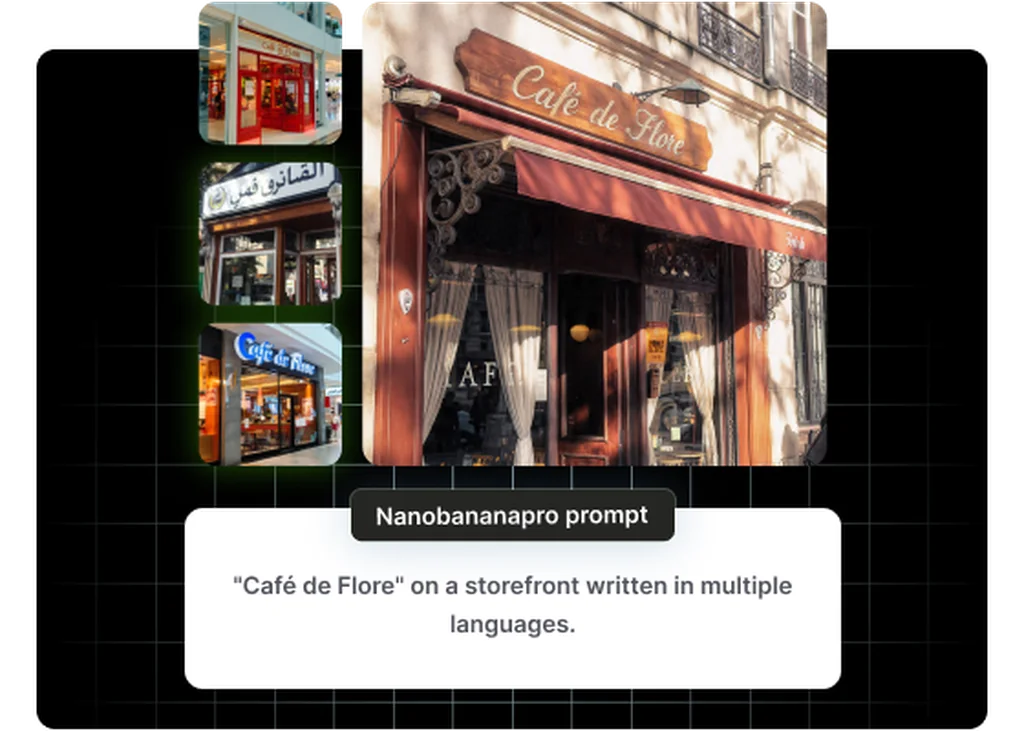
Fast, High-Volume Generation
Optimized for speed and cost so production teams can generate dozens of social clips, A/B variations, and draft cuts in the time it takes to brief an editor.
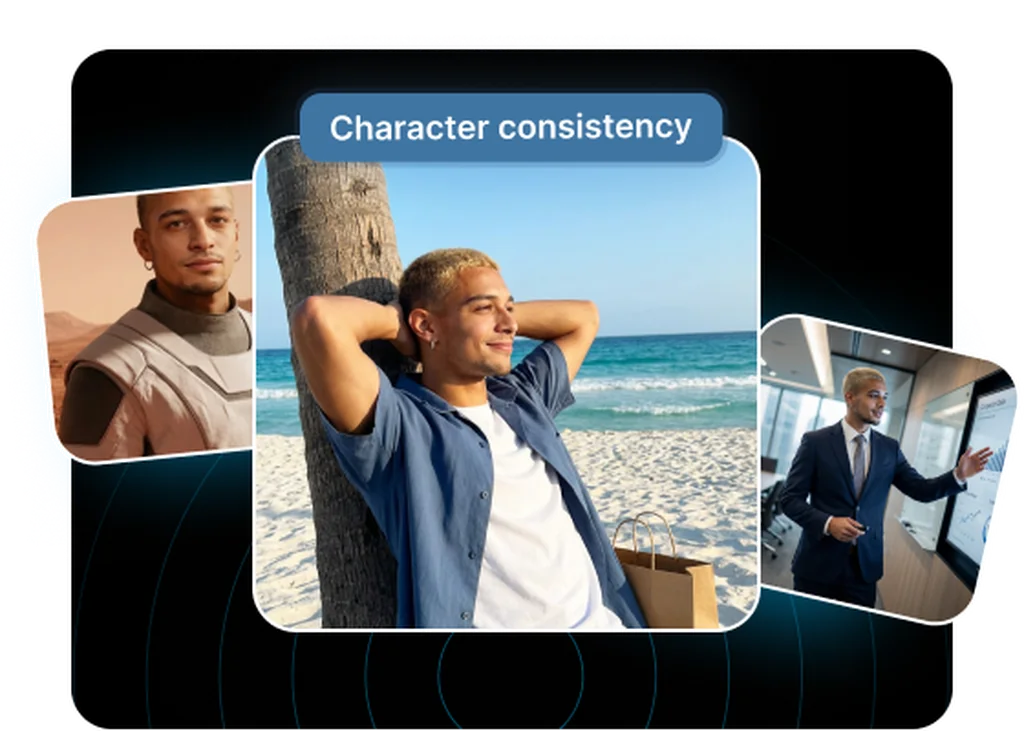
Lower Rate for High-Volume Work
Generates clips at up to 1080p for a lower per-second cost and faster turnaround than the Pro tier, the right choice for high-volume social and feed content where cost per clip matters more than maximum fidelity.
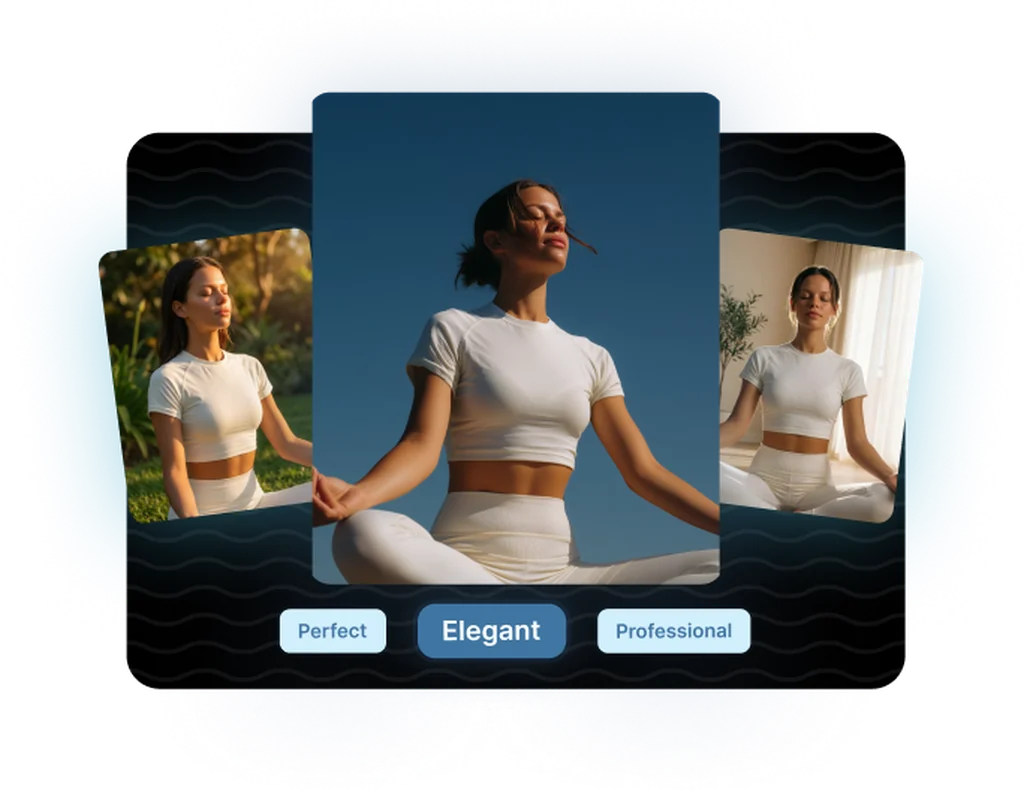
Image-to-Video Input
Animate an existing still, such as a product shot or campaign image, into a clip with a guiding prompt, giving brand teams a fast path from their asset library to finished video.
Frequently asked questions
What teams need to know about creating with Kling 3.0 Standard in Masonry
What resolution does Kling 3.0 Standard output?
Kling 3.0 Standard outputs up to 1080p, the same resolution ceiling as the Pro tier. The difference is that Standard is tuned for speed and a lower cost per clip rather than maximum fidelity, which is what makes it the right tier for high-volume social, drafts, and concept tests; Pro is the choice when a clip is the hero deliverable going into paid media or a client presentation.
How long can a Kling 3.0 Standard clip be?
Up to 15 seconds per generation, the same maximum as the Pro tier. Both tiers share the same Kling 3.0 generation architecture; the differences are resolution ceiling, per-clip cost, and generation speed, not clip duration.
How does Kling 3.0 Standard differ from Kling 3.0 Pro?
The primary differences are cost per clip (Standard is lower), generation speed (Standard is faster), and visual fidelity (Pro is tuned for maximum quality). Both tiers share the same up-to-1080p resolution ceiling, the same Kling 3.0 image-to-video motion model, and commercially licensed watermark-free output on paid plans. Pro adds headroom for demanding work (maximum fidelity and multi-shot sequencing at its full capability) that is wasted on drafts and high-volume social output.
Does Kling 3.0 Standard include native audio generation?
Yes. Like the Pro tier, Kling 3.0 Standard generates native audio (dialogue, sound effects, and lip-synced voice in the same pass as the video) with dialogue supported in Chinese and English. That makes it practical to produce sound-on social drafts and concept tests without a separate audio step.
Can I use Kling 3.0 Standard output in paid commercial campaigns?
Yes. All paid Kling plans (Standard at $6.99/month and above) include a commercial license covering distribution, modification, and monetization of generated videos, and output is watermark-free. The Standard tier is the entry point for commercial-grade output, and the free tier is not suitable for client-facing work. Always verify the current terms on Kling AI's official site for large-scale commercial use.
What aspect ratios does Kling 3.0 Standard support?
The model supports 16:9 (landscape, for YouTube, pre-roll, and horizontal feed), 9:16 (vertical, for TikTok, Instagram Reels, and Stories), and 1:1 (square, for feed placements). Generating in the correct native ratio avoids post-production cropping and gives you a properly composed frame for each placement.
When should I use Standard versus Pro in the same project?
Use Standard for the iteration and volume stages, generating many concept options, testing creative directions, producing organic social content at scale. When you have identified a winning concept that needs to be the final paid-media or client-facing deliverable, move it to Kling 3.0 Pro for the higher-fidelity, full-quality finish. This two-tier pipeline keeps credit costs proportional to the stage of production, and Masonry supports both tiers on the same canvas.
How does Kling 3.0 Standard compare to other affordable AI video models?
At the fast-turnaround, lower-cost tier, Kling 3.0 Standard competes with models like Runway's lower tiers and WaveSpeed's Wan offerings. Its advantage is the underlying Kling 3.0 motion quality (physics-accurate movement and strong prompt adherence) which tends to produce more usable-on-first-pass clips than some cheaper alternatives. The practical measure is cost per usable clip, not cost per generation.
Does Kling 3.0 Standard support image-to-video?
Yes. You can provide a still image, such as a product photo, a campaign still, or a key visual, as input and the model animates it into a video clip, maintaining the source composition and subject. This is the same capability as the Pro tier, making Standard a practical option for repurposing existing image assets into social video without needing the higher-fidelity Pro tier.
How many variations can I realistically generate per month on a Standard plan?
On Kling AI's Standard plan ($6.99/month with 660 credits), a 5-second clip costs around 1.1 credits, putting you at roughly 600 clips per month from the included credits alone, enough to support serious high-volume social production before purchasing additional credits. Credit costs vary by clip length and feature use; check current pricing on Kling AI directly.
Is Kling 3.0 Standard a good entry point for teams new to AI video?
Yes, and deliberately so. The lower cost per clip means experimentation is not expensive, which makes Standard the right place to develop prompt intuition, test creative concepts, and understand how the Kling 3.0 model responds to different shot descriptions before investing Pro credits in a final deliverable. Teams new to AI video consistently find that the lower-stakes iteration environment of Standard accelerates the learning curve faster than going straight to a premium tier.
What makes Kling 3.0 Standard better than just using Standard on an older Kling version?
Kling 3.0 represents a significant architecture upgrade over Kling 1.x and 2.x, with improved temporal coherence, better motion physics, stronger prompt adherence, and access to Kling 3.0-generation features. The Standard tier of Kling 3.0 is meaningfully better than the Pro tier of Kling 2.x on motion quality in most side-by-side tests, which is why the 3.0 generation replaced earlier versions as the practical default for new work.
What is Kling 3.0 Standard?
Kling 3.0 Standard is an AI video generation model from Kuaishou, available inside Masonry, the AI creative agent teams use to produce marketing, product, and brand videos.
How does my team use Kling 3.0 Standard in Masonry?
Open a Masonry canvas, pick Kling 3.0 Standard from the model selector, and describe the video you need: a product shot, an ad creative, a social post. Masonry generates it, then you refine, edit, and combine Kling 3.0 Standard with other models in one workspace.
Is Kling 3.0 Standard free to try?
Yes, you can start generating videos with Kling 3.0 Standard on Masonry's free tier, then scale up with higher limits and priority processing as your team grows.
How do I write good prompts for Kling 3.0 Standard?
Keep prompts simple and the action singular for the cleanest fast results. Generate several variations, then take the best into the Pro tier for the final.
Who makes Kling 3.0 Standard?
Kling 3.0 Standard is built by Kuaishou. Inside Masonry it runs alongside 50+ image and video models, so your team can pick the right one for each brief without switching tools.
Start creating with Kling 3.0 Standard
Generate, edit, and compare across 50+ models in one workspace.
Guides for Kling 3.0 Standard
Prompt walkthroughs and examples from the Masonry blog
Explore more AI models
Compare Kling 3.0 Standard with other models teams run in Masonry