

From one photo of a piece to a catalogue shot
Three steps, no lightbox and no macro lens.
- 01
Upload the real piece
A sharp, evenly lit photo on a plain surface is enough. Clean input is what keeps the setting and stone count faithful.
- 02
Describe one scene
Name the surface, the light, and the mood, for example polished grey stone with soft directional window light.
- 03
Compare and zoom in
Generate across several models at once, then judge up close: count the prongs, check the metal reflection, verify any hallmark.
What you can restage
Keep the piece, change everything around it.
- Surface and settingPolished stone, brushed metal, velvet, linen, or water, the backdrop that sets the price point.
- Light direction and qualitySoft window light for editorial warmth, or hard directional light for contrast and sparkle.
- Scale of shotFull macro on the stone and setting, a standing hero shot, or a wider styled scene.
- Mood and seasonBright and airy for spring campaigns, dark and moody for luxury and gifting.
Which model for which jewelry shot
Verdicts from running one gold solitaire brief through all four with the same prompt. On a clean piece every model was usable, so the pick is aesthetic rather than pass or fail.
ByteDance
Seedream 4.5
The most premium hero shot and the best value. Its gold reflection cast on the stone surface read like a paid studio shot, at a third of the cost of Nano Banana 2. Weakest on dense engraved text.
Black Forest Labs
FLUX.2 Pro
The sharpest gemstone detail of the four, with the clearest diamond facets and sparkle, and the cheapest per image. Most likely to take small liberties with the band.
OpenAI
GPT Image 2
The most accurate to your exact setting. It nailed the four-prong geometry and a delicate band, closest to the brief, and it is the model to use when a hallmark or stamped text has to be legible.
Nano Banana 2
The balanced all-rounder: solid gold tone, faceted stone, believable reflection. Drifted slightly on prong count, which is the failure mode to watch on multi-stone settings.
Selling these shots
Renders are high-resolution and licensed for commercial use, so they can go straight onto product pages, marketplaces, and paid social. Two jewelry-specific cautions: a hallmark or carat stamp is regulated copy, so verify it at full size or overlay the real one rather than trusting a generated stamp, and keep one honest photo of the actual piece on the listing alongside the styled scenes.
The same ring, four models, one prompt
First-hand renders from our jewelry test: Seedream 4.5, FLUX.2 Pro, GPT Image 2, and Nano Banana 2 given an identical brief for a gold solitaire on grey stone.
AI jewelry photography questions
What jewelers ask before trusting a catalogue to this.
Can AI really handle metal and gemstones?
Better than the category's reputation suggests, for clean pieces. We ran a polished 18k gold solitaire with a round brilliant diamond through four models on one prompt, and all four returned usable results: believable metal reflections, real facet sparkle, and prong geometry that mostly held. The differences were aesthetic rather than pass or fail. That is the floor, not the ceiling, because a solitaire is the easy end of jewelry.
Where does it still break?
Three places, consistently. Complex geometry first: a pave band, a halo, or a cluster of small stones gives a model many more places to invent or melt detail, and prong and stone counts are where drift shows up first. Reflections second: metal mirrors its surroundings, so a piece rendered against the wrong environment can carry reflections that do not match the final scene. Brand hallmarks and engraving third, the jewelry version of the small-label problem. Treat stamped text like regulated copy and verify or overlay it.
Will it keep my exact piece?
Yes, and this is the part that matters most. You upload a clean photo of your real product, and the models restyle the scene around it, so the label text, shape, color, and finish stay yours instead of being reinvented. Different models hold fidelity differently on the hard cases (frosted glass, small printed labels, reflective metal), which is exactly why comparing several on your actual product beats trusting one pipeline. Upload the clearest, best-lit shot you have for the most faithful result.
Which model should I use for jewelry?
It depends on the shot, which is why comparing beats committing. From our test: Seedream 4.5 for the most premium hero at the best value, FLUX.2 Pro for the sharpest gemstone detail and the lowest cost, GPT Image 2 when the setting must be exact or a hallmark must be legible, and Nano Banana 2 as the balanced all-rounder. The model that nails your solitaire may struggle with your pave band, so test your actual pieces.
Do I still need a jewelry photographer?
For a flagship campaign or a genuinely intricate piece, a specialist still wins on craft, and jewelry-specific tools trained on large jewelry sets have a real place on the hard cases. The honest read is not that general models replace them. It is that general models are better than the marketing admits for clean pieces, at a fraction of the cost per SKU, which changes the economics for everything below the flagship tier.
Can I use several models on one piece?
There is no single best model, and that is the point. Different models win at different briefs, so Masonry gives you all of them in one workspace and lets you compare results side by side. For jewelry, Nano Banana Pro is the best all-rounder for photoreal results with faithful layout, Seedream is fast and detailed for exploring options, FLUX gives the most control for a consistent style, and GPT Image is great for precise edits. You pick the winner for each shot instead of being locked into one engine.
Related guides
Go deeper on the models and tools behind these shots.
Shoot your next collection without a studio
Upload one photo of a piece, compare the top models on it, and keep the shot that holds your metal and stones best.
More spaces you can redesign
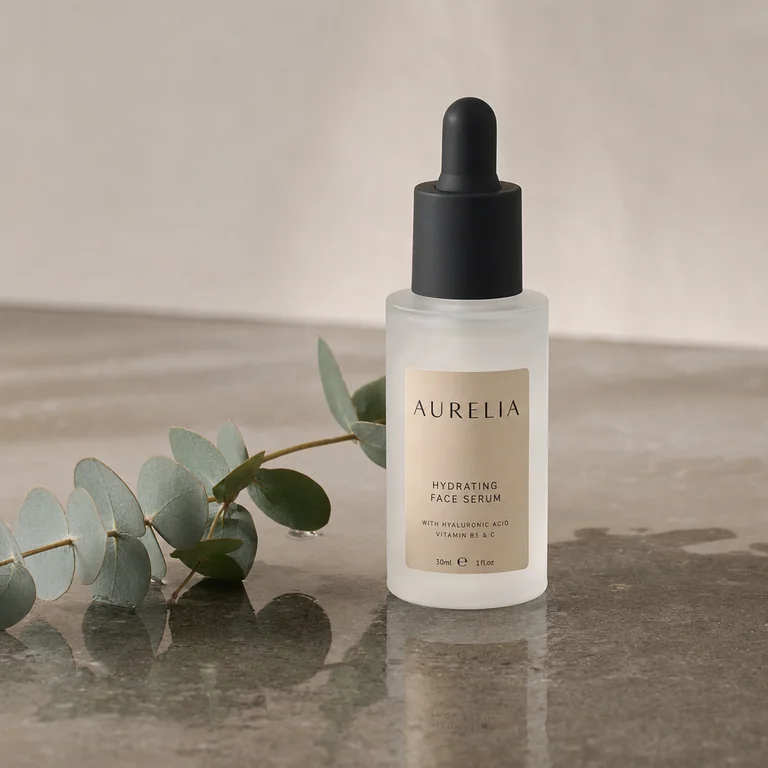
AI Skincare Product Photography
Frosted-glass hero shots that keep your brand name and claims readable.
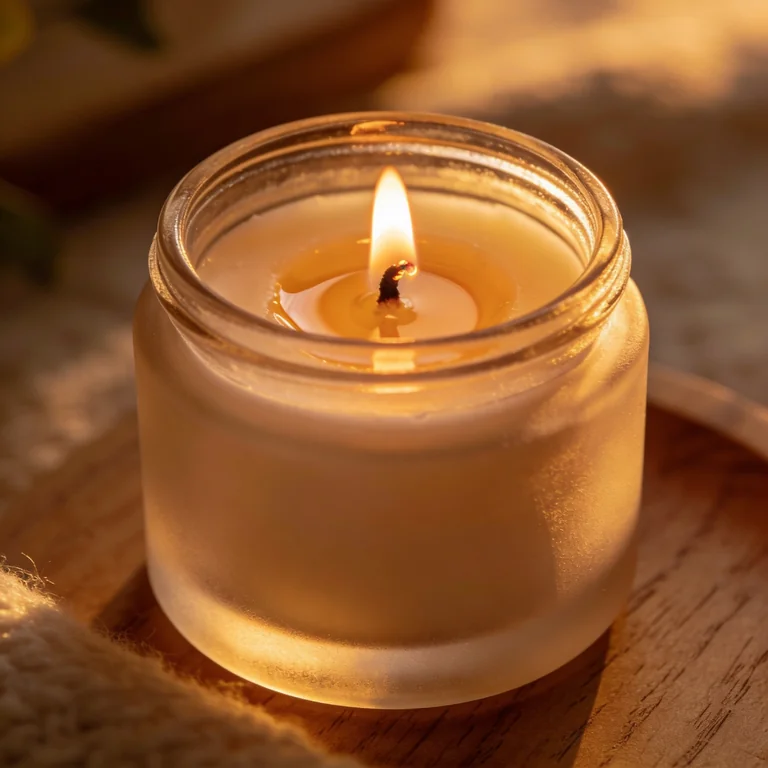
AI Candle Product Photography
Glowing jar heroes where the flame actually behaves like a light source.
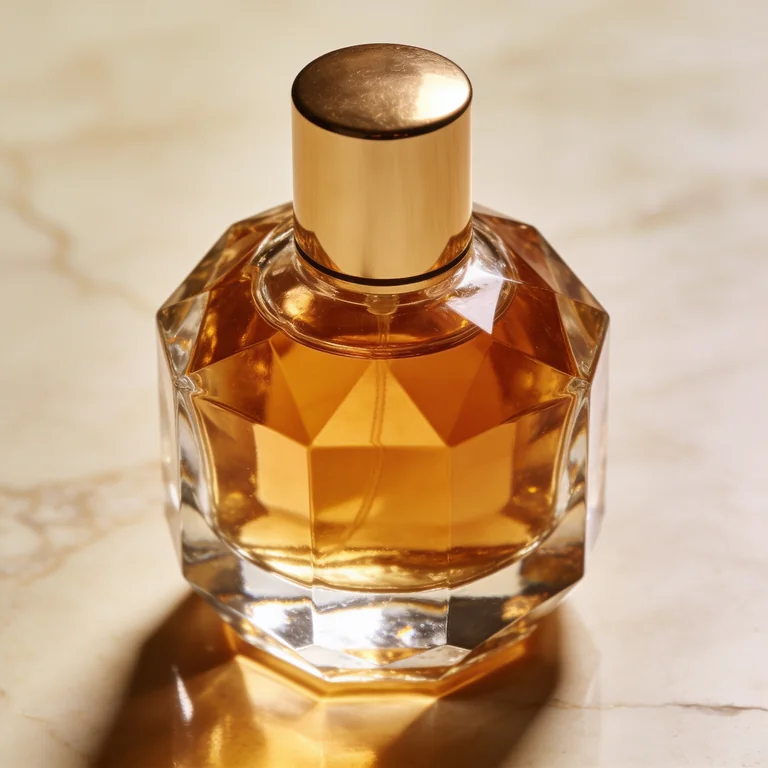
AI Product Photography for Shopify
Listing-ready shots across a whole catalog, consistent SKU to SKU.