The best AI video generator depends less on a leaderboard than on the shot you need to make. A model that wins on a cinematic text prompt can lose badly when it has to preserve a real product, hit an exact end frame, generate usable dialogue, or deliver four acceptable variations on budget.
This guide compares the current generations of the four products people most often search together: Sora 2, Runway Gen-4.5, Kling 3.0, and Google Veo 3.1. It is a source-verified capability and workflow comparison, not a disguised showcase. For a first-hand output test, see our separate product-ad model comparison, where the same product is run through multiple models.
The short answer
- Choose Kling 3.0 when a shot needs 3–15 seconds, native audio, multi-shot direction, or first-and-last-frame control.
- Choose Veo 3.1 when you need 4K output, synchronized audio, reference inputs, or first-and-last-frame control in a 4-, 6-, or 8-second clip.
- Choose Runway Gen-4.5 when you value a mature creative workspace, API access, and framing beyond basic landscape and portrait. It supports text-to-video and image-to-video in six aspect ratios.
- Treat Sora 2 as a legacy integration choice. OpenAI's current API page marks Sora 2 as Legacy. It still produces synchronized audio and accepts text or image input, but it is not the safest foundation for a new long-lived integration.
Current feature comparison
These are vendor-documented capabilities checked in August 2026. Product subscriptions, API access, and third-party platforms can expose different settings, so verify the exact route you plan to use.
| Model | Inputs | Single-clip duration | Output and framing | Audio | Published cost basis |
|---|---|---|---|---|---|
| Sora 2 | Text or image | Check the active Videos API schema | 720×1280 portrait or 1280×720 landscape | Synchronized audio | $0.10/second; Sora 2 Pro from $0.30/second |
| Runway Gen-4.5 | Text or image | 2–10 seconds | 720p; 16:9, 9:16, 1:1, 4:3, 3:4, 21:9 | Use separate audio tools | 12 credits/second |
| Kling 3.0 | Text, image, first/last frames, element references | 3–15 seconds | 720p or 1080p | Optional native audio | 6–12 credits/second, depending on resolution and audio |
| Veo 3.1 | Text, image, first/last frames, reference images | 4, 6, or 8 seconds | 720p, 1080p, or 4K; 16:9 or 9:16 | Optional synchronized audio | From $0.20/second for standard video or $0.40/second with audio at 720p/1080p |
Primary specifications: OpenAI Sora 2, Runway Gen-4.5, Kling VIDEO 3.0, and Google Veo 3.1. Pricing changes more frequently than model behavior, so check Google's current Veo pricing before budgeting a production run.
What the table does not tell you
Resolution and maximum duration are easy to compare but poor proxies for a usable result. A 4K clip that changes a product label is worse than a faithful 720p clip you can upscale. A 15-second generation that loses the subject halfway through is not more useful than two clean six-second shots.
The expensive number is cost per kept clip:
cost per kept clip = total generation spend ÷ number of outputs you would actually publish
If Model A costs $1 per attempt and produces one acceptable clip in four tries, its effective cost is $4. If Model B costs $2 per attempt and produces three acceptable clips in four tries, its effective cost is $2.67. Track acceptance rate before calling any model cheap.
Sora 2: capable, but now a legacy API model
Sora 2 accepts text or image input and generates video with synchronized audio. The current OpenAI model page lists 720×1280 portrait and 1280×720 landscape output at $0.10 per generated second; Sora 2 Pro starts at $0.30 per second and costs more at higher resolutions.
The important 2026 detail is the status label: Legacy. That changes the recommendation. Existing teams can continue evaluating it against their requirements, but a new integration should first confirm OpenAI's current video roadmap and migration path. Consumer Sora access and API access are also different products; a ChatGPT subscription price is not an API cost model.
Use Sora 2 when:
- your existing workflow already calls the OpenAI Videos API;
- synchronized sound is important;
- portrait or landscape 720p output fits the delivery target;
- you have an explicit plan for model migration.
Do not choose it only because an old comparison calls it the newest option.
Runway Gen-4.5: the workflow and framing choice
Gen-4.5 is Runway's current base video model for text-to-video and image-to-video. Its official generation guide documents 2–10 second clips, 720p output, 24 or 25 fps, six aspect ratios, and a cost of 12 credits per generated second.
Its differentiator in this group is not maximum resolution. It is the surrounding production environment and framing flexibility. Square, 4:3, 3:4, and 21:9 outputs can reduce destructive cropping when the final asset is not a standard social portrait or landscape. Runway generates video at 720p and documents a separate Upscale to 4K action, so describe that as upscaling, not native 4K generation.
Use Gen-4.5 when:
- you need nonstandard aspect ratios;
- the team already works inside Runway's editor and asset workflow;
- text-to-video and image-to-video need one consistent interface;
- separate audio and post-production steps are acceptable.
Kling 3.0: longer, multi-shot, reference-driven clips
Kling VIDEO 3.0 replaces the old assumption that Kling is merely a budget tool. Its current model guide documents 3–15 second generation, optional native audio, 720p and 1080p output, multi-shot prompting, start and end frames, and element references for subject consistency.
That makes Kling the most flexible single-generation narrative option in this four-model set. Fifteen seconds is enough for a small sequence, but it is not a two-minute finished video. Marketing claims about multi-minute Kling output usually refer to extending or assembling clips, not one current VIDEO 3.0 generation.
Use Kling 3.0 when:
- one generation needs more than ten seconds;
- you want the model to plan or follow multiple shots;
- a product, character, or scene must be anchored by references;
- audio and picture should be generated together.
For prompts and current controls, use the Kling 3.0 guide.
Veo 3.1: high-resolution output and endpoint control
Google's current Veo 3.1 documentation lists 4-, 6-, and 8-second clips, 24 fps, landscape and portrait formats, up to four outputs per prompt, and 720p, 1080p, or 4K output. It supports text-to-video, image-to-video, first-and-last-frame generation, reference images, and synchronized sound.
Veo's strength is a precise, API-friendly shot specification. First and last frames are useful when a clip must begin and land on known compositions. Reference inputs help with subject continuity. The short duration means you still need an edit plan for a finished ad or story.
Use Veo 3.1 when:
- native 4K is a delivery requirement;
- a known opening and closing frame matter;
- synchronized effects, ambience, or dialogue are part of the test;
- Google Cloud quota, regional availability, and pricing fit your pipeline.
A fair 30-minute comparison protocol
Do not compare four vendor showcase reels. Run one controlled job through every model.
1. Lock the inputs
Use one source image and one prompt. Keep duration at the longest value every candidate supports—for example, eight seconds. Use 16:9 at 720p for the first pass, disable audio, and avoid model-specific controls. This isolates base visual behavior.
2. Generate four candidates per model
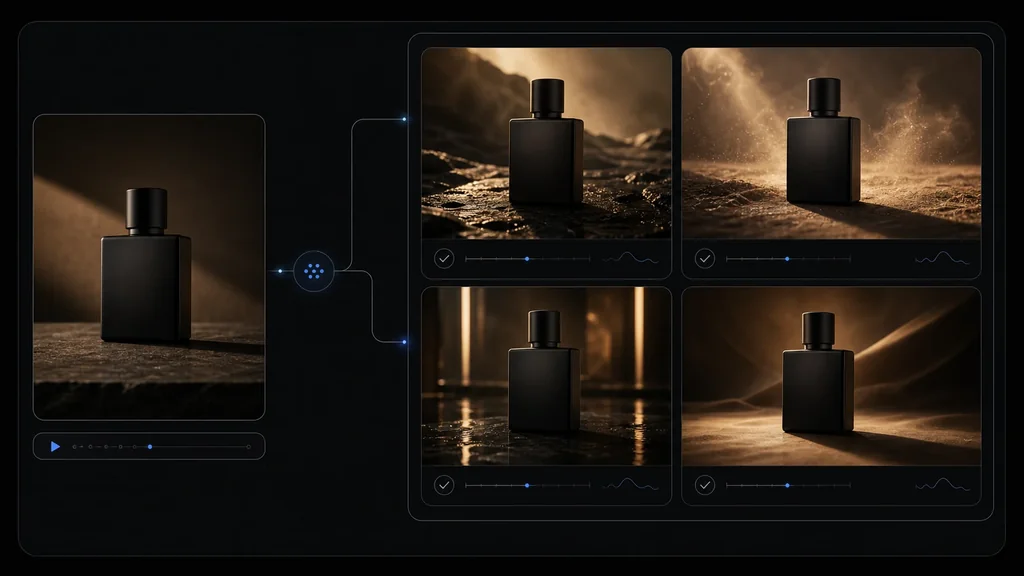
One output mostly measures luck. Four is enough to reveal obvious failure patterns without turning the exercise into a large benchmark. Record generation failures and moderation rejections; excluding them inflates the apparent success rate.
3. Score blind
Rename the output files before review so the evaluator cannot see the model. Use this 100-point scorecard:
| Criterion | Weight | What to inspect |
|---|---|---|
| Subject or product fidelity | 25 | Shape, identity, logos, label text, colors, material |
| Prompt and camera adherence | 20 | Requested action, framing, camera path, exclusions |
| Motion and physics | 20 | Weight, collisions, fluid motion, object permanence |
| Temporal consistency | 15 | Flicker, morphing, disappearing details, background drift |
| Composition and finish | 10 | Lighting, focus, crop, artifacts, edit readiness |
| Audio | 5 | Dialogue sync, ambience, effects, unwanted noise |
| Cost efficiency | 5 | Total spend divided by acceptable outputs |
If audio is disabled, move those five points to temporal consistency. Add a second, feature-specific round only after the neutral test—for example first/last frames for Veo and Kling, or an unusual aspect ratio for Runway.
4. Count publishable outputs
Set the acceptance threshold before watching: perhaps 80/100 with no product-fidelity failure. Then report median score, acceptance rate, and cost per accepted clip. That result is more useful than declaring a winner from the prettiest single generation.
Which model should you use for each job?
Product ads
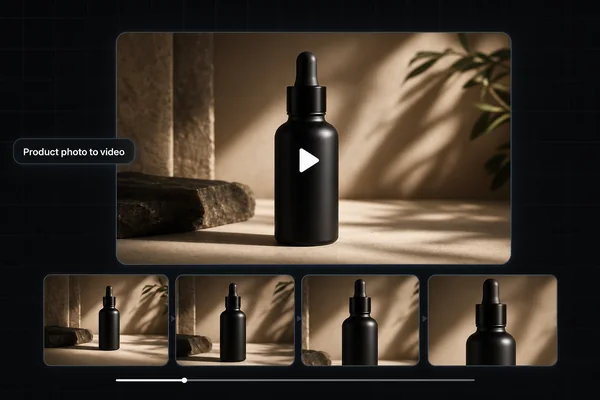
Start from a real product image, not text alone. Test Kling and Veo first when reference fidelity or keyframes matter, then compare the result with Runway Gen-4.5. Reject any clip that alters the packaging, even if the motion looks cinematic. Our product-ad comparison goes deeper on that workflow.
If the source of truth is a Shopify product page and the deliverable is a paid-social asset, continue with the Shopify PDP-to-video-ad workflow. It turns approved product images, facts, claims, offer text, aspect ratio, and destination into a shot contract and release manifest instead of asking the video model to invent the ad.
If the reviewed clip is meant for the product page itself, use the Shopify product-video A/B-test workflow to compare it with the static hero under stable assignment, render-confirmed exposure, page-speed guardrails, and a commercial keep-or-rollback rule.
Social clips
Kling's longer single generation and multi-shot support can reduce assembly work. Runway's portrait and square formats are useful when one campaign needs several placements. Generate clean footage without on-screen copy, then add exact captions and calls to action in an editor.
Dialogue or sound-led scenes
Test Veo and Kling with audio enabled. Score speech intelligibility, lip sync, sound-event timing, and unwanted music separately. Sora 2 also generates synchronized audio, but its Legacy status should be part of any new integration decision.
Cinematic inserts and experimental shots
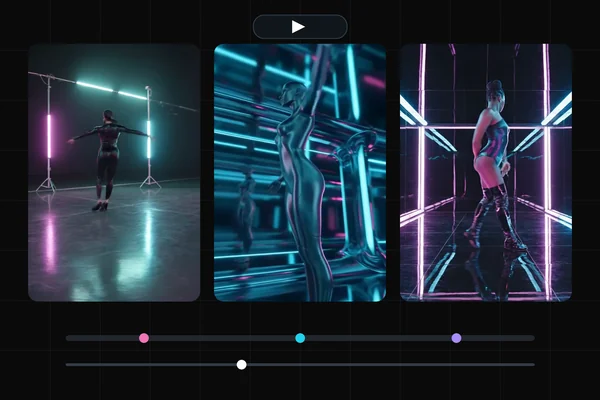
Run the neutral test first, then use each model's strongest control. Give Runway a difficult camera composition, Kling a multi-shot sequence, and Veo known first and last frames. The best creative model is the one whose controls match the shot—not the one with the longest feature list.
Common failure modes to budget for
- Identity drift: faces, products, or clothing change as the camera moves.
- Geometry drift: packaging bends, logos crawl, and straight edges deform.
- Action compression: a prompt with three actions rushes or merges them into one.
- Fake camera compliance: the background moves while the subject stays pasted in place.
- Audio mismatch: effects arrive early, dialogue changes words, or lip movement trails speech.
- Selection bias: only the best generation is shown while failed attempts and total cost disappear.
The fix is rarely a longer prompt. Reduce the clip to one action, anchor it with a clean source image, specify the camera separately from subject motion, and generate enough candidates to measure failure rate.
The bottom line
For this four-way comparison, Kling 3.0 is the best starting point for longer and multi-shot clips; Veo 3.1 for high-resolution, audio, and endpoint control; Runway Gen-4.5 for a broad creative workflow and flexible framing; and Sora 2 for existing OpenAI video integrations that have accounted for its Legacy status.
That is a shortlist, not a universal ranking. The durable decision is the model with the highest acceptance rate and lowest cost per kept clip on your source image, prompt, and delivery format. Run the controlled test, save every attempt, and revisit the result when a model or endpoint changes.
For current prompt patterns, see the Kling 3.0 guide and Seedance 2.0 guide. For commercial shots, continue with the AI video model for product ads comparison. If an agent will plan and execute the work, use the ecommerce creative-agent approval workflow to separate agent decisions from product, offer, release, and spend authority. For performance footage and edit timing, the same-prompt music-video test shows real Kling, Seedance, and Veo clips.
For a first-hand look at a routed generation-and-editing model outside this four-way set, the Gemini Omni Flash guide documents five shipped clips, measured encoding details, and the live Masonry CLI contract.
If an ecommerce team is reaching for a new model because an existing ad slowed down, first use the creative-fatigue diagnosis and refresh workflow to rule out audience, offer, page, checkout, and tracking failures—and to decide whether the next test needs a new execution or a genuinely new buyer idea.