

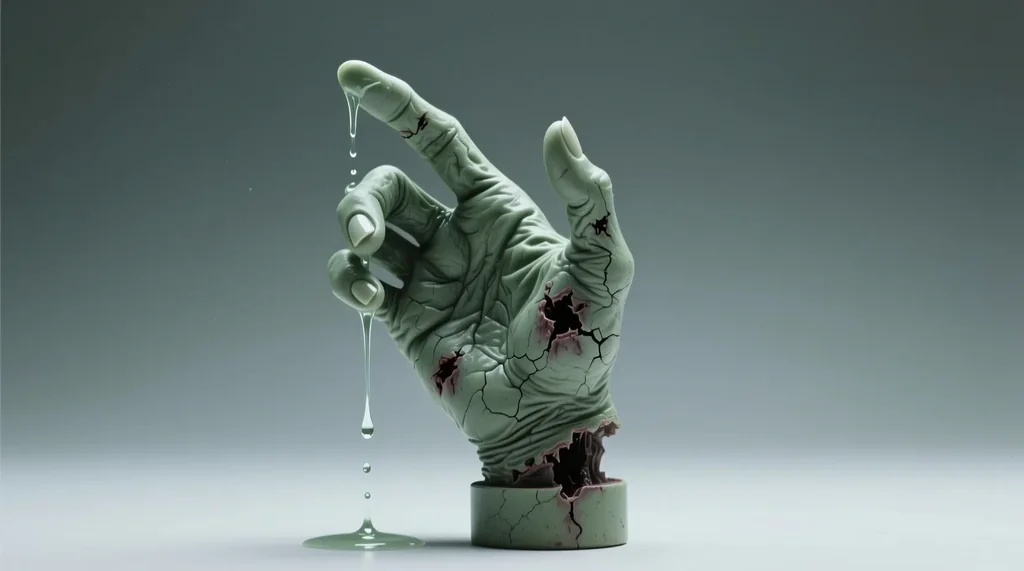
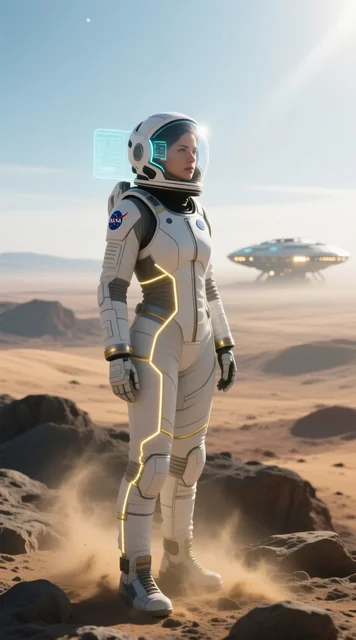
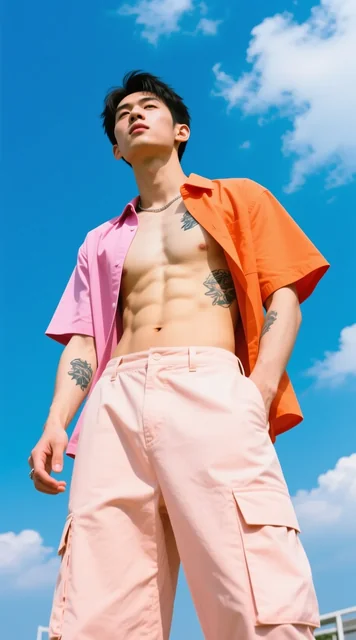


Prompts behind these Qwen Image images
Actual prompts from Qwen Image renders by the Masonry community. Copy any prompt, then remix it into your own creation.
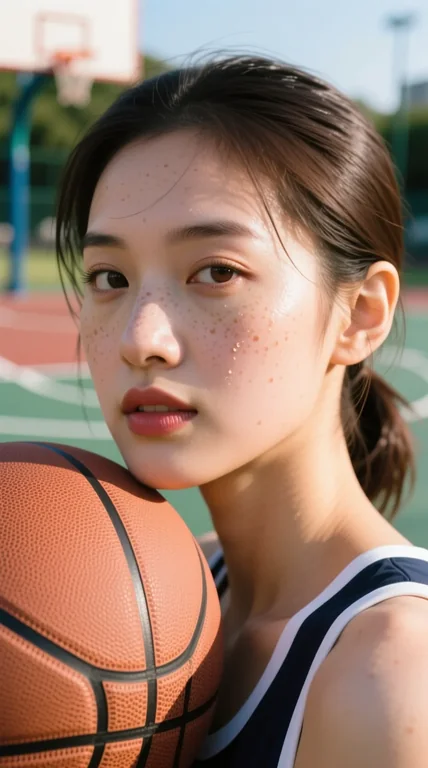

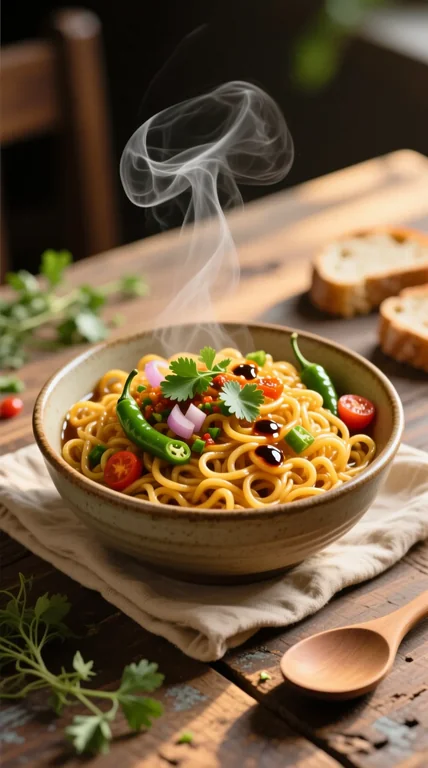

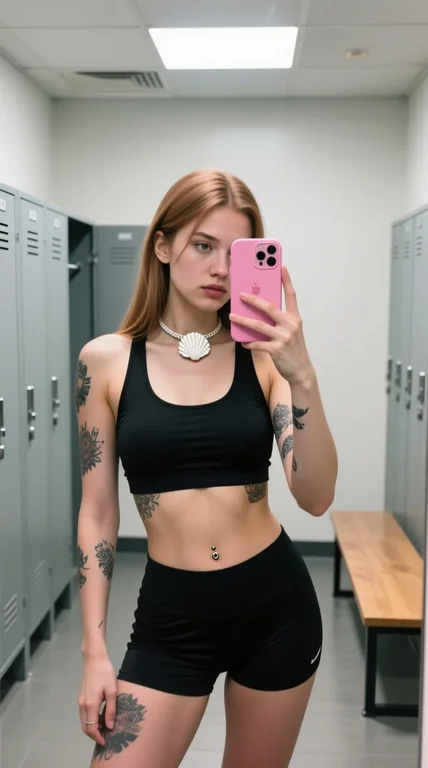

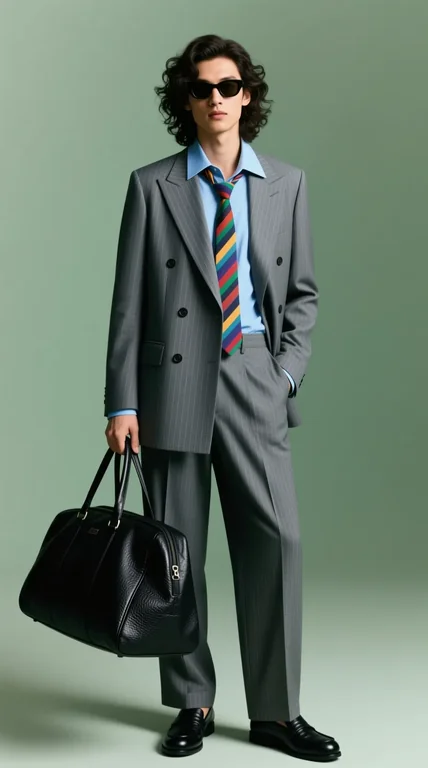

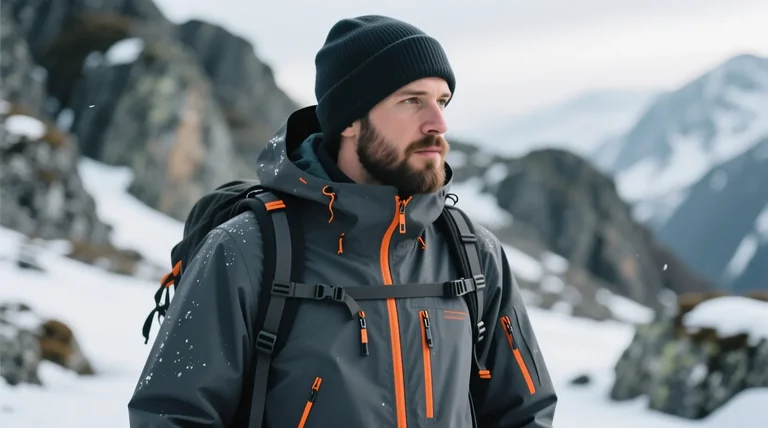




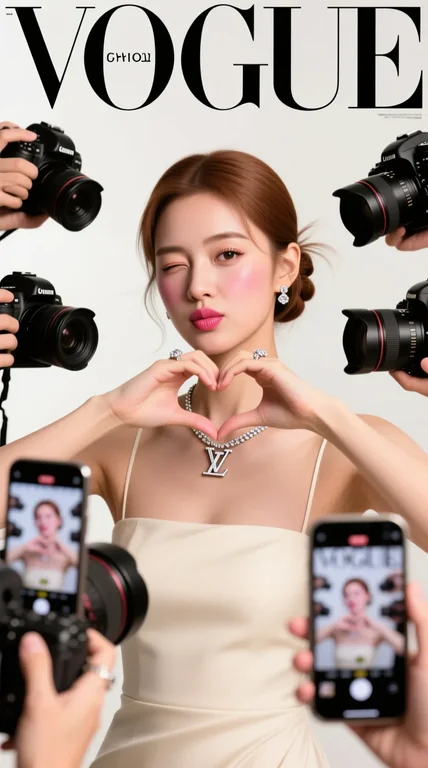
a realistic Vogue magazine cover–style fashion portrait using the uploaded face as the original face reference (100% face identity preservation). A young elegant woman posing confidently, maintaining her original facial features and natural beauty. She is winking with her left eye and making a playful duck-face expression. Both hands are raised, forming a love/heart gesture near her face. She is surrounded by multiple DSLR cameras and smartphones held around her, as if paparazzi and photographers are capturing her from all directions. Some phones show her live image on their screens. Appearance & styling: flawless glowing skin, natural makeup with glossy pink lips, soft blush, subtle highlights. Light brown hair styled in a low, neat updo with a few loose strands. Outfit & accessories: elegant minimalist beige-white strapless evening dress, Louis Vuitton necklace, diamond ring, luxury fashion jewelry. Photography style: close-up to half-body fashion portrait, Vogue editorial aesthetic, cinematic professional studio lighting, soft HDR background, shallow depth of field, realistic skin texture, ultra-detailed, 8K quality. Camera & lens look: professional DSLR look, 85mm lens feel, f/1.8 aperture, crisp focus with smooth background bokeh. Composition: Vogue magazine layout with large bold logo at the top, editorial fashion cover framing, clean and elegant design. Mood & vibe: playful yet luxurious, high-fashion beauty editorial, realistic, not AI-looking, photographed by a professional fashion photographer.



Frequently asked questions
What teams need to know about creating with Qwen Image in Masonry
What is Qwen Image?
Qwen Image is an AI image generation model from Qwen, available inside Masonry, the AI creative agent teams use to produce marketing, product, and brand images.
How does my team use Qwen Image in Masonry?
Open a Masonry canvas, pick Qwen Image from the model selector, and describe the image you need: a product shot, an ad creative, a social post. Masonry generates it, then you refine, edit, and combine Qwen Image with other models in one workspace.
Is Qwen Image free to try?
Yes, you can start generating images with Qwen Image on Masonry's free tier, then scale up with higher limits and priority processing as your team grows.
Who makes Qwen Image?
Qwen Image is built by Qwen. Inside Masonry it runs alongside 50+ image and video models, so your team can pick the right one for each brief without switching tools.
Can I see examples made with Qwen Image?
Yes, the prompt gallery on this page shows real images teams have generated with Qwen Image in Masonry, each paired with the exact prompt you can copy and adapt for your own brand.
Start creating with Qwen Image
Generate, edit, and compare across 50+ models in one workspace.
Explore more AI models
Compare Qwen Image with other models teams run in Masonry