



About GPT Image 1.5
GPT Image 1.5 marks a significant leap forward in AI image generation from OpenAI. Unlike previous models that used separate systems for text and images, GPT Image 1.5 uses a native multimodal approach where image generation happens inside the same neural network that processes your prompts. This unified architecture translates to better instruction following, more precise editing, and generation speeds up to 4x faster than before.
Why teams choose GPT Image 1.5
GPT Image 1.5 excels when precision matters. Its ability to follow complex instructions and maintain consistency across edits makes it invaluable for professional creative work. The model understands nuance in ways that feel almost collaborative, producing results that often nail what you were imagining on the first try. With 20% lower costs than its predecessor and significantly faster speeds, it's both more capable and more efficient.
What GPT Image 1.5 can do
The capabilities that set GPT Image 1.5 apart and earn its place in a brief
Superior Instruction Following
Parse and execute complex, multi-layered prompts with industry-leading accuracy. Early benchmarks show GPT Image 1.5 at #1 for instruction following.
Precise Image Editing
Edit images while preserving facial likeness, lighting, composition, and brand elements like logos with remarkable consistency.
Enhanced Text Rendering
Generate clear signage, readable book covers, menus, and properly formatted text overlays with improved dense text handling.
Parallel Generation
Submit multiple image requests simultaneously to multiply your creative output and workflow efficiency.
Where teams reach for GPT Image 1.5
- Creating marketing assets with consistent branding
- Generating product mockups and visualizations
- Designing social media content with text overlays
- Iterating on visual concepts with precise editing
Frequently asked questions
What teams need to know about creating with GPT Image 1.5 in Masonry
What is GPT Image 1.5?
GPT Image 1.5 is an AI image generation model from OpenAI, available inside Masonry, the AI creative agent teams use to produce marketing, product, and brand images.
How does my team use GPT Image 1.5 in Masonry?
Open a Masonry canvas, pick GPT Image 1.5 from the model selector, and describe the image you need: a product shot, an ad creative, a social post. Masonry generates it, then you refine, edit, and combine GPT Image 1.5 with other models in one workspace.
Is GPT Image 1.5 free to try?
Yes, you can start generating images with GPT Image 1.5 on Masonry's free tier, then scale up with higher limits and priority processing as your team grows.
Who makes GPT Image 1.5?
GPT Image 1.5 is built by OpenAI. Inside Masonry it runs alongside 50+ image and video models, so your team can pick the right one for each brief without switching tools.
Can I see examples made with GPT Image 1.5?
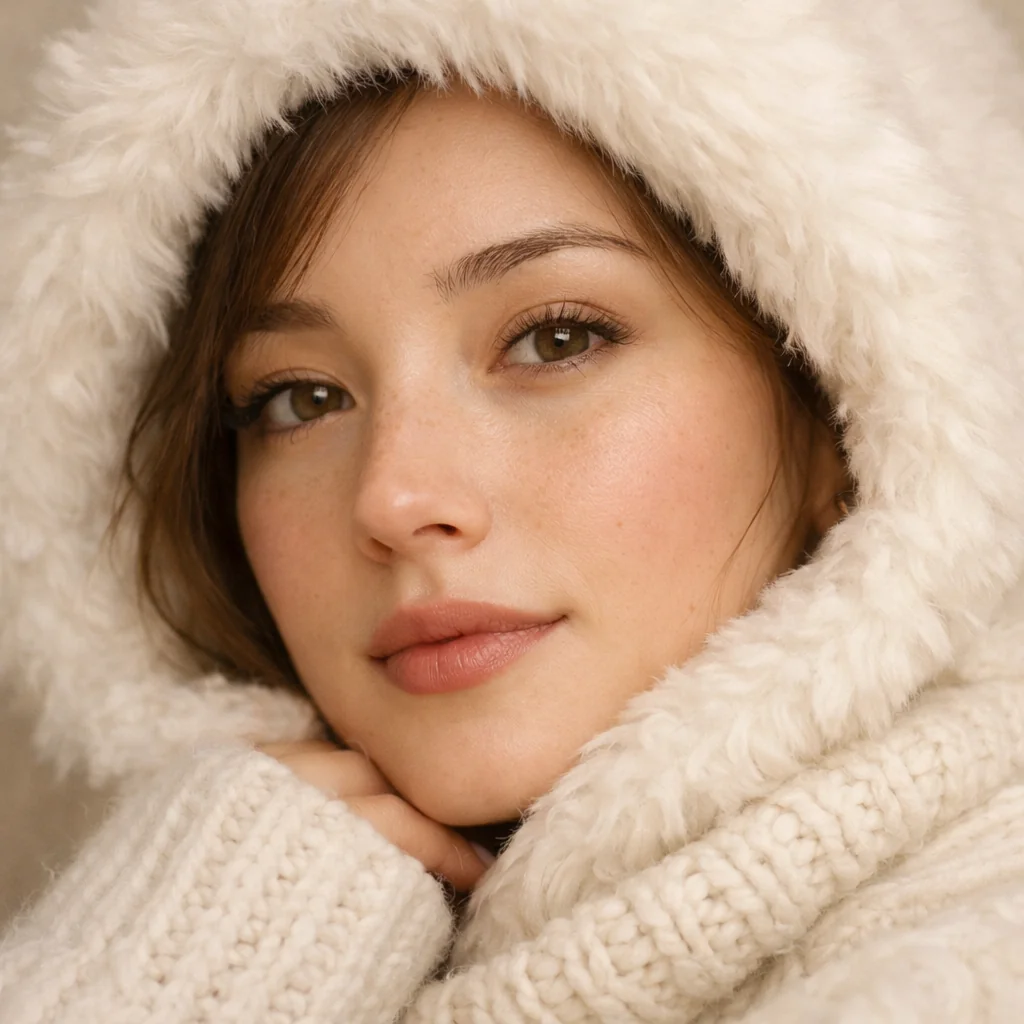
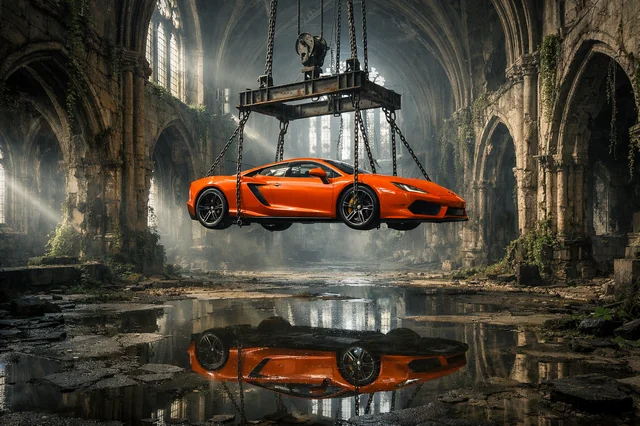
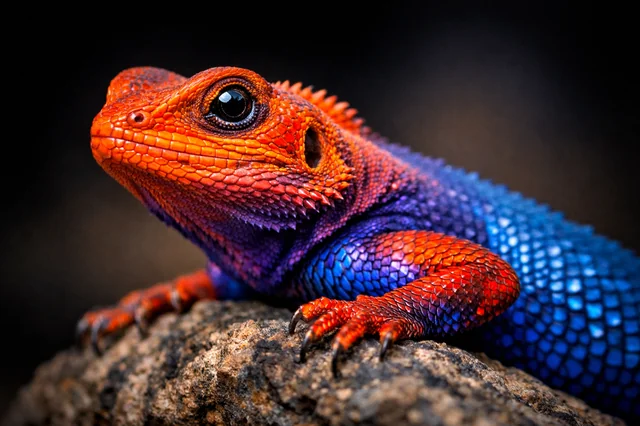
Yes, the prompt gallery on this page shows real images teams have generated with GPT Image 1.5 in Masonry, each paired with the exact prompt you can copy and adapt for your own brand.
Start creating with GPT Image 1.5
Generate, edit, and compare across 50+ models in one workspace.
Guides for GPT Image 1.5
Prompt walkthroughs and examples from the Masonry blog
Explore more AI models
Compare GPT Image 1.5 with other models teams run in Masonry